Google has moved its AI-powered ransomware detection for Drive out of beta and enabled it by default for paid customers, shifting cloud storage from a passive backup to an active containment point. First trialed in late 2025, the feature now scans files as they sync from desktop endpoints and pauses syncing when ransomware-like encryption is detected, alerting both users and
Microsoft issues emergency Windows 11 update KB5086672 to fix broken March preview (KB5079391)
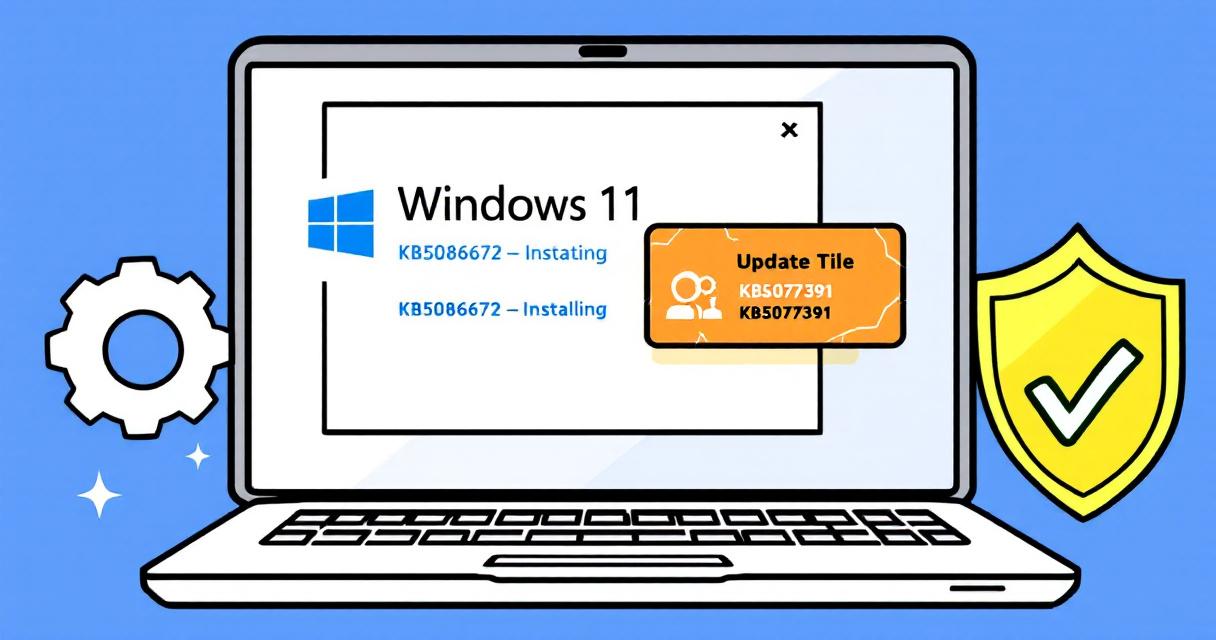
Microsoft has released an out-of-band (OOB) emergency update—KB5086672—to address installation problems introduced by the March 2026 non-security preview update (KB5079391). The optional cumulative preview, which shipped for Windows 11 versions 24H2 and 25H2, was pulled after users began reporting installation failures with the error code 0x80073712. KB5086672 was published on March 31, 2026 as a replacement that both restores the
Hackers Weaponize Legitimate Windows Tools to Kill Antivirus — What Defenders Must Do Now

Ransomware gangs have evolved from noisy mass campaigns into precise, surgical operators. A growing and dangerous trend is the abuse of legitimate Windows utilities — tools built to help administrators troubleshoot and repair systems — as the first step in modern ransomware operations. By repurposing utilities such as Process Hacker, IOBit Unlocker, PowerRun, AuKill and TDSSKiller, attackers can silently neutralize
Google Lets You Change Your @gmail.com Address — Here’s How to Do It Safely

For more than twenty years, the email address you chose when creating a Google Account was effectively permanent. That meant awkward childhood handles, name changes after marriage, or simply wanting a cleaner, more professional address often required creating a brand-new Google Account and manually migrating data. Google has quietly changed that rule: users with @gmail.com addresses can now replace their
Inside the Claude Code Leak: What Anthropic’s Accidental Release Reveals
Anthropic, the AI company behind the Claude family of agents, suffered an unexpected exposure that rippled across the developer community and the wider AI market. Earlier today, a sizable JavaScript source map file—bundled with a public npm release—made internal implementation details of Claude Code visible to anyone who downloaded it. What began as a packaging mistake quickly became a public
Notepad++ v8.9.3 Released — cURL Fixes, Crash Repairs, and Enterprise Controls

Notepad++ has shipped version 8.9.3, a maintenance-focused release that closes a notable security gap in its updater, resolves several long-standing stability regressions, and finishes a multi-release migration to a faster XML parser. For administrators and power users who depend on the editor for daily development work, this update is worth prompt attention: it contains both a security remediation and a