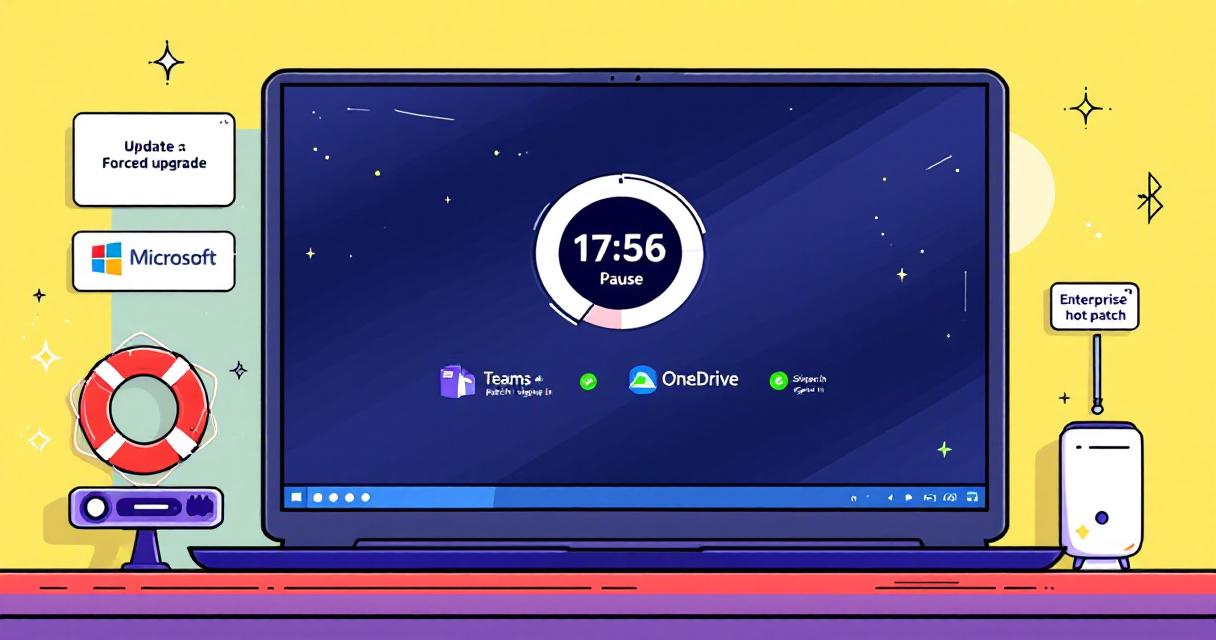
Microsoft has begun rolling out forced upgrades for unmanaged Windows 11 devices running the 24H2 build, a move aimed at keeping consumer and unmanaged enterprise machines on supported and secure versions of the OS. The company is giving users a short grace period to pause the automatic update, but administrators and everyday users should be prepared to install the latest updates once that pause expires. At the same time, Microsoft has issued several emergency and out-of-band updates since the March 2026 Patch Tuesday cycle to address high-impact issues — from a sign-in problem affecting Microsoft accounts across apps like Teams and OneDrive to fixes for Bluetooth visibility and security flaws in enterprise routing tools.
Why Microsoft is pushing upgrades now
Microsoft’s push to move unmanaged Windows 11 systems off older builds is motivated by security and stability concerns. Unmanaged devices — those not controlled through enterprise management tools — can lag behind in receiving critical patches and configuration updates. By enforcing upgrades to newer builds, Microsoft reduces fragmentation across its user base and ensures systems receive protections against newly discovered vulnerabilities. This approach is especially urgent when emergency patches are needed, as was the case following the March 2026 Patch Tuesday release.
How the pause option works (and its limits)
For users seeing the forced upgrade notification, Microsoft allows a temporary pause: you can choose an amount of time to delay the update. However, the pause is strictly temporary. Once the selected time limit ends, the system will require that you install the pending updates before continuing to defer further. This balances user control with the need to ensure devices do not remain exposed indefinitely.
Support resources for larger upgrades
Microsoft has published a support document and a step-by-step upgrade guide for users encountering issues with major Windows 11 upgrades — including guidance for the 25H2 rollout process. These resources walk through common problems and recommended remediation steps, aiming to reduce failed upgrades and help users recover systems that encounter errors during the update process.
Emergency updates and the post–Patch Tuesday response
Since the March 2026 Patch Tuesday release, Microsoft has issued several emergency updates to address urgent problems not covered by the routine monthly patches. Notably, one emergency update fixed a known issue that broke Microsoft account sign-ins across multiple Microsoft apps, including Teams and OneDrive. Sign-in failures can disrupt collaboration and file synchronization, so this fix was prioritized to restore normal access for affected users.
Out-of-band fixes for hotpatch-enabled enterprise devices
Microsoft also pushed out-of-band updates specifically for hotpatch-enabled Windows 11 Enterprise devices. Hotpatching allows certain enterprise machines to receive fixes without requiring a full reboot, reducing downtime for critical systems. These out-of-band updates included a remedy for a Bluetooth device visibility problem and patches addressing security vulnerabilities in the Routing and Remote Access Service (RRAS) management tool — a component often used in enterprise networking scenarios.
Practical steps for users and admins
- Check update notifications promptly: If your device shows a forced upgrade notice, review the available pause options, but plan for the eventual installation deadline.
- Consult Microsoft’s support documentation: Use the step-by-step guides for troubleshooting upgrade errors, especially for major build transitions like 25H2.
- For administrators: Verify hotpatch settings and testing windows for enterprise devices, and prioritize deployments that address critical sign-in or networking vulnerabilities.
- Back up important data before major updates: While many upgrades complete without incident, having a recent backup ensures you can recover quickly if problems arise.
- Monitor app behavior post-update: After installing emergency or out-of-band patches, confirm that essential applications (Teams, OneDrive, and other Microsoft services) are signing in and syncing correctly.
What this means going forward
Microsoft’s enforcement of upgrades on unmanaged 24H2 machines, coupled with a steady stream of emergency updates, signals a more proactive stance on keeping Windows 11 systems secure and consistent. Users retain limited control through temporary pauses, but the onus is on both end users and IT teams to stay informed, follow Microsoft’s guidance, and ensure systems remain backed up and tested ahead of mandatory installations.
 Licensed under CC BY-ND 4.0 International

Attackers Exploit SharePoint Authentication Bypass After Public PoC Release
Microsoft’s SharePoint platform is facing active exploitation following the public release of…
Windows 11 Dev Build 26300.8170 Brings Clearer Secure Boot Visibility and Bigger FAT32 Drives
Microsoft’s latest Windows 11 Insider Preview for the Dev Channel, build 26300.8170,…
Microsoft removes Support and Recovery Assistant from Windows — what it means
Microsoft has removed the Support and Recovery Assistant (SaRA) from Windows, according…

The Credential-Free Watchdog: Mastering Event-Driven App Automation
We have all been there. You are an automation lover. You have…