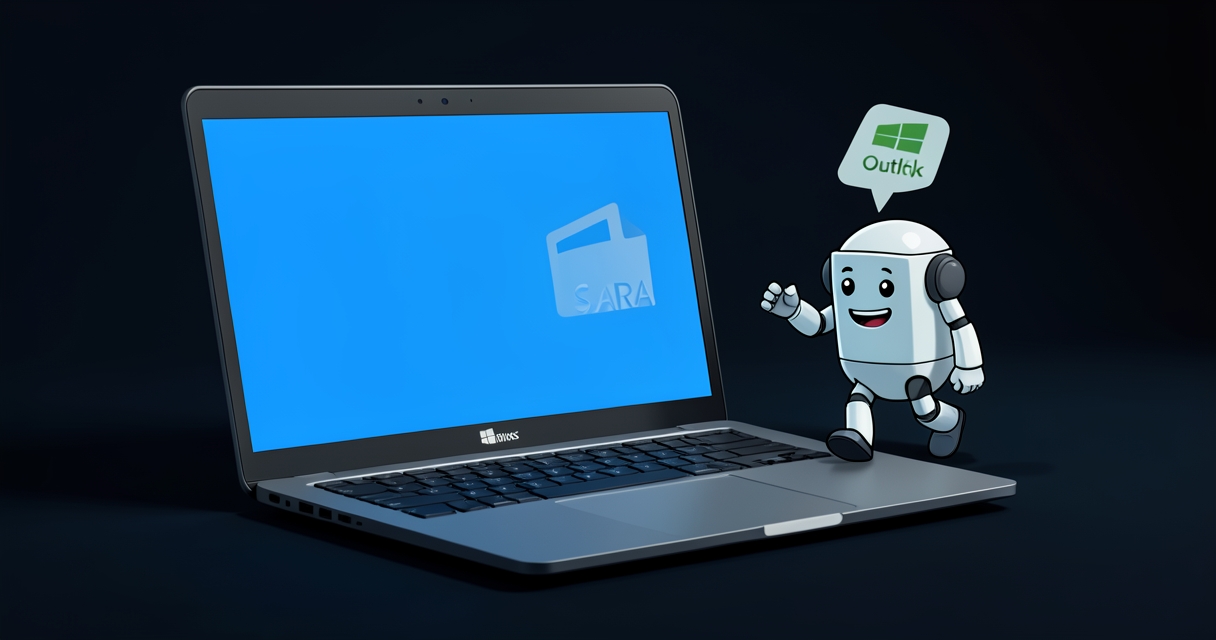
Microsoft has removed the Support and Recovery Assistant (SaRA) from Windows, according to recent reports. Once a handy troubleshooting companion for Office and other Microsoft products, SaRA helped users diagnose and fix a variety of common issues. Its absence changes the options available to end users and IT teams when problems arise, but there are practical alternatives and steps you can take right now.
What SaRA did and why it mattered
SaRA was a focused diagnostic and repair tool that guided users through targeted checks for problems with Office, Outlook, and certain Windows-related issues. For many non-technical users it served as a first line of defense: automatic tests, suggested fixes, and guided workflows that reduced the need for phone calls to support or lengthy forums posts. For help desks, SaRA could speed up triage by producing logs and clear failure points to investigate.
What changed and likely reasons
The removal means the pre-packaged SaRA experience is no longer available to end users in the same way. While Microsoft has not positioned this as the end of automated troubleshooting overall, the company has invested in other support channels and integrated troubleshooters — including the Get Help app, built-in Windows troubleshooters, and web-based support resources. Consolidation of support tooling and a move toward cloud-based assistance workflows are common corporate reasons for retiring standalone utilities.
How this affects users and IT teams
- Individual users: If you relied on SaRA for quick fixes, you’ll now rely more on the Get Help app, the built-in Windows troubleshooters (Settings > System > Troubleshoot), or Microsoft’s online support and community forums. In many cases these alternatives will achieve the same outcomes; in others you may need to follow more manual steps or use web-based diagnostics.
- IT administrators: Help desks should review their existing support scripts and documentation to ensure they reference current Microsoft tools and links. If your procedures included SaRA-generated logs, identify equivalent logging and diagnostic steps using Windows’ native tools (Event Viewer, Reliability Monitor, and PowerShell diagnostic cmdlets) or Microsoft 365 diagnostic features.
- Enterprise deployments: Organizations that previously deployed SaRA as part of support tooling should determine whether any automated remediation workflows depended on it and plan migrations to supported alternatives or custom scripts.
Practical next steps
- Try the Get Help app for guided support and live help options.
- Use native troubleshooters in Settings for connectivity, audio, and other common problems.
- Collect diagnostics with Event Viewer, Reliability Monitor, and built-in PowerShell commands when deeper analysis is needed.
- Update internal support documentation and run a short training session for help-desk staff on the new default support channels.
- Bookmark Microsoft’s official support pages and the Microsoft Answers community for reference and escalation links.
A quiet transition, manageable impact
The removal of SaRA may feel abrupt for users who valued its simplicity, but it’s part of a broader trend toward consolidating support into platform-native and cloud-based tools. For most everyday problems, Windows’ native troubleshooters and Microsoft’s online support pathways will cover the same ground. Organizations that relied heavily on SaRA should inventory dependencies and update workflows, but for individual users the change is likely to be an annoyance more than a critical loss.
 Licensed under CC BY-ND 4.0 International

Attackers Exploit SharePoint Authentication Bypass After Public PoC Release
Microsoft’s SharePoint platform is facing active exploitation following the public release of…
Microsoft Forces Upgrades on Unmanaged Windows 11 24H2 PCs Amid Rapid Emergency Fixes
Microsoft has begun rolling out forced upgrades for unmanaged Windows 11 devices…
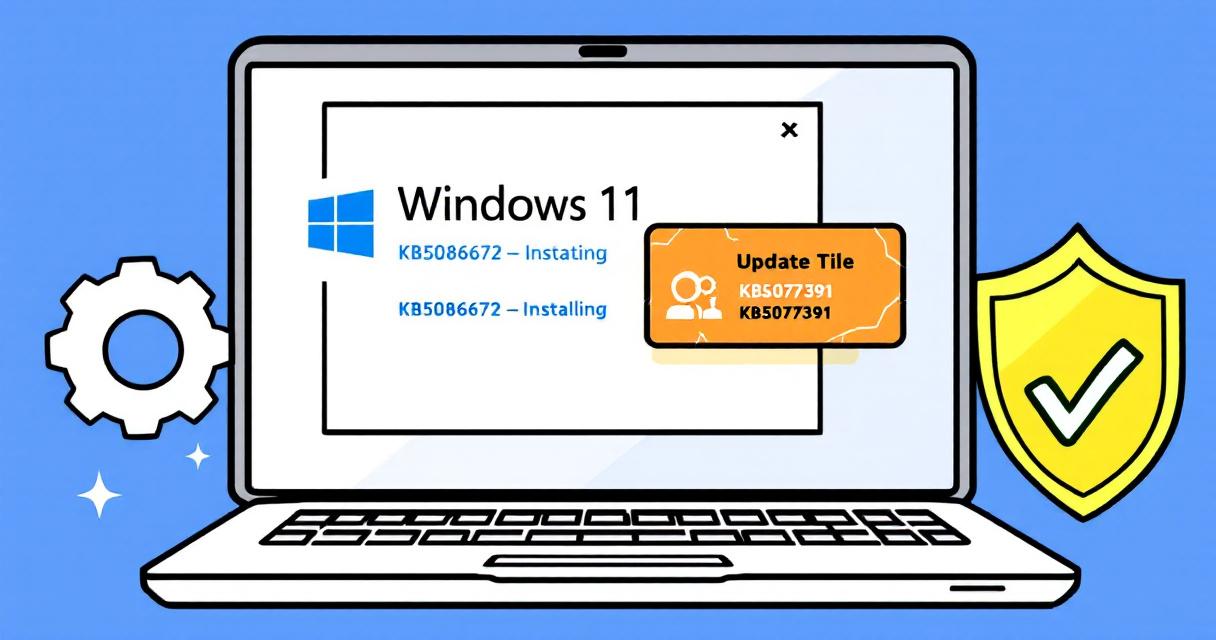
Microsoft issues emergency Windows 11 update KB5086672 to fix broken March preview (KB5079391)
Microsoft has released an out-of-band (OOB) emergency update—KB5086672—to address installation problems introduced…

The Credential-Free Watchdog: Mastering Event-Driven App Automation
We have all been there. You are an automation lover. You have…

Microsoft’s New Group Policy to Remove Windows 11 Copilot from Managed Devices
Microsoft has quietly given IT teams a precise tool to remove the…
Microsoft Outlook.com Hits Service Degradation: What Happened and How to Prepare
On April 27, 2026, Microsoft acknowledged a service degradation affecting Outlook.com after…
Windows 11 Dev Build 26300.8170 Brings Clearer Secure Boot Visibility and Bigger FAT32 Drives
Microsoft’s latest Windows 11 Insider Preview for the Dev Channel, build 26300.8170,…

Microsoft Teams Desktop Update Breaks Launch for Some Users After Caching Regression
A subset of Microsoft Teams desktop users found themselves unable to launch…