For security and ops teams, directory credentials have long been a stubborn source of friction: static LDAP passwords, brittle rotation processes, and the need for high‑privilege service accounts create risk and operational toil. Vault Enterprise 2.0 reframes that problem by bringing LDAP static roles into a centralized rotation manager and adding new flows that make onboarding, rotation, and migration safer, more auditable, and far easier to operate at scale.
The legacy problem with LDAP secrets
Managing LDAP credentials at enterprise scale means juggling thousands of accounts with different lifecycles and operational constraints. Traditional approaches often rely on a small number of high‑privilege accounts to rotate others, lack robust retry and scheduling controls, and provide little ability to pause or observe rotations during maintenance. When a rotation fails because of network flakiness or directory locks, recovery can be manual and error prone, increasing outage risk and compliance headaches.
What Vault Enterprise 2.0 changes
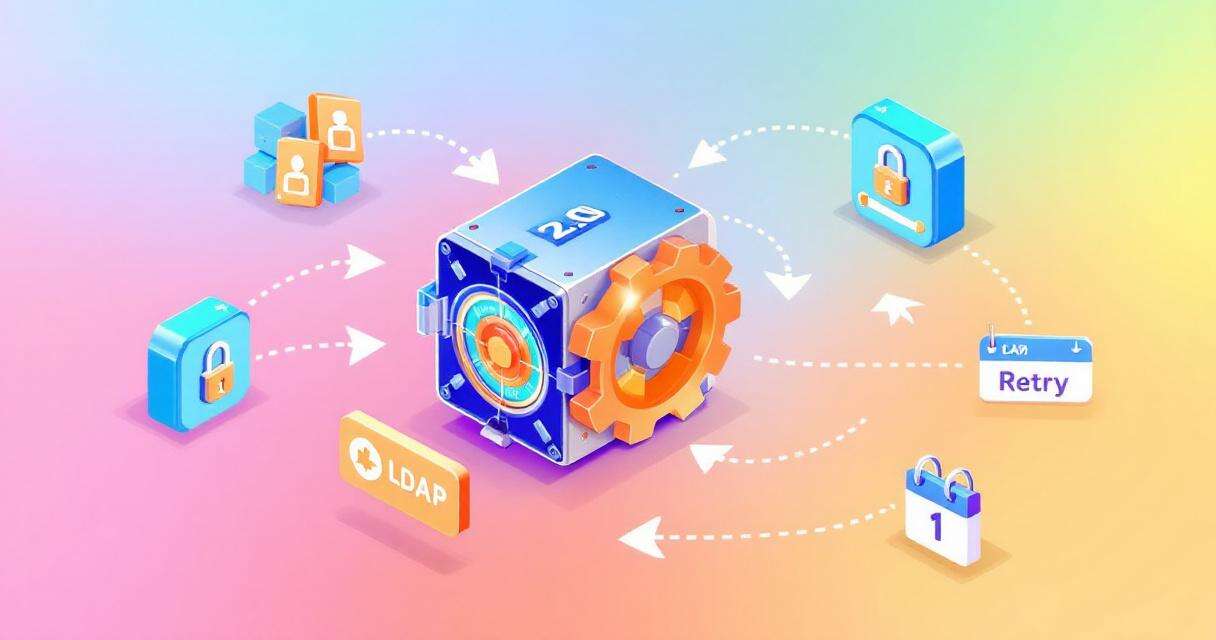
Vault Enterprise 2.0 integrates LDAP static roles into Vault’s centralized rotation manager, delivering a unified control plane for scheduling, retries, pause/resume, and observability. That integration turns password rotation from an ad hoc operation into a managed, auditable process. Two features deserve special attention: the ability to set an initial password on role creation and a “self‑managed flow” that decentralizes rotation privileges.
Initial state solved: onboarding with a known starting credential
One common obstacle when bringing accounts under secrets management is the “initial state” — the moment an account is created but not yet controlled by the secrets system. Vault now lets administrators set an initial password when a static role is created, ensuring Vault is authoritative from day one. This removes the fragile handoff where credentials may otherwise be created outside the secrets management system.
Decentralized rotation with self‑managed flow
The self‑managed flow lets each LDAP account authenticate with its own current credentials to perform its password rotation. That design eliminates the need for an all‑powerful master account and enables rotations under the principle of least privilege. Each account can therefore rotate itself to a high‑entropy value without exposing elevated credentials elsewhere in the environment.
Centralized rotation manager capabilities
By bringing LDAP roles under the rotation manager, teams gain several operational features:
Configurable scheduling: Rotate credentials on custom schedules to avoid business‑critical windows.
Intelligent retries: Automatic backoff and retry logic for transient LDAP outages prevents failed rotations from becoming persistent failures.
Pause and resume: Temporarily halt rotation for specific roles or groups during maintenance or incident response.
Observability and governance: APIs and status endpoints let teams monitor migrations and rotations in real time.
Migration mechanics: upgrading with minimal disruption
For Vault users moving from older versions, the migration into Vault Enterprise 2.0 is designed to be minimally disruptive. When Vault is unsealed after the upgrade, it detects LDAP static roles still managed by the legacy plugin rotation system and starts a background migration into the new centralized manager. Ordinary retrieval of credentials and role management continue normally during the transition; Vault only pauses rotation for a role briefly while it’s migrated. The static‑migration API gives migration managers a governance endpoint to track progress and require a successful status before signing off.
Operational and strategic benefits
These changes lower operational overhead and reduce risk. Removing dependence on high‑privilege master accounts shrinks the attack surface, while centralized scheduling, retries, and pause controls reduce the number of emergency fixes and directory lockouts security teams must handle. The centralized audit trail and automated flows also support compliance needs for frameworks like SOC 2 and HIPAA, and the automation can reduce total cost of ownership by cutting manual work.
Planning the upgrade
Teams planning a move to Vault Enterprise 2.0 should inventory LDAP static roles, identify critical business windows for scheduling, and design migration gates around the static‑migration API. Because the migration runs in the background and is observable, it can be incorporated into a staged rollout that minimizes service impact.
Conclusion
Vault Enterprise 2.0’s reimagined LDAP secrets engine converts a historically brittle part of identity management into a manageable, auditable, and more secure system. With initial password support, self‑managed rotation, and a centralized rotation manager that offers scheduling, retries, and pause controls, organizations can reduce risk and operational load while strengthening their compliance posture. For teams focused on hardening directory security, the Vault 2.0 upgrade is a pragmatic step toward a more automated and resilient identity strategy.
 Licensed under CC BY-ND 4.0 International