
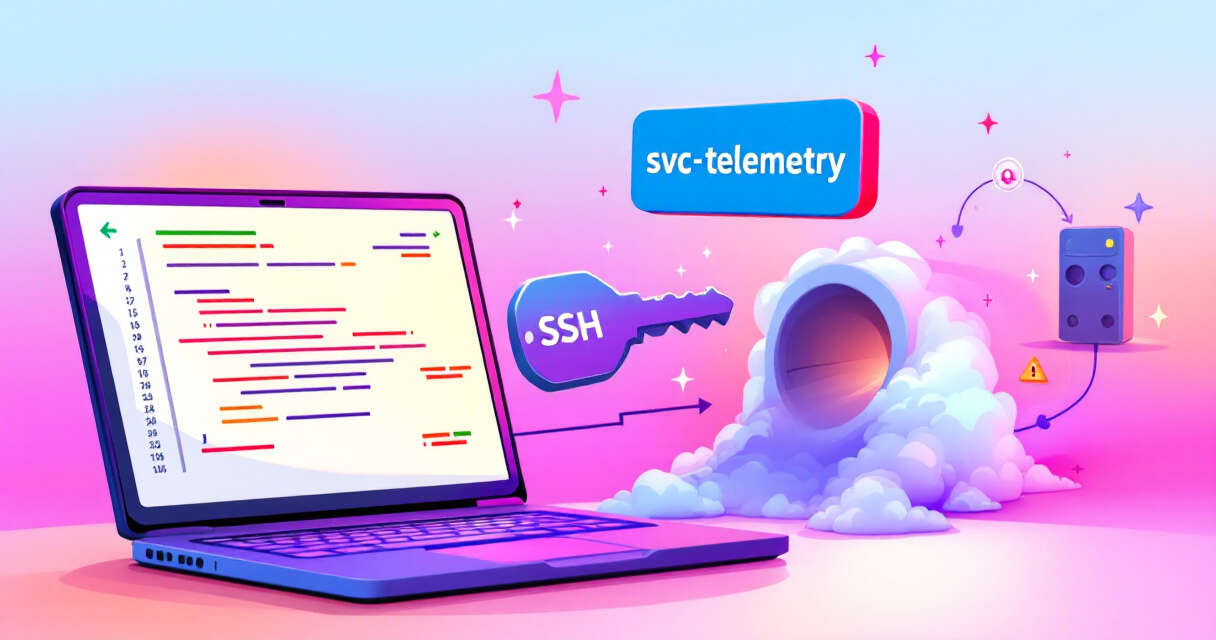
A recent analysis by OpenSourceMalware found a tampered Claude Code extension on Open VSX that can give attackers persistent remote access to developer systems. The altered package, identified as anthropic.claude-code version 2.1.313, injects a short JavaScript loader that runs during normal extension activity and implements an SSH backdoor, reverse tunneling, and cross-platform persistence mechanisms. The sample analyzed targeted macOS on Apple Silicon, though the injected code contains branches for Linux and Windows as well. Importantly, the findings indicate a malicious artifact in that specific Open VSX package, not a confirmed compromise of Anthropic’s official Visual Studio Marketplace release or broader distribution systems.
How the implant is activated and what it does
The compromise centers on a 66-line JavaScript loader prepended to extension.js before the legitimate extension bundle. That loader is executed during extension activity (not only at install time), so developers do not need to initiate a Claude conversation for the code to run. The loader imports Node.js modules to run system commands, handle files, gather system details, and perform network requests. Most errors are suppressed so the extension continues to behave normally even when malicious actions fail.
Key malicious actions performed by the loader:
- An entry in ~/.ssh/authorized_keys with the comment svc-telemetry.
- Presence of persistence files such as ~/.config/.smt and ~/.config/.smtk or a LaunchAgent named com.apple.sysmond.plist.
- ssh or autossh processes establishing reverse forwarding to [email protected] or connections to that IP over port 8099.
- The temporary decoded key file (temporary.stk_) or other unexpected files created by the extension.
What the implant collects
The loader gathers host details such as hostname, username, operating system, architecture, directory paths, and Git email. It also records names of up to 40 potentially sensitive environment variables; the initial beacon does not include their values. This reconnaissance supports an attacker’s ability to determine whether later remote access would be valuable.
Persistence and cross-platform behavior
The injected code implements multiple persistence strategies across platforms:
- macOS: creates files under ~/.config/.smt and ~/.config/.smtk and installs a user LaunchAgent named com.apple.sysmond.plist configured with RunAtLoad and KeepAlive to maintain the reverse tunnel.
- Linux: adds an @reboot cron entry to re-establish the tunnel.
- Windows: attempts to create a SysMon startup task running as SYSTEM, with a Startup-folder script as a fallback.
These are code-implemented paths and do not represent proof that every machine running the tampered extension was successfully infected; some actions depend on permissions and system configuration.
Comparisons and context
The attack resembles previous incidents where developer-oriented extensions were modified to hide malicious activity behind otherwise working tooling (for example, earlier Nx Console extension compromises). That resemblance highlights a recurring supply-chain risk in developer extensions but does not imply the same actors or identical infrastructure.
Indicators defenders can search for
OpenSourceMalware published indicators including hashes for the altered JavaScript. Practical clues to look for on potentially affected hosts include:
- An entry in ~/.ssh/authorized_keys with the comment svc-telemetry.
- Presence of persistence files such as ~/.config/.smt and ~/.config/.smtk or a LaunchAgent named com.apple.sysmond.plist.
- ssh or autossh processes establishing reverse forwarding to [email protected] or connections to that IP over port 8099.
- The temporary decoded key file (temporary.stk_) or other unexpected files created by the extension.
Immediate response recommendations
If the extension was observed running on a host, the recommended steps are to:
- Isolate the host to prevent further remote access.
- Preserve forensic evidence (logs, file system images, process lists).
- Block the remote server (134.209.82.225) and relevant ports (notably 22 and 8099) at network boundaries.
- Remove persistence mechanisms only after collection of evidence, and rotate any exposed credentials from a clean device.
- Review authentication, shell/editor/process/network logs to determine whether follow-on access occurred.
- Recognize that simply uninstalling the extension does not prove the system is clean; rebuilding the affected machine may be necessary to restore confidence depending on investigative findings.
Conclusion and a sober reminder
This incident underscores how altered developer tools can become covert attack vectors: injected code that runs during ordinary workflows can plant backdoors, create persistent tunnels, and collect reconnaissance without obvious disruption to the user’s experience. Teams should inspect indicators such as svc-telemetry in authorized_keys, look for the specific persistence files and LaunchAgent/cron entries described above, and follow forensic and containment procedures if they find traces of this tampered package.
 Licensed under CC BY-ND 4.0 International