
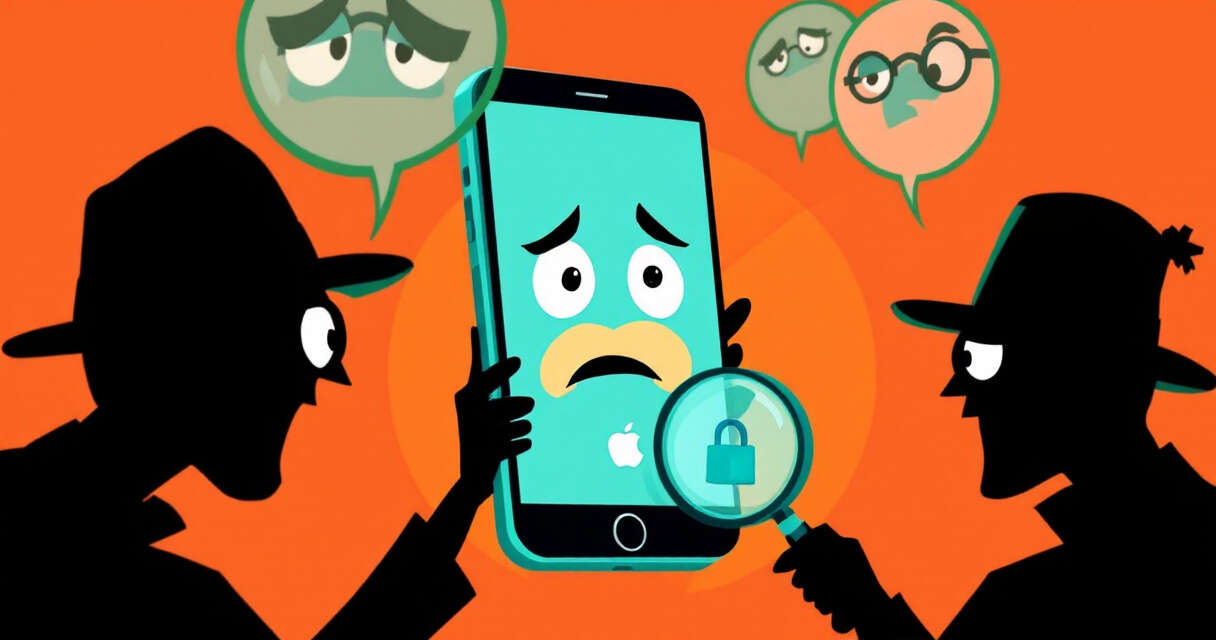
Apple has sent a new round of targeted threat notifications to selected iPhone users, warning they may have been the focus of sophisticated mercenary spyware campaigns. Announced in a notice shared by security researcher Costin Raiu on October 30, 2026, this latest wave is separate from the alerts Apple sent in August and is being delivered to users in 99 countries. Apple says it has now notified users in over 150 countries in total, though those figures describe recipient locations rather than confirmed infections.
What Apple is actually warning about
Apple’s notifications indicate high-confidence targeting by well-resourced mercenary spyware operations. The company’s alerts are meant to identify instances where users are likely being singled out for surveillance. Importantly, Apple cautions that a notification of targeting does not automatically prove an attacker has taken control of a device; it signals a serious security event that deserves attention and, in many cases, outside expertise to investigate.
Who these attacks tend to target
According to Apple’s guidance, mercenary spyware operations are expensive, technically complex, and usually aimed at a small number of people. Typical targets include journalists, activists, politicians, and diplomats—individuals whose public roles or work make them valuable targets. Because these operations can cost millions and are specifically tailored to chosen victims, they are distinct from widespread phishing campaigns and can be harder to detect and prevent.
How Apple delivers and recommends verifying notifications
Apple now delivers threat warnings through multiple channels: Lock Screen alerts, the Settings app, and emails tied to the user’s Apple account. A notification banner may also appear when the recipient signs in to their account. Delivery methods can vary by device model and software version.
What Apple recommends users do next
Apple’s guidance emphasizes that recipients should treat these notifications as serious security events and seek expert help rather than dismiss them as routine notices. For people who have been notified, Apple points to Access Now’s Digital Security Helpline for round-the-clock professional assistance. For the broader user base, Apple reiterates conventional defenses: keep devices updated, maintain strong account protections, and exercise caution with unknown links—while noting that most users will never be the target of mercenary spyware.
Lockdown Mode and other practical protections
Apple recommends Lockdown Mode for people facing these kinds of threats. Lockdown Mode is a hardening option that reduces potential attack surfaces by limiting message attachments, restricting some web technologies, blocking certain incoming FaceTime calls, and preventing profile installation. On iPhone, Apple says users can find Lockdown Mode under Settings > Privacy & Security > Lockdown Mode. Apple advises updating devices before enabling Lockdown Mode and warns that some websites and features may behave differently with the feature turned on.
What Apple will and will not say about attribution
Apple has not publicly named a specific spyware product, delivery method, or software flaw behind this new wave of notifications. The company’s public guidance mentions Pegasus as a historical example in earlier coverage, but Apple does not attribute these latest attacks to Pegasus or any other named surveillance tool. Because Apple withholds detection details to avoid revealing defensive methods to attackers, it also refrains from public attribution without sufficient evidence.
Why this matters now
Apple notes that mercenary spyware operations are short-lived, costly, and technically advanced—characteristics that make them difficult to detect and defend against using consumer-only measures. The company also highlights that broader shifts in the threat landscape, such as the use of AI to accelerate and lower the cost of attacks, are changing how defenders must prepare. The combination of targeted, well-funded actors and increasingly automated attack tools makes vigilance and expert assistance important for those who receive notifications.
Final takeaway
If you receive an Apple threat notification, treat it as a serious event: verify the banner through your Apple account, do not follow instructions from messages that ask you to install software or share credentials, consider Lockdown Mode if appropriate, and seek specialized help through resources Apple recommends. For most users, routine protections—keeping software current and using strong account security—remain effective steps to reduce risk.
 Licensed under CC BY-ND 4.0 International