
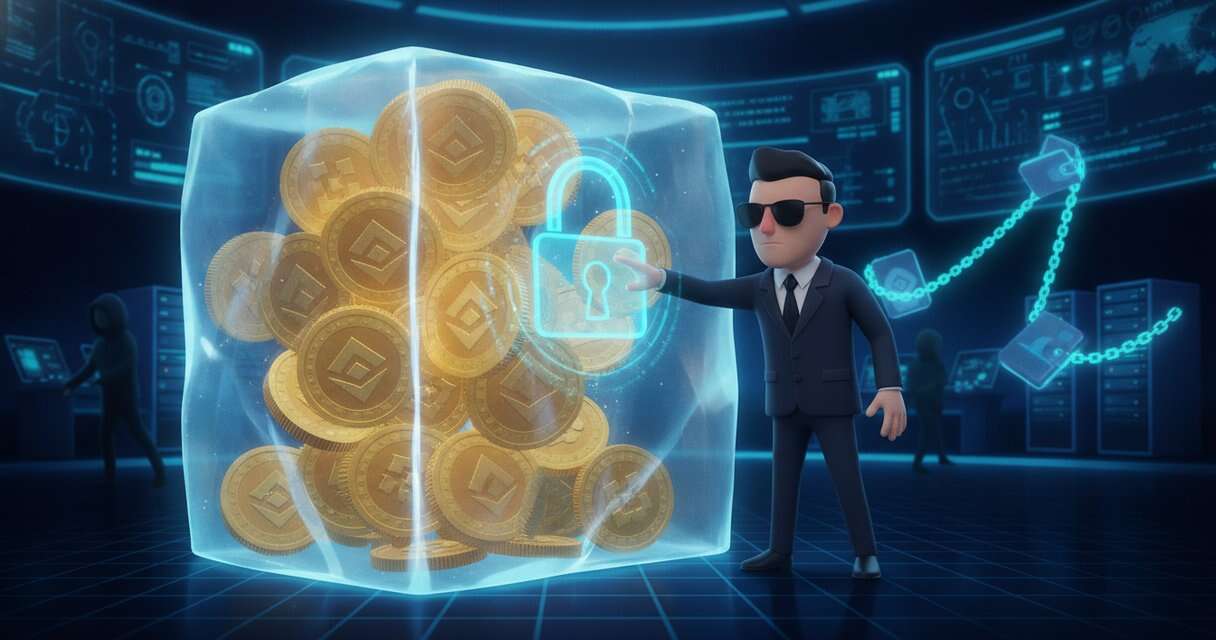
The US government has frozen more than $2.7 billion of crypto stolen from Binance on or about October 29, 2026. The FBI says North Korea took more than $6 billion in that theft, and court orders already allow US officials to seize or hold more than $1.2 billion of the frozen funds.
Justice Department action on November 12
The Justice Department announced the freeze on November 12, together with a separate move against a North Korean scam called FaceStealer. It said its National Security Division, Criminal Division, and the US Attorney’s Office for the District of Columbia worked with crypto service providers to stop the money. Officials said the thieves keep moving funds through bridges, mixers, and exchanges, and the FBI has asked service providers to block transfers linked to the addresses the hackers use.
The FBI blames a North Korean group it calls TraderTraitor for the Binance theft. It said the stolen funds are mostly being turned into Ethereum, then pushed through DeFi tools and instant swap services to hide their path. Binance reported that customers were made whole, and reports said the exchange covered losses from its SAFU emergency fund. Early findings pointed to a compromised engineer’s laptop.
How FaceStealer operates
FaceStealer is a separate campaign from the Binance theft. The FBI says it has cost victims more than $400 million in 18 months, and it blames groups tracked as Sapphire Sleet, UNC1069, BlueNoroff, APT38, and Stardust Chollima. Agents seized cloud servers used in the scheme, along with more than 900 secretly recorded victim webcam videos.
The trick often begins with a hijacked account on Telegram. Hackers message the victim’s contacts, propose a video call, and send a link to a fake Zoom or Teams site. The target then sees a recorded video of someone they know, which makes the call look real. The campaign also uses fake meeting audio-fix prompts to trick victims into installing cookie stealers, keyloggers, screen-capture tools, and backdoors.
Some attacks have used AI to create deepfake videos of well-known crypto figures. The FBI said the scheme still mostly relies on real stolen videos. Hackers have also waited months, or even more than a year, before draining wallets while watching balances grow.
Targets beyond crypto
The FBI warns that the same trick now targets open-source maintainers. Earlier this year, hackers lured the maintainer of a popular JavaScript library into a fake Teams call and infected his computer. They then tried to add bad dependencies to a library with tens of millions of weekly downloads, but quick detection stopped it.
The case fits a wider pattern tied to UNC1069, which used fake Zoom and Teams meetings with the same fake error and copy-and-paste step. The source says this shows the same approach across related incidents.
What the FBI tells users to do
The FBI’s advice is to join calls through the official Zoom or Teams app with an invite code instead of clicking links. It says to keep the webcam off until the person who invited you can be seen and heard. It also says never to paste commands into a terminal to fix a meeting problem.
The guidance continues with a second-channel check for invites, multifactor authentication for Telegram, Slack, and similar apps, and keeping only small amounts in browser wallets. It says never to store seed phrases on your devices. If someone thinks they were hit, the advice is to move funds to a new wallet on a clean device, change passwords, log out all sessions, warn contacts, and report it at IC3.gov with the keyword “FaceStealer.”
The freeze shows that fast action can save stolen funds. The FaceStealer case shows that one convincing video call can still start the next big theft.
 Licensed under CC BY-ND 4.0 International