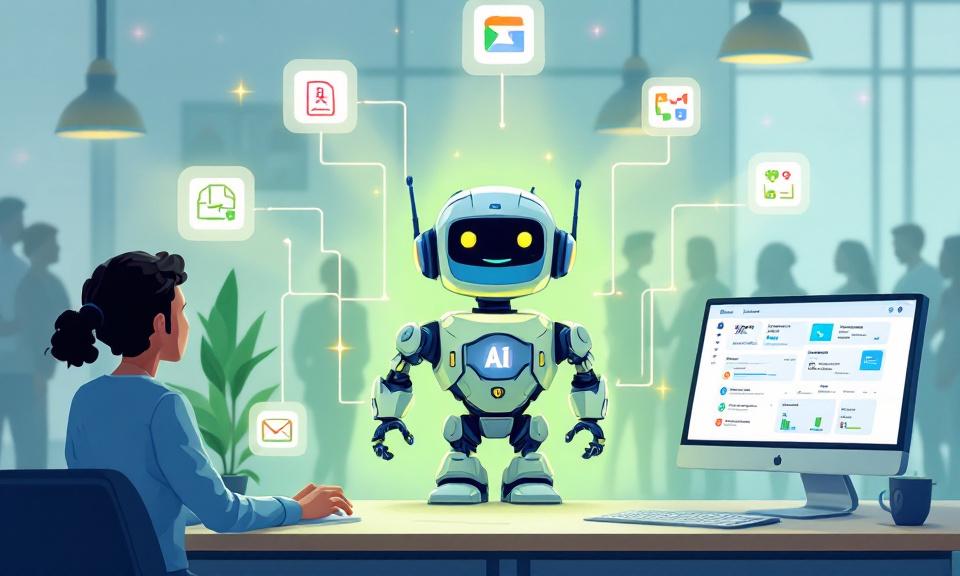
Anthropic’s latest update to Claude is less about a single chatbot and more about turning generative AI into a set of specialized assistants that live inside everyday enterprise workflows. The company has released a suite of job-specific plugins and a management layer that lets organizations tailor Claude into role-focused agents for HR, finance, research and other functions. Coupled with deeper integrations into common enterprise tools and a new remote-access feature for Claude Code, the release points toward an AI that doesn’t just answer questions—it does work where employees already do it.
Why this matters
Enterprises have long struggled with the friction of copying outputs from a separate AI interface into business systems. The new plugins aim to collapse that friction by giving teams pre-built capabilities—drafting offer letters, parsing earnings calls, automating diligence reviews—that operate directly within the apps and file stores teams use. For organizations juggling efficiency and governance, that promise is compelling: fewer context switches, faster execution, and the possibility of controlled, repeatable automation across an organization.
What the plugins do (and for whom)
Anthropic packaged capabilities around common job functions rather than generic tasks. Key examples include:
- HR: Automated drafting of offer letters, onboarding plans, performance reviews, and compensation analysis. These can standardize language and speed routine HR workflows while keeping formatting and compliance consistent.
- Investment banking: Tools to review transaction documents, assemble comparable company analyses, and prepare pitch materials—reducing time spent on repetitive document synthesis and early-stage model prep.
- Equity research: Plugins that parse earnings transcripts, update financial models with new guidance, and draft research notes, helping analysts focus on insight rather than mechanical updates.
- Private equity: Capabilities to sift through large document sets, extract standardized financial metrics, model scenarios, and score opportunities against investment criteria—accelerating diligence and enabling more consistent screening.
- Wealth management and finance teams: Portfolio analysis, drift identification, tax exposure assessment and automated rebalancing recommendations for advisors and analysts.
Anthropic also offers templates for engineering, operations and brand teams, with the expectation that organizations will mix, match and customize these building blocks to their needs.
Customization, governance and marketplaces
A major part of the announcement is tooling for administrators: a “Customize” dashboard where teams can add connectors, tune skills, and control what plugins can do. Organizations can build private plugin marketplaces to determine which departments have access to which agents—an approach that helps balance rollout speed with permissioning and compliance controls.
This model is practical for enterprises that need to limit exposure to sensitive data while enabling productivity gains. Rather than a single, unrestricted AI instance, departments get curated, policy-aware tools that fit into internal workflows.
Integrations: Claude moving across tools, not sitting in a window
To make this practical, Anthropic expanded connectors to widely used enterprise software: Google Drive, Gmail and Calendar, Slack, DocuSign, FactSet and WordPress, among others. The idea is to let Claude move across tools—reading documents from Drive, drafting messages in Gmail, pulling data from FactSet—rather than confining it to a standalone chat window. When an AI can read and act across systems with the right controls, it becomes an assistant in the literal sense: it can fetch, synthesize and place output where it’s needed.
Remote Control for Claude Code: local-first and device-flexible
Alongside plugins, Anthropic introduced Remote Control for Claude Code. Rather than sending code and data to the cloud, this feature lets developers start a coding session that runs on a local machine and then access that session remotely from a browser or mobile device. The web or mobile interface acts as a window into the developer’s local environment; Anthropic says the work remains on the user’s computer. Sessions can be synced across devices, reconnected after interruptions, and provide access to the local filesystem and tools.
For teams that prioritize data locality—financial models, sensitive codebases, client materials—Remote Control is positioned as a way to harness Claude’s capabilities without relinquishing control of underlying assets.
Practical benefits and likely impacts
- Reduced context switching: By embedding AI capabilities inside the apps teams use, routine tasks can be completed more quickly and with fewer copy-paste errors.
- Faster standardization: Templates and plugins promote consistent documents—offer letters, research notes and diligence summaries—that align with internal policy.
- Scaled expertise: Junior employees can lean on specialized agents for drafts and summaries, potentially flattening learning curves and increasing throughput.
- Efficiency in knowledge work: Tasks that used to require assembling multiple sources and manual formatting become automatable pipelines, freeing time for higher-value analysis.
Risks and considerations
- Data governance: Deep integrations and local access features reduce risk when implemented correctly, but they also increase the surface area for accidental data exposure if permissions and audits are weak.
- Over-automation: Automating document drafting and analysis can speed workflows but may also institutionalize errors or bias unless outputs are monitored and validated.
- Job redesign: Automating routine elements of HR, research and financial work will change how teams operate—organizations must retrain staff and redesign processes to capture productivity gains responsibly.
- Vendor lock-in and portability: Organizations should evaluate how portable these plugins and workflows are across platforms and what it looks like to migrate or decouple models and connectors.
How to approach adoption
- Start small with high-value, low-risk workflows—standardized templates or document parsing tasks that reduce manual effort.
- Establish guardrails: Logging, review workflows and role-based access to plugins and connectors are essential from day one.
- Measure outcomes: Track time saved, error rates, and change in throughput to justify expansion.
- Reskill teams: Use automation to augment work, not simply replace it—create pathways for employees to focus on higher-value tasks.
Conclusion
Anthropic’s plugin-driven approach reframes conversational AI as embedded, purpose-built automation rather than a separate, exploratory tool. By offering pre-built job templates, a management dashboard, private marketplaces and deeper integrations—paired with a local-first remote feature for coding—Claude is being positioned to become a practical assistant across enterprise departments. That transition brings real productivity potential, but it also demands careful governance, clear adoption strategies and ongoing human oversight to ensure the tools augment work without introducing new operational or ethical risks.
 Licensed under CC BY-ND 4.0 International
Claude Makes Projects and Artifacts Free — What Changed and How to Use Them
Anthropic has moved two previously paid capabilities of its Claude AI assistant…
Claude’s New Release — Supercharged Multi‑Agent Code Review for Every PR
Good code review is getting harder as teams ship more code. Claude’s…
Introducing the Azure Skills Plugin: Practical Azure Workflows for Coding Agents
The Azure Skills Plugin brings curated Azure expertise and an execution layer…
Automate Your Claude Code Workflow: A Practical Guide to Scheduled Tasks
A little automation goes a long way. If you spend any time…