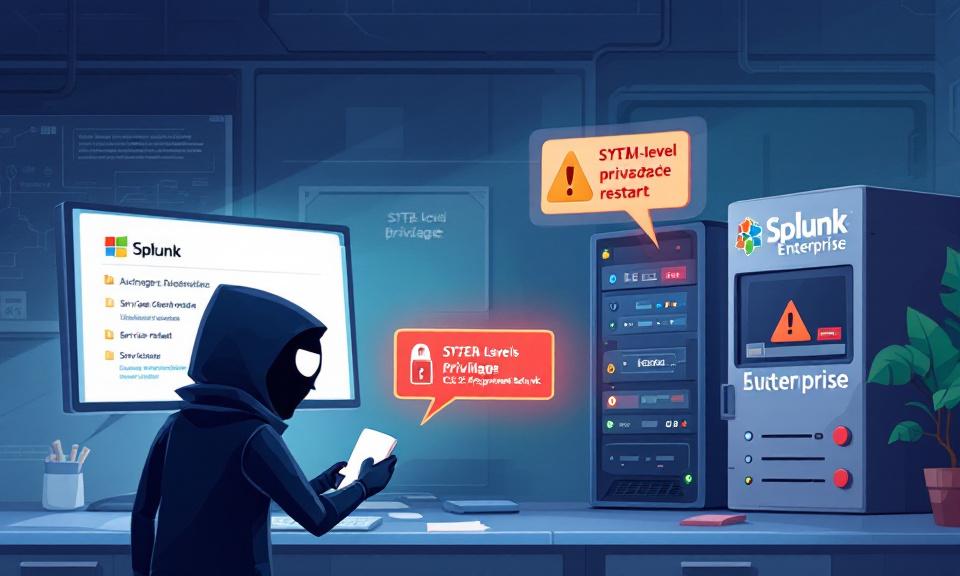
Splunk is a cornerstone of many security and operations teams, trusted to ingest, index, and analyze machine data across the enterprise. That trust makes any vulnerability in Splunk especially consequential. In February 2026 Splunk disclosed a high-severity Windows-specific vulnerability (CVE-2026-20140) that allows a low-privileged local user to perform a DLL search-order hijacking attack and gain SYSTEM-level privileges. The mechanics are
Category: Microsoft
Windows, Windows Server, Microsoft 365, Word, Excel, PowerPoint, Outlook, OneNote, Teams, SharePoint, OneDrive, Edge, Bing, SQL Server, Visual Studio, Active Directory, Dynamics 365, Power BI, Power Apps, Xbox, Game Pass, Surface, Intune, Defender, Exchange, Hyper-V, .NET, Dataverse,
When AI Gets Affordable: Sam Altman’s Forecast and Jio’s ₹10 Trillion Investment

The India AI Impact Summit in Delhi crystallized a striking convergence: a global prediction about rapidly falling AI costs paired with one of India’s largest private investments in the technology. OpenAI’s CEO observed that the expense of obtaining difficult answers from advanced models has plunged by orders of magnitude in just over a year, and he expects further dramatic declines
Guardian of the Red Team: How Guardian Orchestrates Gemini, GPT-4 and 19 Top Security Tools for Smarter Pentesting

Guardian is an open-source, AI-driven penetration testing framework that leverages multiple large language models to automate intelligent, evidence-backed security assessments. Designed for enterprise use, it combines a multi-agent architecture with a broad toolset to accelerate reconnaissance, triage, and reporting while preserving human oversight. What is Guardian? Guardian is an AI-powered penetration testing automation framework developed by Zakir Kun and available
Chrome 0‑Day Under Active Attack: CVE‑2026‑2441 — What You Need to Do Now

Google has released an emergency patch for a high‑severity zero‑day in Chrome after confirming active exploitation in the wild. Tracked as CVE‑2026‑2441, the vulnerability is a use‑after‑free bug in Chrome’s CSS handling that can enable remote code execution when a user visits crafted web content. How the flaw works CVE‑2026‑2441 arises from improper lifecycle management of objects in the rendering
Windows 11 KB5077181 Update Triggers Restart Loop on Some Devices — What You Need to Know

Microsoft’s February 10, 2026 security update KB5077181 for Windows 11 (notably reported on affected 24H2 builds) has been linked to a troubling issue on a subset of systems: devices repeatedly restarting in an infinite loop after applying the patch. If your PC is caught in this cycle, or you manage endpoints in an organization and are seeing similar behavior, here’s
Claude Cowork finally lands on Windows

Anthropic’s Claude Cowork has arrived on Windows, closing a major platform gap and bringing its AI-powered desktop agent to a much larger share of enterprise users. The Windows release delivers local file access, multi-step automation, plugin integrations, and Model Context Protocol connectors, matching the macOS version and positioning Cowork as a mainstream productivity agent for knowledge work. What Cowork brings