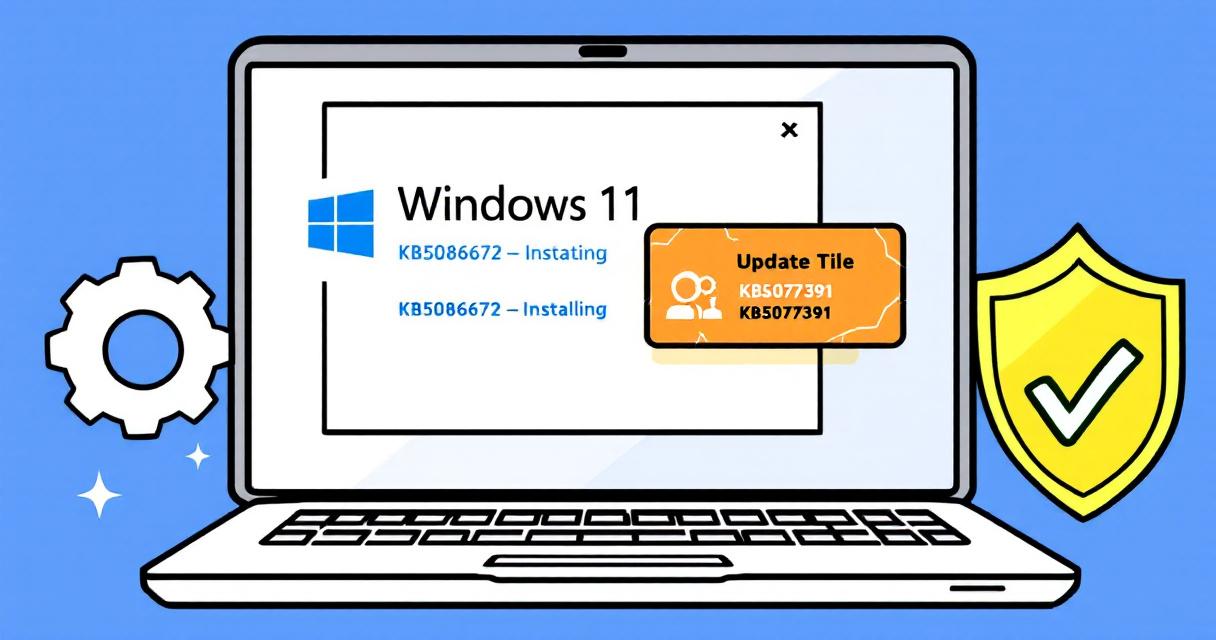
Microsoft has released an out-of-band (OOB) emergency update—KB5086672—to address installation problems introduced by the March 2026 non-security preview update (KB5079391). The optional cumulative preview, which shipped for Windows 11 versions 24H2 and 25H2, was pulled after users began reporting installation failures with the error code 0x80073712. KB5086672 was published on March 31, 2026 as a replacement that both restores the functionality of the preview and includes the fixes and protections from the original March updates.
What went wrong with KB5079391
Soon after Microsoft started rolling out KB5079391, users reported a specific installation failure: “Some update files are missing or have problems. We’ll try to download the update again later. Error code: (0x80073712).” Given the breadth of reports, Microsoft halted the optional update’s rollout and confirmed that the preview caused installation problems for affected systems. That prompted the company to assemble and release an out-of-band cumulative update to correct the issue.
What KB5086672 fixes
KB5086672 supersedes the problematic KB5079391 and is described by Microsoft as including all protections and improvements from the March 2026 Windows security and non-security preview updates, plus an installation fix intended to resolve the 0x80073712 errors. It targets Windows 11 versions 24H2 and 25H2 and is being distributed as an OOB update to remediate the immediate breakage.
How the update will reach your device
Microsoft says devices with the “Get the latest updates as soon as they’re available” setting enabled may see KB5086672 offered automatically through Windows Update when it becomes available for that device. If you do not have that setting enabled, you can install the update manually by going to Settings > Windows Update and selecting Download and install. Microsoft’s guidance is aimed at restoring the preview’s changes without leaving affected systems stuck on the earlier, broken package.
Other recent out-of-band fixes and related issues
This emergency update is one of several out-of-band patches Microsoft has issued recently. Earlier in the month, Microsoft released an OOB update to fix broad sign-in failures affecting Microsoft accounts across multiple apps (Teams, OneDrive, Edge, Microsoft 365 Copilot). The company also shipped hotpatch-targeted updates addressing a Bluetooth device visibility issue and patched several vulnerabilities in the Routing and Remote Access Service (RRAS) management tool. Separately, Microsoft published guidance to fix C:\ drive access issues on Samsung Windows 11 laptops caused by buggy Samsung Galaxy Connect and Samsung Continuity Service app versions.
What users and admins should do now
- Check Windows Update: Go to Settings > Windows Update to see whether KB5086672 is available for your device and install it if it’s offered.
- Consider update policies: If you manage multiple devices, test the OOB update in a controlled environment before wide deployment to ensure it resolves the issue without introducing other problems.
- Stay informed: Monitor Microsoft’s update release notes and support pages for any follow-up guidance or known issues tied to KB5086672.
- If you were impacted: If you encountered the 0x80073712 error with the March preview and still see problems after installing KB5086672, follow your organization’s support process or contact Microsoft Support for further assistance.
Why this matters
Preview and cumulative updates can introduce new features and fixes but occasionally cause regressions that affect system stability or updateability. Microsoft’s quick follow-up with KB5086672 reflects a rapid-response approach: when an optional preview causes broad install failures, an out-of-band cumulative update can replace the broken package and restore systems to a stable update state. For administrators and users, the episode is a reminder to balance prompt patching with testing—especially in managed environments where a single problematic update can ripple across many machines.
Bottom line
If you run Windows 11 24H2 or 25H2 and were affected by the March preview’s installation failures, KB5086672 is Microsoft’s official fix. Check Windows Update (or your IT channels) and install the out-of-band update when it becomes available. Keep an eye on Microsoft’s support communications for any additional guidance or follow-up patches.
 Licensed under CC BY-ND 4.0 International

AI for Nuclear Energy — Powering an Intelligent, Resilient Future
The world’s surge in power demand is colliding with an energy infrastructure…

Two Words, One Deal: How “Stateful” vs “Stateless” Could Decide a $50 Billion Cloud Dispute
Last week’s reporting brought into sharp relief a narrowly technical — but…

Introducing the Azure Skills Plugin: Practical Azure Workflows for Coding Agents
The Azure Skills Plugin brings curated Azure expertise and an execution layer…
Microsoft Issues Emergency Windows 11 Fix for Microsoft Account Sign-In Failures
Microsoft released an out-of-band update for Windows 11 (KB5085516) on March 21,…