A newly observed wave of ClickFix social-engineering attacks has shifted tactics, hijacking Windows Terminal as its execution environment to deliver credential-stealing malware. Security researchers from Microsoft and other vendors tracked this campaign in early 2026 and reported a reliable pattern: victims are manipulated into pasting an obfuscated command from their clipboard into a legitimate-looking terminal window, which then decodes and executes a multi-stage payload that ultimately harvests browser-saved credentials.
Why this matters
ClickFix is a social-engineering technique that first gained attention in 2024 for tricking users into running harmful commands via fake error pages or “fix” prompts. What makes the recent campaign notable is the move away from the classic Run-dialog vector to an environment that looks more familiar to IT-savvy users: a terminal application. Because the attack relies on user interaction rather than a software vulnerability, there is no patch to apply; instead, it exploits human trust and routine behaviors, which complicates detection and prevention.
How the campaign operates (high-level)
- Initial lure: A visitor reaches a compromised or malicious website where stealthy client-side code places an encoded, obfuscated command into the system clipboard without visible indication.
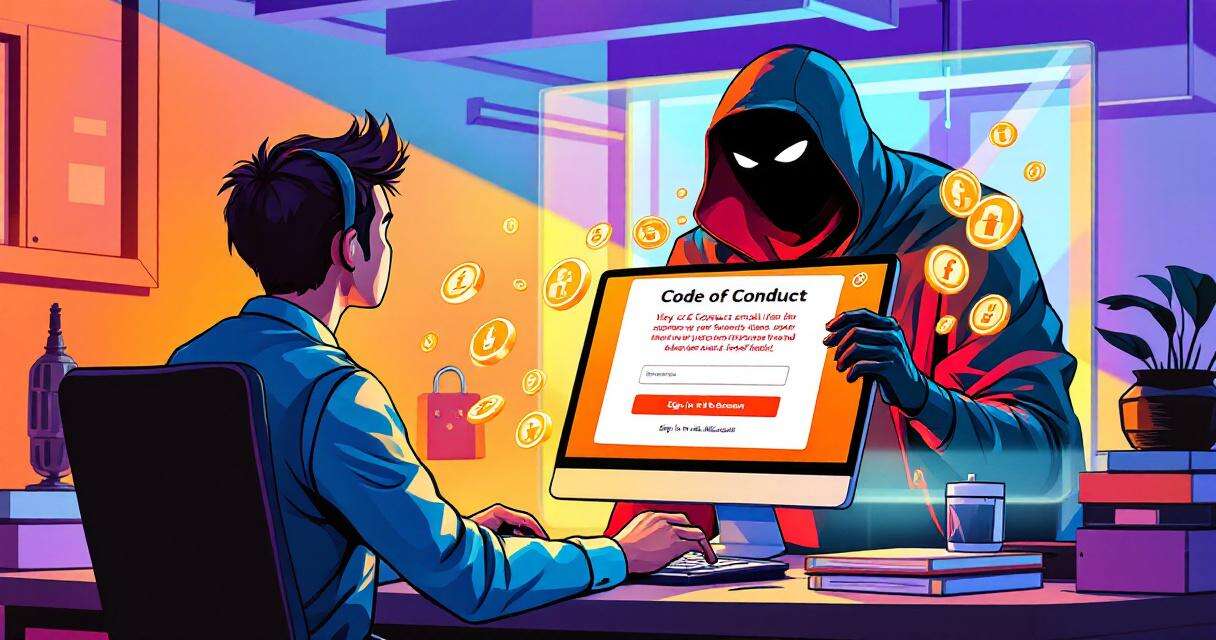
- Social-engineered prompt: The page displays a convincing verification or troubleshooting prompt—often mimicking well-known services—urging the user to open a command environment and paste the clipboard contents to “fix” the issue.
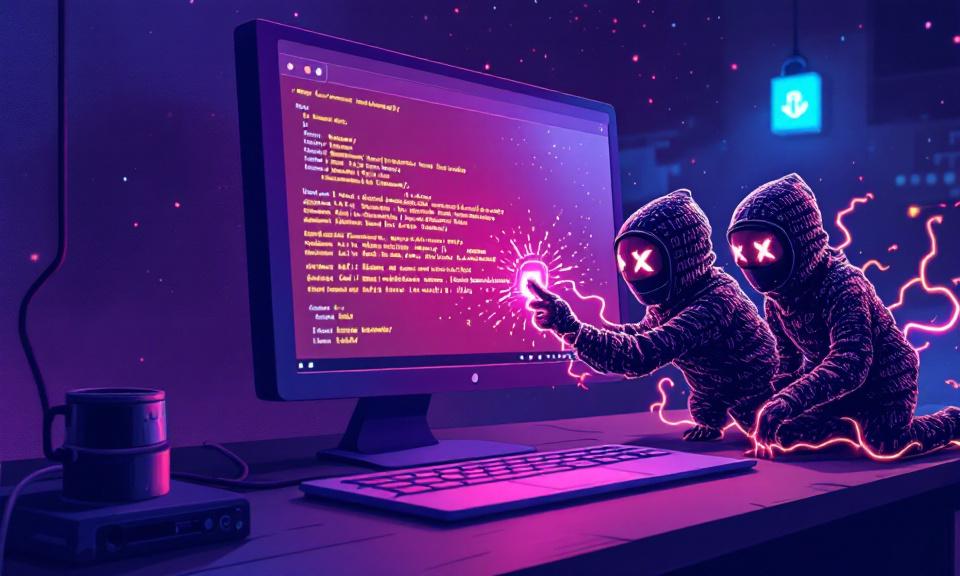
- In-memory execution: Once pasted and run, the obfuscated command launches a short-lived process that decodes the payload entirely in memory and connects to attacker-controlled infrastructure to fetch additional components (packaged archives and helper executables).
- Silent installation and persistence: The retrieved payloads are extracted and executed with minimal or no visible UI. The campaign establishes persistence by creating scheduled tasks so the malware survives reboots.
- Credential harvesting: The final payload observed in this campaign is a credential stealer (reported as Lumma Stealer). It injects into browser processes and extracts stored login data and autofill entries, then exfiltrates that data to remote servers.
Why Windows Terminal makes detection harder
Windows Terminal (wt.exe) and similar console hosts are signed, commonly used system components. Telemetry and endpoint controls that are tuned to look for suspicious use of older vectors—such as the Run dialog—may miss terminal-initiated PowerShell activity. Additionally, executing and decoding payloads in memory reduces disk artifacts and shortens detection windows, giving attackers time to complete the chain before defenders notice anomalous behavior.
Observed impacts and scale
Security vendors have reported a sizable increase in ClickFix activity year over year, and telemetry suggests the technique is among the leading initial access vectors for many campaigns. In the instances tied to Windows Terminal, organizations observed credential theft and unauthorized access derived from harvested browser data. Because the attack abuses social engineering rather than exploiting code flaws, affected systems are those where users followed the deceptive prompts.
Practical mitigations (defensive measures)
- Security awareness training: Reinforce policies that users should never paste or run commands provided by websites or unsolicited prompts. Simulated phishing and targeted training can reduce the likelihood of user compliance.
- Restrict privileged tooling: Limit access to terminals and scripting environments via Group Policy, application controls, and role-based privileges. Reserve administrative terminal access to controlled admin accounts.
- Endpoint detection tuning: Configure endpoint monitoring to flag or block script interpreters (PowerShell, cmd, etc.) launched by signed console hosts when they execute unusual parent-child relationships, network activity, or in-memory decoding behavior.
- Hunt for persistence artifacts: Regularly audit scheduled tasks, autostart registry keys, and common persistence locations for unknown entries. Prioritize indicators tied to recent campaigns.
- Update defenses: Ensure antimalware signatures and behavioral detection engines are current, and tune them to recognize in-memory loaders and common patterns used by credential stealers.
- Least-privilege browsing: Encourage separation between browsing contexts and administrative activities. Avoid storing sensitive credentials in browsers where possible and consider enterprise credential managers that reduce exposure.
What organizations should prioritize
Because ClickFix-style attacks exploit human behavior, the most effective controls combine user education with technical restrictions and improved telemetry. Security teams should assume social engineering will continue to evolve and proactively adjust detection rules, incident response playbooks, and user training programs. Quick validation of suspicious user reports and well-practiced containment procedures will reduce the operational impact when an incident occurs.
Conclusion
The evolution of ClickFix to target Windows Terminal underscores a broader trend: attackers adapt to defender workflows and look for execution paths that blend into normal user and admin activity. This campaign reiterates a simple but critical point for defenders—technical controls and up-to-date detection are necessary, but they must be paired with continual user training and strict access controls to limit the success of social engineering-based infections.
 Licensed under CC BY-ND 4.0 International