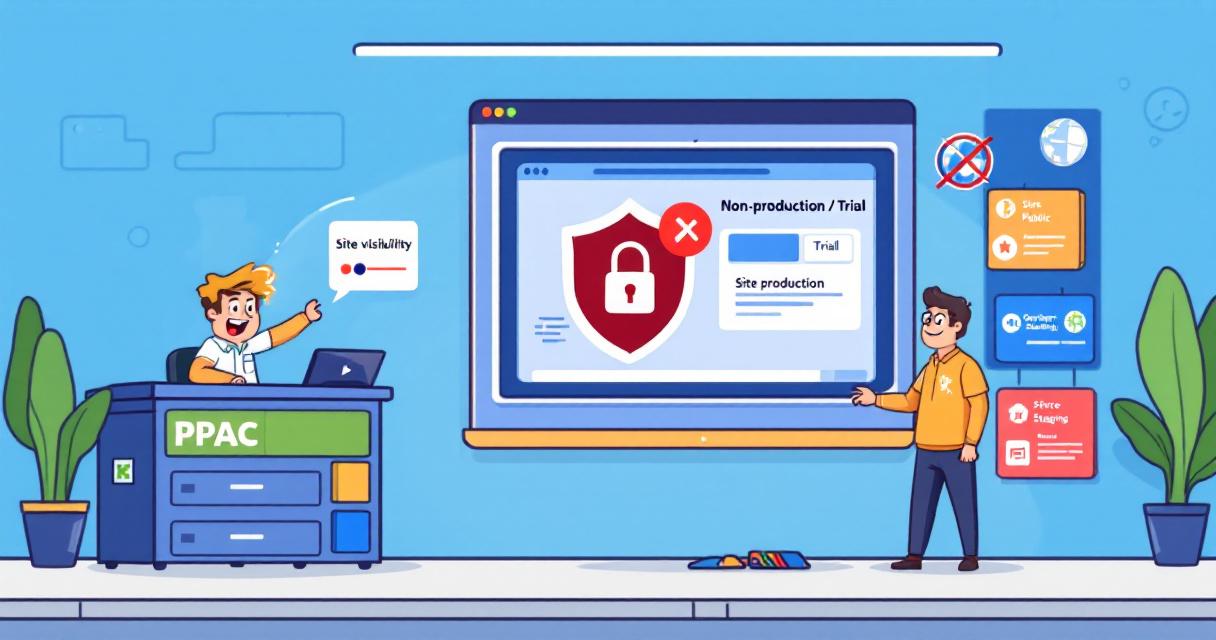
When teams build or test Power Pages sites in trial or developer environments, there’s a risk those unfinished or sensitive sites could be made public by mistake. Microsoft has added a simple governance control in the Power Platform admin center (PPAC) that helps tenant admins prevent non-production sites from being switched to public—giving organizations an easy guardrail while leaving production sites unaffected.
What’s changing
Tenant admins can now set a policy in PPAC that restricts makers from changing non-production Power Pages sites from Private to Public. If the restriction is enabled, makers will see a message in Power Pages Design Studio that making the site public is disabled and to contact their admin for exceptions. The control applies only to non-production environments (trial and developer). Existing non-production sites that are already public remain public until they are switched back to private; once private, they cannot be made public again while the restriction is in effect. Admins can also target the rule to specific environments.
How to enable the control (quick steps)
- Sign in to the Power Platform admin center (PPAC).
- Go to Manage Power Pages Governance controls.
- Select “Set site visibility to public access” for non-production sites.
- Choose the environment(s) to which the policy should apply.
- Pick the site targeting option you want and save changes.
Changes take effect immediately in the maker experience.
Why it matters
- Prevents accidental public exposure of test, staging, or development sites.
- Helps organizations meet compliance and security needs by limiting external access to only approved production sites.
- Gives admins a clear, centralized way to enforce visibility rules without blocking normal production workflows.
Practical tips for admins
- Review the default setting after the feature appears in your tenant (the default is ‘None’, which prevents makers from making non-production sites public until you change it).
- Use site targeting to apply the policy where it’s needed rather than tenant-wide if appropriate.
- Communicate the new rule to makers and provide a process for requesting exceptions.
- Verify the maker experience in Power Pages Studio after enabling the policy to confirm visibility behaves as expected.
 Licensed under CC BY-ND 4.0 International
Announcing General Availability of Server Logic in Power Pages
Power Pages has taken a significant step forward: Server Logic is now…

Microsoft Teams Desktop Update Breaks Launch for Some Users After Caching Regression
A subset of Microsoft Teams desktop users found themselves unable to launch…

Attackers Exploit SharePoint Authentication Bypass After Public PoC Release
Microsoft’s SharePoint platform is facing active exploitation following the public release of…
Microsoft Confirms July Windows Update Is Causing Some Dell Laptops to Shut Down and Overheat
Microsoft has acknowledged that a recent Windows 11 preview update has caused…