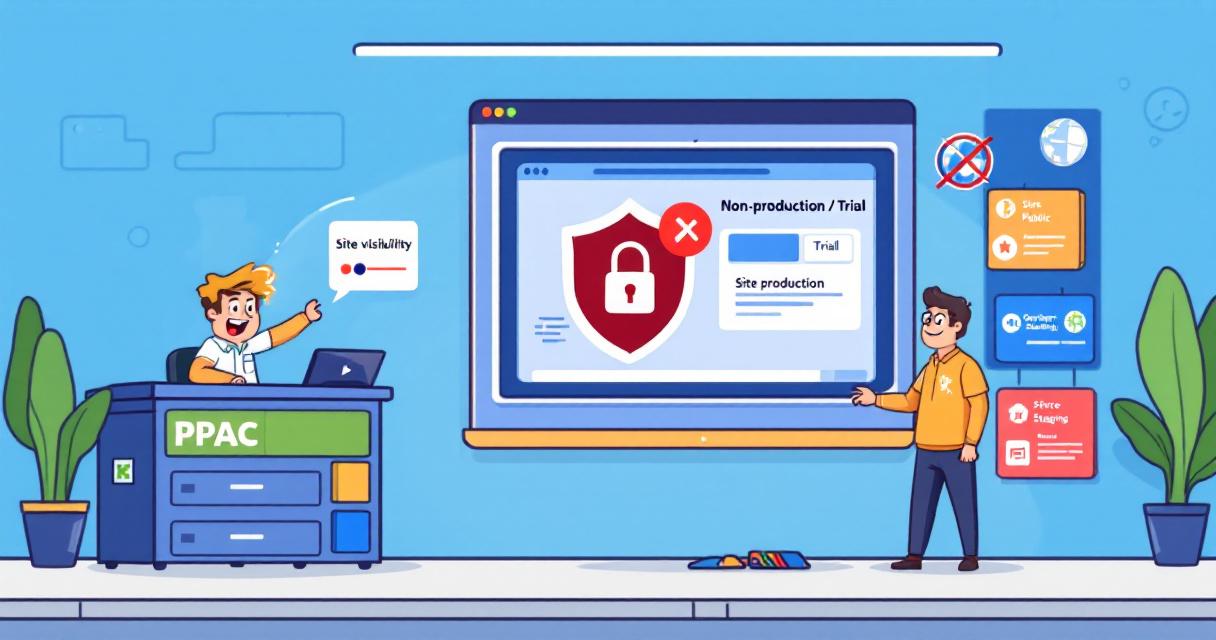
When teams build or test Power Pages sites in trial or developer environments, there’s a risk those unfinished or sensitive sites could be made public by mistake. Microsoft has added a simple governance control in the Power Platform admin center (PPAC) that helps tenant admins prevent non-production sites from being switched to public—giving organizations an easy guardrail while leaving production sites unaffected.
What’s changing
Tenant admins can now set a policy in PPAC that restricts makers from changing non-production Power Pages sites from Private to Public. If the restriction is enabled, makers will see a message in Power Pages Design Studio that making the site public is disabled and to contact their admin for exceptions. The control applies only to non-production environments (trial and developer). Existing non-production sites that are already public remain public until they are switched back to private; once private, they cannot be made public again while the restriction is in effect. Admins can also target the rule to specific environments.
How to enable the control (quick steps)
- Sign in to the Power Platform admin center (PPAC).
- Go to Manage Power Pages Governance controls.
- Select “Set site visibility to public access” for non-production sites.
- Choose the environment(s) to which the policy should apply.
- Pick the site targeting option you want and save changes.
Changes take effect immediately in the maker experience.
Why it matters
- Prevents accidental public exposure of test, staging, or development sites.
- Helps organizations meet compliance and security needs by limiting external access to only approved production sites.
- Gives admins a clear, centralized way to enforce visibility rules without blocking normal production workflows.
Practical tips for admins
- Review the default setting after the feature appears in your tenant (the default is ‘None’, which prevents makers from making non-production sites public until you change it).
- Use site targeting to apply the policy where it’s needed rather than tenant-wide if appropriate.
- Communicate the new rule to makers and provide a process for requesting exceptions.
- Verify the maker experience in Power Pages Studio after enabling the policy to confirm visibility behaves as expected.
 Licensed under CC BY-ND 4.0 International