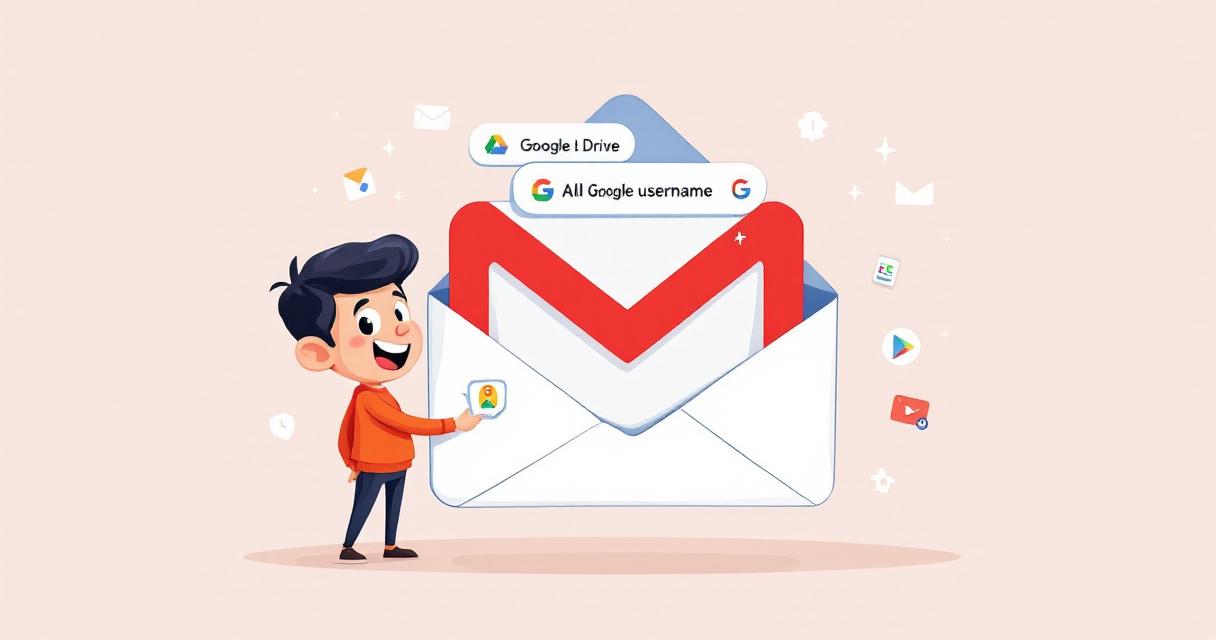
For more than twenty years, the email address you chose when creating a Google Account was effectively permanent. That meant awkward childhood handles, name changes after marriage, or simply wanting a cleaner, more professional address often required creating a brand-new Google Account and manually migrating data. Google has quietly changed that rule: users with @gmail.com addresses can now replace their existing username with a new @gmail.com handle while keeping the same underlying account and its data intact. This is a meaningful shift in how digital identities are managed — and it’s worth understanding both how to do it and how to protect yourself while doing so.
What changed
Previously, changing a primary Gmail username required creating a fresh Google Account and attempting to move email, Drive files, Photos, Play Store purchases, and more — a messy, time-consuming process that frequently left data fragmented or lost. Google’s update decouples the visible username (your @gmail.com address) from the immutable account ID on Google’s backend. That allows the visible handle to be swapped while all services, subscriptions, and stored data remain tied to the same account.
How to change your Gmail username (step-by-step)
Sign in to your Google Account and open the account management dashboard.
Go to the Personal info tab.
Under Contact info, click your current email address.
Choose the option to edit your Google Account email, enter the new desired username, and follow the verification prompts on screen.
Google performs backend checks and verification before finalizing the swap; if everything passes, the account transitions to the new @gmail.com address without creating a separate account.
Why this matters — benefits for users and organizations
- Simpler identity updates: Users who change names, rebrand, or want a more professional address can update their email without losing history.
- Fewer orphaned accounts: No need to maintain an old account for email forwarding, which reduces unattended attack surfaces and administrative overhead.
- Seamless continuity: Subscriptions, Play Store purchases, Drive files, and other linked services remain associated with the same account, avoiding the complex migrations users previously faced.
Security implications and things to watch for
Changing your visible email is not purely cosmetic — it has security and authentication consequences that require attention.
Recovery email and phone alerts
Google will send automated security alerts to your recovery email and phone number when a username change occurs. Make sure those recovery channels are up to date so you receive these notifications and can act quickly if something seems off.
Single Sign-On (SSO) and connected apps
Many services use “Sign in with Google” or rely on your Google email as the primary login or recovery address. While Google’s backend should bridge SSO tokens to the new handle, some third-party platforms may still identify you by the old email and require manual updating. Check connected apps and re-authorize sessions if necessary.
Account takeover risks
Maintaining accurate recovery options and enabling two-factor authentication (2FA) becomes even more critical during transitions. Attackers may try to exploit change notifications or recovery paths; treat any unexpected prompts or emails during the change process as suspicious until verified.
Practical checklist to run after changing your @gmail.com address
- Update recovery information: Verify recovery email addresses and phone numbers are current.
- Review connected apps: Visit Security → Third-party apps with account access and reauthorize or remove entries as needed.
- Update external accounts: Manually change your email on banking, social media, enterprise services, and subscription platforms where your Gmail acts as the primary contact or recovery address.
- Re-check SSO-linked services: Log in to important services that use Google SSO to confirm sessions remain valid or to re-link accounts.
- Notify contacts: Send a brief notification to important contacts and mailing lists so they know where to reach you.
- Monitor security alerts: Watch for Google notifications about the change and follow any recommended steps immediately.
Rollout and availability
At launch, Google’s documentation indicates the feature is available to users in the United States, with a broader global rollout expected over time. Google reportedly tested the change quietly before publicizing it to ensure database stability and to minimize downtime or errors during transitions. Users interested in switching should consult Google’s Help Center for the official guidance and any region-specific caveats.
Final thoughts
Allowing users to change their @gmail.com address without creating a new account is a significant improvement in account flexibility and user experience. It reduces the friction of identity updates and lowers the risk associated with maintaining legacy accounts for forwarding purposes. That said, the process isn’t entirely hands-off: you’ll need to be proactive about updating external services, verifying recovery channels, and monitoring for security alerts. Follow the checklist above, enable strong authentication, and treat the change as an intentional maintenance task rather than a one-click cosmetic update.
 Licensed under CC BY-ND 4.0 International
Akira Ransomware Uses Windows Safe Mode to Shut Down EDR Before Launching Encryptor
Akira’s latest tactics expand the ransomware playbook: instead of relying solely on…

2.86 Billion Credentials Flood Criminal Markets — How Infostealers and Initial-Access Brokers Are Reshaping Risk
Stolen login data has become a commodity so abundant that it’s now…

Ransomware Strikes Colombian Justice Ministry Ahead of Presidential Transition
Colombia's Ministry of Justice was hit by a ransomware attack on August…

Microsoft Extends Windows 10 Extended Security Updates Through October 2027
Microsoft has quietly extended its consumer Extended Security Updates (ESU) program for…