A recent analysis of publicly accessible WordPress installations has revealed a startling reality: a large majority of sites are running PHP versions that are no longer supported, creating a widespread and avoidable security risk. While WordPress itself issues regular updates, the underlying server-side language many sites rely on—PHP—has lagged behind in adoption. The result is an ecosystem where millions of sites are exposed to known vulnerabilities, automated scanning, and opportunistic exploitation.
Scope of the problem
Data drawn from over 316,000 WordPress instances with visible version metadata shows only roughly 30% are using a currently supported PHP release. That leaves more than 70% on legacy releases, including PHP 7.4, which reached end-of-life in November 2022 and no longer receives security patches. Given that WordPress powers over 40% of the web, the implications are structural: outdated backend platforms are not isolated incidents but a systemic risk that increases the global web attack surface.
How outdated PHP creates risk
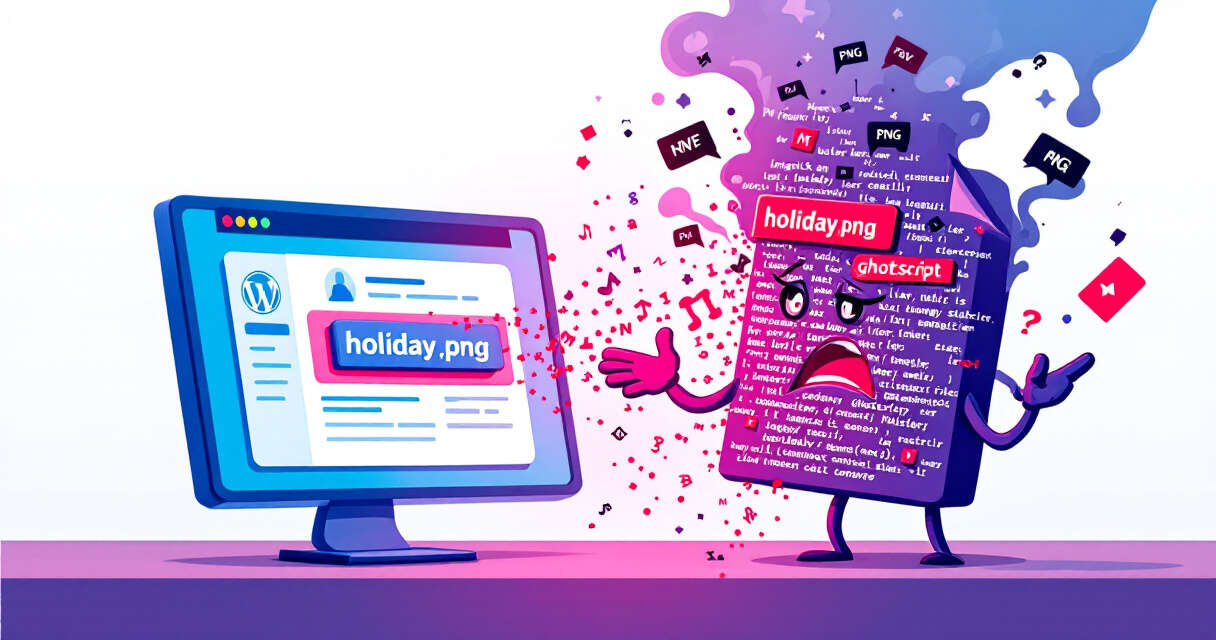
Running an unsupported PHP version means software defects and security flaws discovered after the end-of-life date will remain unpatched on those servers. Attackers frequently scan the internet for telltale version strings and exposed endpoints; automated tools can identify vulnerable versions and attempt known exploitation techniques such as remote code execution, authentication bypass, and privilege escalation. Even when the WordPress core is patched, an outdated PHP runtime can nullify many of those protections by exposing lower-level vulnerabilities or causing plugins to behave unexpectedly.
Plugins, attack vectors, and real-world fallout
Plugins multiply the risk. They add functionality but also increase the number of components that must be maintained. Many popular plugins have slow or partial adoption of the latest secure releases, meaning a site can be current on WordPress core yet still vulnerable through its plugins. Researchers have linked mass defacement campaigns and compromises—examples including incidents where hundreds of WordPress sites were replaced with attacker messages—to environments showing a combination of outdated PHP, exposed configuration files (like xmlrpc.php), and weak access controls. These compromises demonstrate how quickly an attacker can go from discovery to exploitation on neglected infrastructure.
Why many sites lag behind
Several practical barriers slow PHP upgrades. Compatibility concerns top the list: older themes or custom code may depend on deprecated functions, and updating PHP without exhaustive testing can break site functionality. Administrators often fear downtime or compatibility regressions, so updates are postponed indefinitely. Fragmented responsibility also plays a role—many sites are maintained by small teams or individual owners without dedicated DevOps, making the coordination between hosting environment, WordPress core, plugins, and custom code difficult. Finally, misconfigurations—exposed SSH, weak authentication, public admin endpoints—compound the problem by providing attackers with multiple routes in.
Practical steps for site owners and administrators
– Inventory and monitoring: Start by identifying your site’s PHP version and the versions of your installed plugins and themes. Use automated scanners and regular audits to detect outdated components.
– Test before upgrading: Implement a staging environment that mirrors production. Test PHP upgrades there first to spot compatibility issues without risking downtime.
– Backups and rollback plans: Maintain reliable, frequent backups and a clear rollback procedure so you can recover quickly if an upgrade causes unexpected problems.
– Incremental updates: When possible, move to intermediate supported PHP releases incrementally rather than leaping multiple major versions at once.
– Use modern hosting and managed services: Many managed WordPress hosts handle PHP updates and compatibility testing for you, reducing operational burden.
– Harden exposed endpoints: Restrict access to xmlrpc.php if unused, implement strong authentication controls, and disable unnecessary services.
– Apply the principle of least privilege: Limit SSH and administrative access, and enforce multi-factor authentication for user accounts with elevated permissions.
– Implement proactive defenses: Web application firewalls (WAFs), intrusion detection, and continuous monitoring can reduce the window of exposure.
– Keep plugins and themes up to date: Treat plugin and theme updates with the same urgency as core updates—vulnerabilities in third-party extensions are common exploit vectors.
The role of hosting providers, developers, and the community
Addressing this problem requires cooperation across the ecosystem. Hosting providers can make it easier by offering safe, automated PHP upgrade paths and compatibility tools. Plugin and theme developers must prioritize forward-compatibility and clearly communicate compatibility matrices. Security tooling vendors and the broader WordPress community can help by improving visibility—making it easier for site owners to know when their stack is outdated and what concrete steps to take.
Conclusion
The discovery that more than 70% of scanned WordPress sites run unsupported PHP versions is a stark reminder that visible updates alone aren’t enough; the invisible infrastructure powering those sites matters just as much. Upgrading PHP and maintaining a vigilant patching discipline are foundational steps in reducing exposure to attackers. For site owners, the path forward is straightforward—inventory, test, update, and harden—while the broader ecosystem must make those steps less risky and easier to implement. The security of millions of websites depends on it.
 Licensed under CC BY-ND 4.0 International