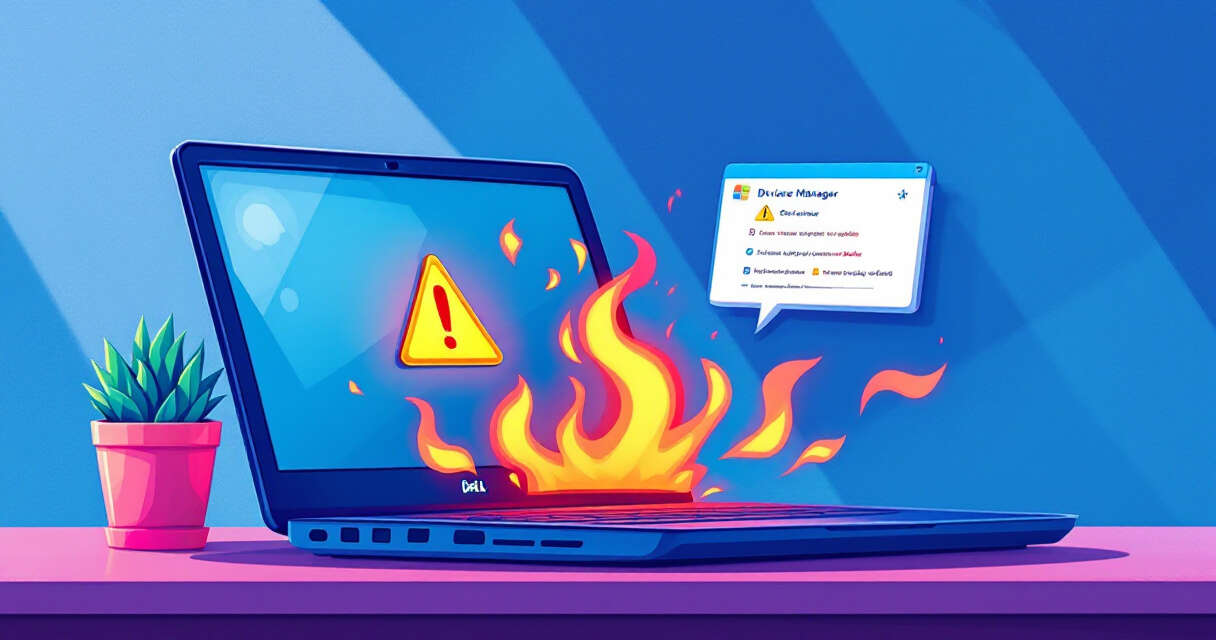
Microsoft has acknowledged that a recent Windows 11 preview update has caused a limited number of Dell laptops to experience unexpected shutdowns, higher operating temperatures, rapid battery drain, and reduced performance. The issue was first flagged during Dell’s internal testing and later confirmed by Microsoft on July 14, 2026. A specific Intel driver interacting with a newly introduced Windows USB-C Connection Manager appears to be the root cause.
The problem and symptoms
Affected systems may display a yellow warning in Device Manager beside the Intel Innovation Platform Framework Processor Participant driver after installing the June 23, 2026 preview update (KB5095093, OS Build 26100.8737). Reported symptoms include:
- Unexpected shutdowns that occur under real-world workloads.
- Noticeably higher heat output and thermal spikes.
- Faster-than-normal battery drain.
- Reduced system responsiveness or degraded performance.
Which devices are affected
Microsoft says only a limited subset of Dell models that use the specific Intel driver are impacted. The company has not published a complete model list, but it confirmed that machines running the following platforms are affected:
| Platform | Status |
|---|---|
| Windows 11, version 25H2 | Affected |
| Windows 11, version 24H2 | Affected |
| Windows Server | Not affected |
Microsoft’s mitigation and coordination with Dell
To prevent additional devices from encountering the issue, Microsoft is blocking the July 14, 2026 security update (KB5101650) from being offered to systems identified as vulnerable while it works with Dell to develop a fix. The companies say a targeted resolution is expected “in the coming days.” Microsoft and Dell are collaborating to produce either an updated driver or an OS-side correction that resolves the incompatibility with the USB-C Connection Manager interface introduced in the preview build.
Immediate steps for users
If you suspect your Dell laptop is affected:
- Open Device Manager and look for a yellow exclamation mark next to the Intel Innovation Platform Framework Processor Participant driver.
- If you installed the June 23 preview update and notice overheating, sudden shutdowns, or rapid battery drain, consider delaying non-critical updates until the fix is released.
- Keep firmware and Intel drivers up to date via Dell SupportAssist or the official Dell support site once a confirmed fix is available.
- Report any stability or thermal issues through the Windows Feedback Hub and contact Dell support if you experience significant problems.
Advice for IT teams and organizations
Enterprises that manage fleets of Dell Windows 11 devices should pause automatic deployment of the July security update to potentially affected models and monitor Microsoft’s Windows release health dashboard for the official resolution. Evaluate telemetry for thermal or power anomalies across endpoints and prepare to apply a vendor-supplied driver or firmware update as soon as Microsoft and Dell publish guidance.
Why this matters
Updates that modify core OS interfaces — in this case, the USB-C Connection Manager — can expose latent driver incompatibilities that only become apparent under realistic power and thermal loads. Unexpected shutdowns and overheating not only threaten productivity but can also put hardware at risk. Microsoft’s temporary block of the July security update on vulnerable devices is a precautionary step intended to limit harm while a tested fix is prepared.
What to watch for next
Monitor official Microsoft Windows release health posts and Dell support advisories for confirmation of the targeted fix. Once a resolution is published, install it promptly and verify device stability. If you rely on Dell systems for critical work, consider delaying non-essential updates until you have confirmed compatibility for your model mix.
 Licensed under CC BY-ND 4.0 International
Windows 11 Dev Build 26300.8170 Brings Clearer Secure Boot Visibility and Bigger FAT32 Drives
Microsoft’s latest Windows 11 Insider Preview for the Dev Channel, build 26300.8170,…

Microsoft Windows 11 Updates May Trigger BitLocker Recovery Prompts — What IT Teams Need to Know
Microsoft has acknowledged a known issue in its April 2026 cumulative updates…
Microsoft Forces Upgrades on Unmanaged Windows 11 24H2 PCs Amid Rapid Emergency Fixes
Microsoft has begun rolling out forced upgrades for unmanaged Windows 11 devices…
Microsoft issues emergency Windows 11 update KB5086672 to fix broken March preview (KB5079391)
Microsoft has released an out-of-band (OOB) emergency update—KB5086672—to address installation problems introduced…