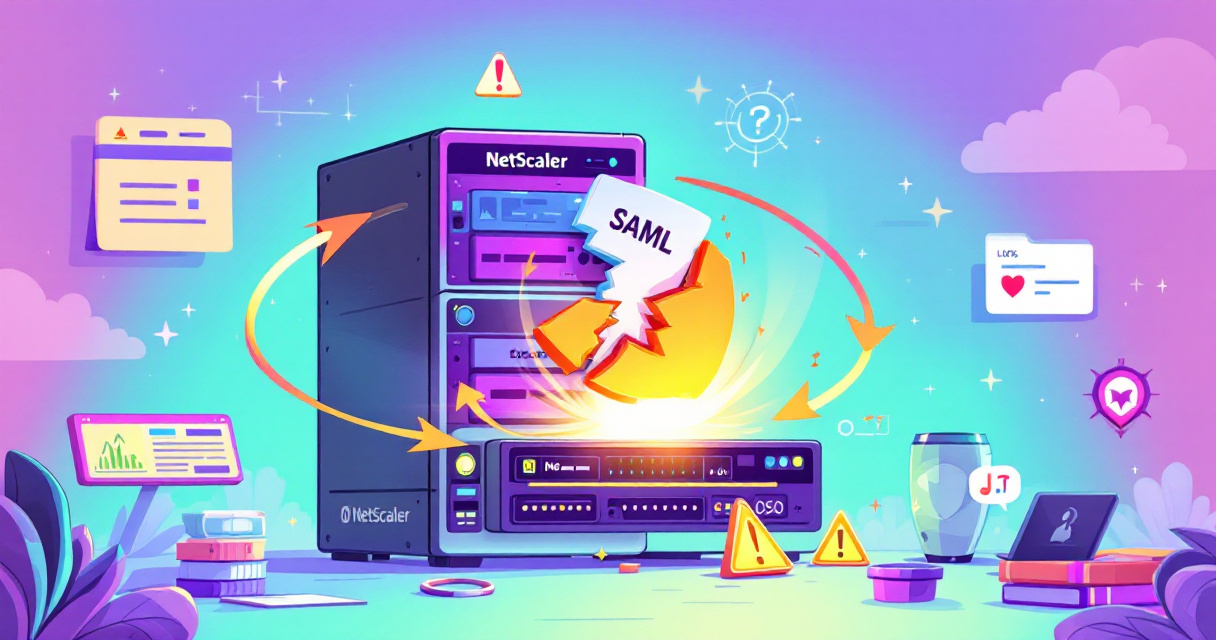
Citrix released emergency builds to address two actively exploited zero-day vulnerabilities in NetScaler appliances, but some organizations report that the patched appliances are repeatedly rebooting. What began as a rapid mitigation effort to stop remote command execution and DTLS-related attacks has morphed into an availability problem for some deployments—raising the difficult question defenders must balance: is this an operational outage or evidence of ongoing compromise? This post explains what’s known, why appliances may be restarting, and the practical steps IT and security teams should take right now.
What happened
Citrix pushed build 14.1-73.37 (alongside matching updates for other branches) to fix two zero-day flaws tracked as CVE-2026-88771 and CVE-2026-88772. The first vulnerability can allow an unauthenticated attacker to execute commands on affected systems; the second can permit code execution or a denial-of-service when DTLS is enabled. The emergency updates were issued after evidence of active exploitation against unpatched systems. After administrators applied the 14.1-73.37 build, multiple reports—including posts on administrator forums—described appliances entering forced reboot cycles. Citrix confirmed engineers are tracking a newly observed SAML-related issue and said a further bulletin and build would be released.
Why patched systems can reboot
The reboot behavior appears tied to crafted SAML authentication traffic that crashes the nsaaad process, which handles authentication services on NetScaler. When nsaaad repeatedly crashes, the appliance watchdog (pitboss) can force a restart to try to recover the service. Repeated restarts create an availability problem akin to a denial-of-service, even if the attacker never gains interactive control of the device. High-availability pairs may be affected if both nodes receive the same malformed traffic or if restarts trigger failovers in quick succession, amplifying disruption.
What defenders should check immediately
Preserve evidence first. Before another unintended restart wipes transient data, gather support bundles, system logs, core files and authentication records. Specific items to capture and correlate include:
- nsaaad crash logs and messages
- core files in /var/core
- the appliance support bundle (per Citrix guidance)
- timestamps of reboots correlated with inbound SAML requests
- identity provider logs and any related authentication failures
- firewall and edge logs showing source IPs and request patterns
- recent configuration changes and any unknown administrator sessions
- unusual outbound connections that could indicate post-exploit tunnels or exfiltration
Treat unexplained reboots as both an uptime incident and a potential security incident. Because patching prevents new exploitation of the listed CVEs but does not remove access created before patching, teams must assume prior compromise is possible until investigations prove otherwise.
Patch scope, vendor guidance, and limitations
Citrix’s bulletin CTX697096 lists the affected and fixed releases (for example, 14.1-73.37 and 13.1-64.23, plus FIPS/NDcPP variants). The builds close the reported zero-days, but Citrix’s temporary SAML guidance asks customers to verify whether the relevant configurations are present, evaluate mitigation choices, and prepare to install the next fixed build when published. At the time of the initial reports, Citrix had not published a new CVE or a complete root-cause analysis for the reboot issue, so administrators should avoid assuming that every reboot equals a confirmed breach or that the September fix reintroduced the earlier flaws.
Practical mitigation checklist
- Preserve evidence: collect support bundles, /var/core, system and auth logs immediately.
- Verify installed build: confirm the exact build version on every active and standby node.
- Correlate events: map reboot times to inbound SAML requests, firewall logs, and IdP entries.
- Harden access: restrict management interfaces behind trusted networks or VPNs where possible.
- Apply vendor mitigations only: follow Citrix’s official temporary guidance rather than ad hoc or community-sourced patches.
- Keep support cases open: treat severity-one tickets with Citrix as ongoing until a vendor fix and root-cause are published.
- Monitor for persistence: look for indicators of pre-patch compromise—web shells, unexpected admin accounts, tunnels, or lateral movement.
- Prepare rollbacks and HA plans: if restarts threaten availability, have documented recovery and failover steps to minimize service impact.
How to communicate this to stakeholders
Explain the dual nature of the problem: this update blocks active exploitation paths but may cause availability issues in some environments because a new SAML-related crash condition was observed. Be transparent about the steps being taken—evidence preservation, correlation of logs, vendor engagement—and set expectations that Citrix will publish a follow-up bulletin and a fixed build. Emphasize that patching remains essential to stop new exploitation, but it is not a substitute for incident investigation when anomalous behavior continues.
Conclusion
The NetScaler emergency updates were necessary to close two serious zero-days, but the operational fallout for some customers demonstrates how rapid mitigation can surface new stability problems. Preserve evidence, confirm build versions across nodes, correlate reboots with SAML and network logs, and work closely with Citrix support. Until the vendor publishes a definitive root cause and a follow-up build, treat unexplained reboots as both an availability incident and a potential security incident.
 Licensed under CC BY-ND 4.0 International
Akira Ransomware Uses Windows Safe Mode to Shut Down EDR Before Launching Encryptor
Akira’s latest tactics expand the ransomware playbook: instead of relying solely on…

Antino: A Stealthy Backdoor That Hides in Outlook and OneDrive
A new espionage campaign tracked by Cisco Talos has exposed a sophisticated…

2.86 Billion Credentials Flood Criminal Markets — How Infostealers and Initial-Access Brokers Are Reshaping Risk
Stolen login data has become a commodity so abundant that it’s now…

Hackers Leverage Microsoft Teams to Breach Organizations: Inside UNC6692’s SNOW Campaign
In late 2025 and into early 2026, a sophisticated intrusion campaign used…