
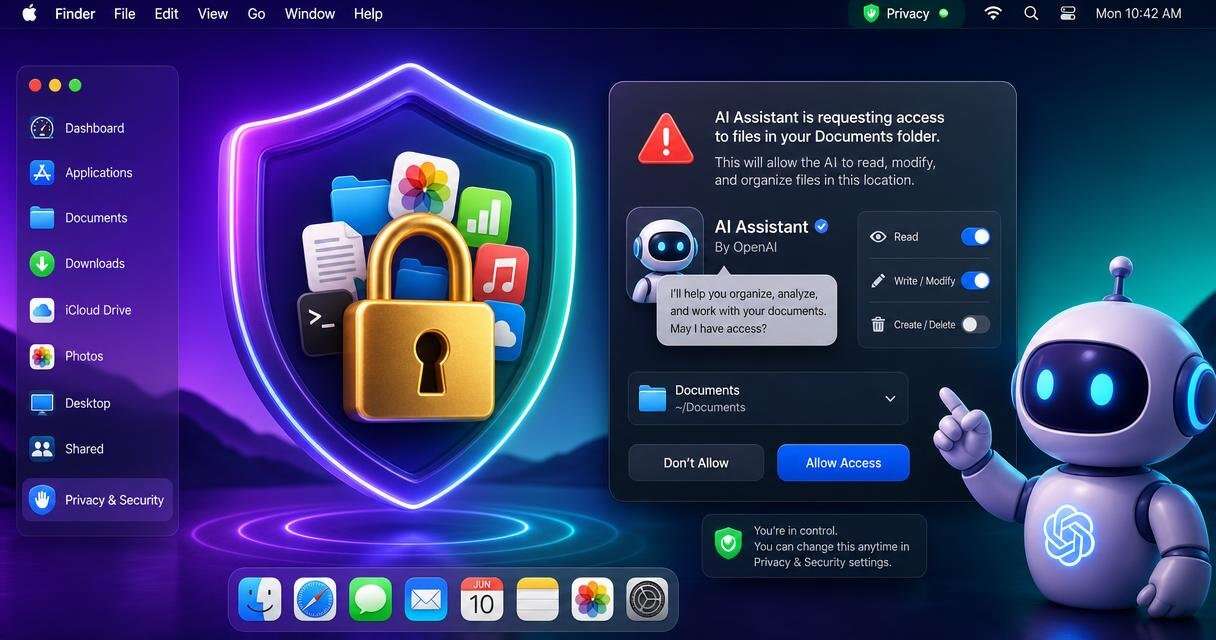
Apple has added new privacy controls in macOS 27.3 beta 2 that make it harder for apps, including AI assistants, to gain broad access to Mac data without clear user approval. Announced on November 16, 2026, the changes bring narrower permissions, stronger warnings, and more visibility into app activity.
New approval flow and permission limits
Apple is splitting Device Control and Data Access into two settings called System & App Protection Override and Accessibility. The company is also introducing a single approval method that lets users pick the requesting app from a list, so the permission process is more consistent across affected workflows.
macOS will steer users toward approving only the specific apps or folders needed for a task. System & App Protection Override handles app selection, while the updated Full Disk Access flow encourages folder limits. Apple presents that as a narrower alternative to broad approval.
Warnings shown to users
The revised approval screens are designed to make the scope of access easier to see. Apple says the screens will explain more clearly which data an app could access or control, and it warns that granting these permissions puts all Mac data at risk. The goal is informed consent before users approve access that reaches beyond an app’s immediate task.
The supplied screenshots show how direct those warnings can be. A ChatGPT permission screen describes access to messages, email, photos, and browsing activity. A Claude screen offers a choice between overriding system protections and selecting specific apps. Those screens describe potential permission scope, not evidence that either app has taken data.
Transparency while apps act
Users can configure apps to request approval whenever access is needed. A transparency indicator will show when an app controls another app through System & App Protection Override. MacRumors reports that the indicator appears in the menu bar, which helps users notice activity that might otherwise happen out of view.
The change is meant to give more visibility into app activity across affected workflows. It also applies beyond AI software, since Apple’s earlier warning about unrestricted access covered tighter Full Disk Access controls more broadly. Users can still approve broad permissions if they choose.
Existing permissions stay in place
One limit is that previously granted permissions remain active. Users will see the updated process when they approve new requests. Installing the beta therefore does not automatically remove broad access already granted to an AI assistant, automation tool, or another application.
Developers must update setup instructions and make sure their apps still work when users approve only selected folders or applications. Apple also plans special entitlements for qualifying backup software and assistive technologies. Known apps currently keep their existing experience without those entitlements, and more details are due later.
What the controls are meant to change
The controls are meant to reduce unnecessary exposure by matching access to the job instead of relying on an app’s name alone. They do not remove prompt injection or unsafe automation risks. Their value depends on narrow approvals and regular checks of existing permissions.
 Licensed under CC BY-ND 4.0 International