
The idea that artificial intelligence lives only in the cloud or behind a chat window is changing. OpenAI—best known for conversational models that scale across apps and businesses—is reportedly building a family of physical devices, starting with a smart speaker and potentially expanding into smart glasses and even a smart lamp. This move represents a pivotal moment in how AI
Category: Cloud-Computing
EC2, S3, Lambda, RDS, DynamoDB, VPC, CloudFront, Route 53, IAM, CloudWatch, EKS, VMs, Blob Storage, Azure Functions, Azure SQL, Cosmos DB, VNet, Azure AD, Azure Monitor, AKS, Compute Engine, Cloud Storage, Cloud Functions, Cloud SQL, BigQuery, GKE, Pub/Sub, Cloud Run, App Engine.
When AI Gets Affordable: Sam Altman’s Forecast and Jio’s ₹10 Trillion Investment
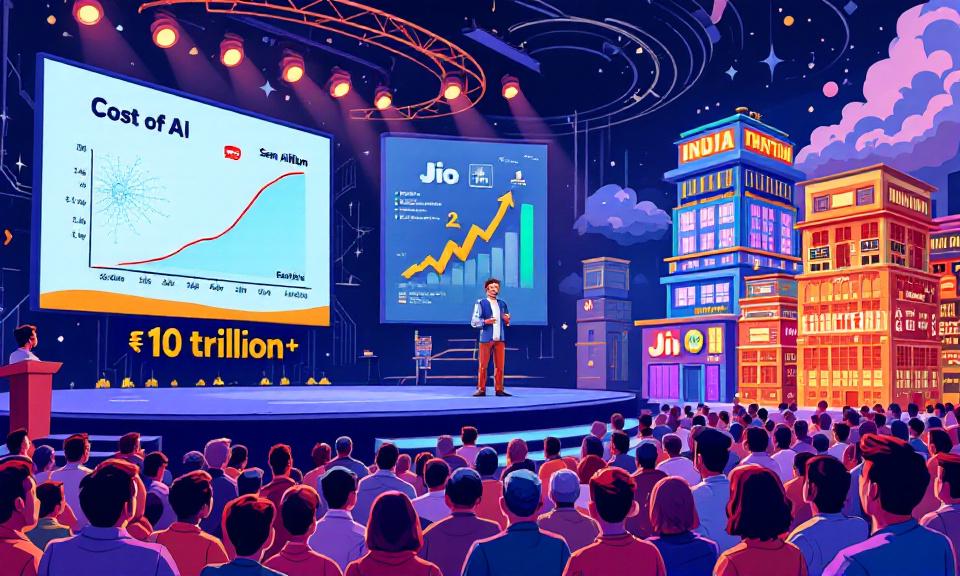
The India AI Impact Summit in Delhi crystallized a striking convergence: a global prediction about rapidly falling AI costs paired with one of India’s largest private investments in the technology. OpenAI’s CEO observed that the expense of obtaining difficult answers from advanced models has plunged by orders of magnitude in just over a year, and he expects further dramatic declines
Code, Capital, and Confidence: Why India Is Poised to Lead the Next Wave of AI
At the India AI Impact Summit, a clear narrative emerged: India is no longer a passive adopter of artificial intelligence but a fast-moving force shaping how the technology will be used and governed. OpenAI’s CEO, speaking to the momentum he observed on the ground, positioned India as a major market and a hub of adoption that could exert outsized influence
From The Blinking Cursor to The Thinking Machine: A Memoir of Automation

There is a specific kind of silence that only exists in a server room late at night. It isn’t actually quiet—the fans are screaming, the air conditioning is humming like a jet engine, and the hard drives are clicking in a chaotic rhythm. But for those of us who have spent the last two decades in IT, it feels silent
Claude Opus 4.6: Anthropic’s powerful model for coding, agents, and enterprise workflows is now available in Microsoft Foundry

Claude Opus 4.6 represents a clear evolution in applying frontier language models to mission-critical enterprise workloads. By combining Anthropic’s latest reasoning and long-context capabilities with Microsoft Foundry’s governance, identity, and operational controls, organizations can transition from isolated experiments to production-grade, agent-driven systems. This release is significant because it is not merely about raw model performance; it is about enabling sustained,
Microsoft Adds Native System Monitor (Sysmon) Support to Windows 11
Microsoft has begun shipping System Monitor (Sysmon) as a native, opt-in capability in Windows 11 preview builds. This change moves a widely used, high-fidelity endpoint telemetry tool from an optional Sysinternals download to an OS-managed feature. For security teams, IT operations, and incident responders, native Sysmon promises simpler deployment, stronger integration with Windows management channels, and a more consistent telemetry