
In February 2026, a focused collaboration between Anthropic and Mozilla demonstrated a new phase in vulnerability research: large language models (LLMs) moving beyond assistance into active, high-throughput discovery. Over a two-week engagement, Claude Opus 4.6 performed deep analysis of the Firefox codebase and surfaced 22 distinct security flaws. The scope and speed of these findings — especially the 14 issues
Category: Security
Zero-Day, APT, Exfiltration, Lateral-Movement, Privilege-Escalation, Botnet, Rootkit, Backdoor, Keylogger, Smishing, Vishing, Spear-Phishing, Social-Engineering, MITM, SQL-Injection, Cross-Site-Scripting, XSS, CSRF, Path-Traversal, Buffer-Overflow, Honeypot, CVE, CVSS, Red-Team, Blue-Team, Threat-Hunting, Malware-Analysis, MITRE-ATT&CK, Insider-Threat, Privilege-Flaw, Jailbreak, Shellcode, Exploit-Kit, LFI, RFI, Obfuscation, Payload.
Admin Account Backdoor: Critical Privilege-Flaw in WordPress User Registration Plugin (CVE-2026-1492)

A critical security flaw in a widely used WordPress membership plugin has made it trivially simple for unauthenticated attackers to create administrator accounts and seize control of affected sites. The vulnerability, tracked as CVE-2026-1492, exposes a systemic weakness in how the plugin handled role assignment during user registration. This post summarizes what happened, who discovered it, the immediate risks, and
90 Zero‑Days in 2025: Google’s Snapshot of an Evolving Exploit Economy

Google’s Threat Intelligence Group reported 90 zero‑day vulnerabilities actively exploited in the wild across 2025. That total sits above 2024’s 78 but below the record 100 observed in 2023. Beyond the raw count, the GTIG data reveals a notable shift in where and how these flaws were used, who is using them, and which technical weaknesses continue to drive high‑impact
VoidLink Malware Framework: Key Points on How It Targets Kubernetes and AI Workloads
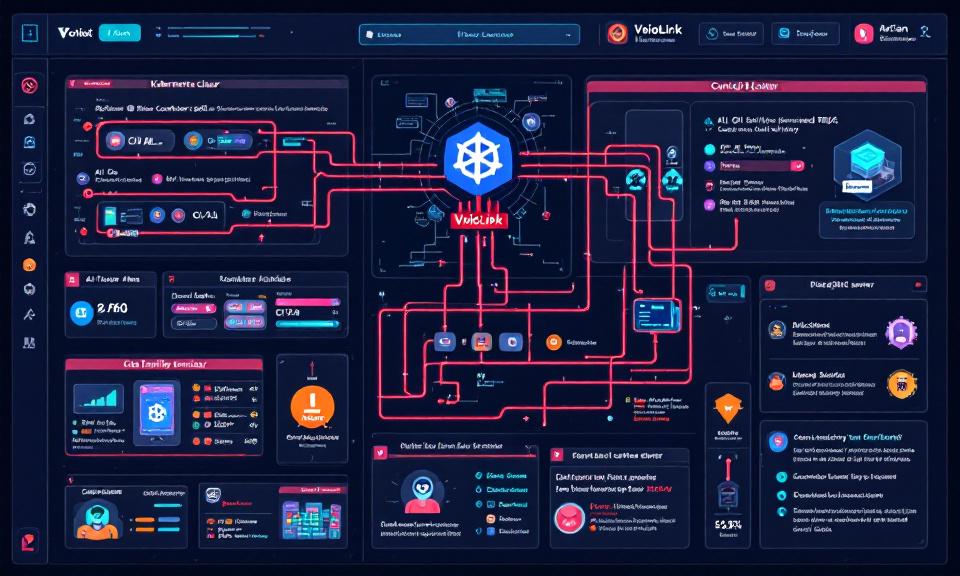
Title: VoidLink Malware Framework: Key Points on How It Targets Kubernetes and AI Workloads Overview VoidLink is a modular malware framework observed targeting cloud-native environments, with emphasis on Kubernetes clusters and AI infrastructure. Goal: persistence, lateral movement, data exfiltration, and abuse of compute (e.g., model theft, crypto-mining, or training/serving misuse). Modularity enables plugins for container escape, kubeconfig harvesting, and targeted
Bitwarden Adds Passkey Login Support for Windows 11
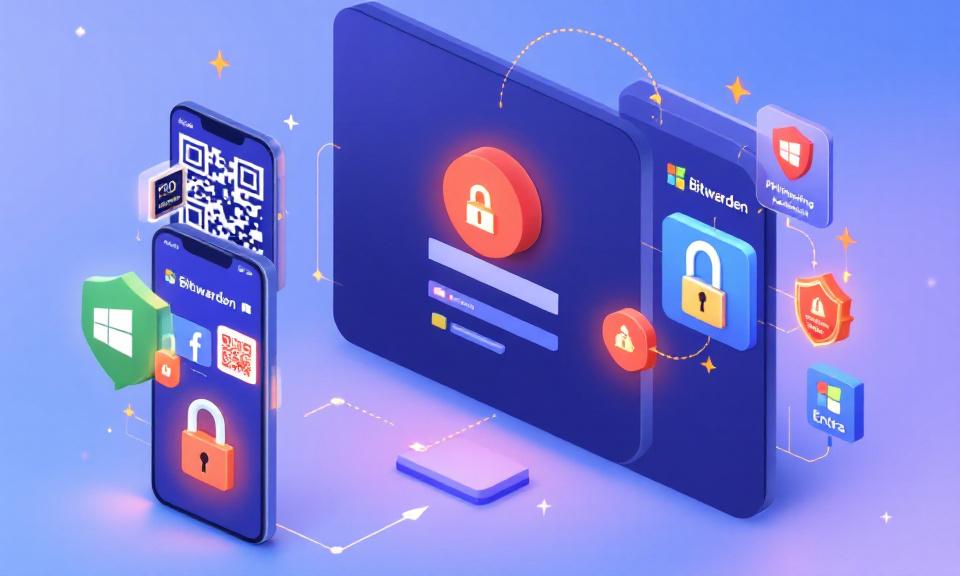
Bitwarden now supports using passkeys stored in its vault to sign into Windows 11 devices, enabling passwordless, phishing-resistant authentication. The feature is available to all Bitwarden plans, including the free tier. How it works On the Windows sign-in screen, users choose the security key sign-in option and scan a QR code with a mobile device. The passkey stored in the
MS‑Agent Shell Flaw (CVE‑2026‑2256): What You Need to Know

A critical vulnerability in the MS‑Agent framework’s Shell tool allows untrusted input to be executed as operating‑system commands, potentially giving attackers full control of affected systems. This short note summarizes the issue, its impact, and immediate mitigations, and points to the original advisory for technical details. Overview MS‑Agent exposes a Shell capability intended to let AI agents run OS commands