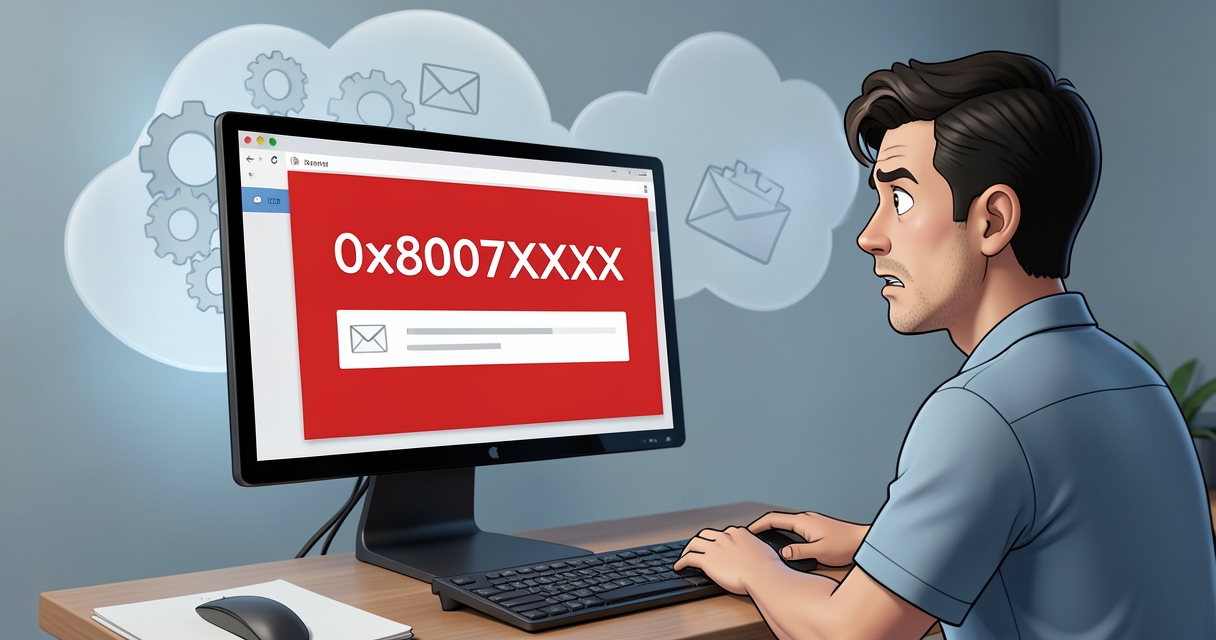
Microsoft has rolled out a server-side fix for a recent Classic Outlook problem that prevented some users from sending messages through Outlook.com. The issue caused non-delivery warnings and error codes for affected accounts, and the company says the change has been in production as of April 3, 2026.
What happened
Some Classic Outlook users received non-delivery reports (NDRs) with error codes such as 0x80070005-0x0004dc-0x000524 and the message: “This message could not be sent. Try sending the message again later or contact your network administrator.” The problem was most likely to appear when the Outlook.com account used to send mail was linked to an Outlook profile that also contained another Exchange account.
Who was affected
The bug primarily impacted users sending messages from Outlook.com addresses that were configured inside a Classic Outlook profile alongside other Exchange accounts. Microsoft also noted the error could be triggered if the sender’s account had an Exchange Online mail contact using the same SMTP address.
The fix and timeline
The Outlook team implemented a server-side service change that Microsoft says is in production as of April 3, 2026. Users who continue to see delivery problems are advised to switch to the New Outlook client or use Outlook.com in a web browser while Microsoft’s protections propagate.
Workarounds
Microsoft suggested temporary workarounds for anyone still affected: use the New Outlook or Outlook.com on the web to send messages, or download the Outlook Address Book for the affected Outlook.com accounts following Microsoft’s documented steps.
Related issues
This is one of several recent Classic Outlook problems Microsoft has been addressing. Earlier fixes dealt with a Teams Meeting Add-in bug that made the client unusable for some users. Microsoft is also investigating other Classic Outlook bugs, including group-creation connection errors and issues that make the mouse pointer disappear across several Microsoft 365 apps, plus intermittent Exchange Online access problems affecting Outlook mobile and macOS users.
Bottom line
If you experienced NDRs or delivery failures in Classic Outlook, the server-side fix may already have resolved the issue. If not, try the New Outlook or Outlook on the web and follow Microsoft’s temporary guidance until the fix fully reaches your account.
 Licensed under CC BY-ND 4.0 International

Researcher Publishes Windows Defender 0-Day ‘BlueHammer’ LPE Proof‑of‑Concept
A security researcher using the handle Chaotic Eclipse has publicly released a…
Microsoft removes Support and Recovery Assistant from Windows — what it means
Microsoft has removed the Support and Recovery Assistant (SaRA) from Windows, according…
Announcing General Availability of Server Logic in Power Pages
Power Pages has taken a significant step forward: Server Logic is now…

Microsoft Links Medusa Ransomware Affiliate to Zero-Day Exploitation Campaign
Microsoft’s recent analysis tying a Medusa ransomware affiliate to a campaign that…