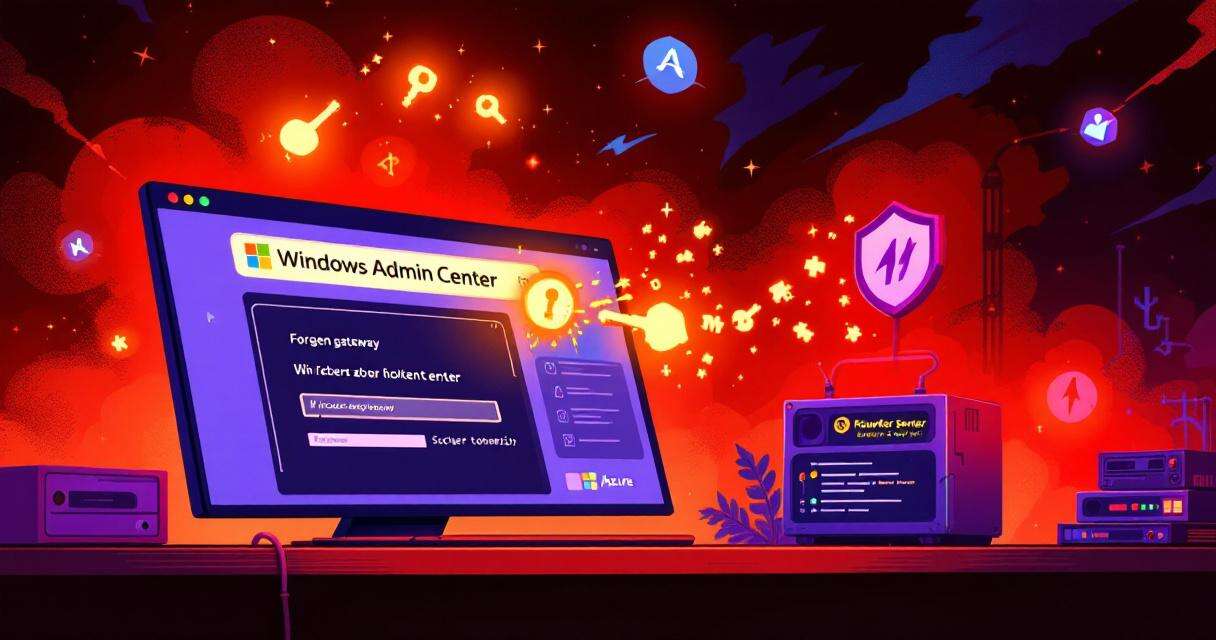
Windows Admin Center (WAC) is a convenient, browser-based management hub for administrators to manage servers, clients, and clusters from a centralized interface. A recent Cymulate Research Labs disclosure describes a critical chain of flaws that let an attacker achieve unauthenticated, one-click remote code execution (RCE) against both Azure-integrated and on-premises WAC deployments. The exploit requires little user interaction—a maliciously crafted link—and, if successful, can silently execute arbitrary commands and take over targeted environments. Cloud customers hosted in Microsoft’s Azure-managed instances were protected by a server-side patch, but organizations running on-premises WAC must act immediately to patch and harden their deployments.
What the researchers found
Cymulate’s analysis identifies three core architectural weaknesses that together enable the exploit:
- Response-based cross-site scripting (XSS): The WAC application fails to properly sanitize certain server responses and error paths, allowing injected JavaScript to run in the WAC browser context.
- Insecure redirect handling: WAC accepts externally controlled gateway URLs without sufficient validation, enabling attackers to redirect legitimate flows into malicious servers and domains.
- Insecure credential storage (on-premises): Some on-premises configurations store Azure access and refresh tokens in browser localStorage, where they can be stolen by scripts running in the same origin.
Because these problems intersect, an attacker can craft a believable WAC gateway URL, host a rogue endpoint with a valid TLS certificate, and trick a user into visiting the link. The WAC client will follow the redirect; the attacker’s server replies with a specially built error message that includes hidden script. That script runs with WAC privileges, can harvest credentials and tokens, and—on on-premises gateways—can trigger PowerShell execution on managed servers.
Attack paths and impact
Azure-managed WAC: Microsoft implemented server-side mitigations for Azure-hosted WAC instances after Cymulate disclosed the issue on August 22, 2025. Because the fix was applied on the service side, cloud customers using the managed offering are automatically protected and do not need to take immediate remediation steps for the cloud-hosted service itself. However, administrators should still verify their tenant settings and audit logs for suspicious activity around the disclosure window.
On-premises WAC: The on-premises scenario is far more serious. In many deployments, gateway servers hold tokens in browser storage and bridge administrative sessions into local networks. An attacker who steals tokens or credentials can move laterally, elevate privileges, and execute arbitrary PowerShell commands on managed servers—effectively gaining control over the environment. Unsanitized error messages and acceptance of externally supplied gateway URLs make it trivial for an adversary to mount phishing or link-based attacks that look legitimate to the victim.
How the exploit works in practice
- Attacker registers a domain and obtains a TLS certificate to make the malicious link appear trustworthy.
- The attacker forges a WAC gateway URL that will be opened in the victim’s browser.
- The victim clicks the link (phishing email, chat, or embedded link).
- WAC redirects traffic to the attacker-controlled server according to the insecure redirect logic.
- The attacker’s server responds with an error payload containing hidden JavaScript.
- The injected script executes in the WAC environment due to the XSS vulnerability, stealing credentials or tokens or issuing commands.
- With harvested tokens or active session context, the attacker can perform tenant-level actions (cloud) or run PowerShell on local servers (on-premises).
Practical recommendations for defenders
Immediate actions
- Patch WAC: Update all on-premises Windows Admin Center instances to the latest Microsoft release that includes the fix. Do not rely on the cloud-only patch for on-premises gateways.
- Audit endpoints: Inventory WAC gateway servers and confirm no outdated instances remain reachable from user workstations or the public Internet.
- Rotate tokens/credentials: If there’s any suspicion of token theft, rotate Azure credentials, client secrets, and any stored service credentials tied to WAC.
- Restrict exposure: Remove public access to on-premises WAC gateways. If remote administration is required, place WAC behind a VPN or jump host and enforce strict network controls.
Hardening and prevention
- Implement Content Security Policy (CSP) and other browser hardening to limit where scripts can execute and where redirects are allowed.
- Harden redirect handling and input validation on any custom components that interact with WAC.
- Avoid storing long-lived tokens in browser localStorage; prefer more secure credential flows or ephemeral tokens where possible.
- Train admins to treat unexpected or unusually formatted authentication prompts with suspicion—phished links can present convincing fake prompts.
Detection and response guidance
- Monitor for unusual gateway redirects and outbound connections from workstations to unexpected domains, especially those with recently issued certificates.
- Look for sudden or unusual prompts to enter credentials originating from WAC flows or Microsoft origins, which may indicate credential harvesting attempts.
- Inspect PowerShell logs and command histories for unexpected administrative commands executed from gateway contexts.
- Review Azure audit logs for anomalous token use, tenant changes, or operations that do not match known administrator activity.
Long-term lessons
This incident underlines how small gaps—improper response sanitization, lax redirect validation, and insecure client-side token storage—can combine into a critical system-wide failure. For browser-based administration tools that bridge cloud and on-premises environments, developers and operators must assume adversaries can craft convincing, trusted-looking links and must design both server- and client-side defenses accordingly. Regular code review, automated scanning for response-based XSS, and minimizing sensitive data stored in browser contexts reduce the blast radius of similar chains.
Conclusion
Cymulate’s disclosure of a one-click RCE in Windows Admin Center is a stark reminder that administrative tooling needs the same rigorous threat modeling as public-facing applications. If you run on-premises WAC, update immediately, audit your installations, and take the hardening steps above. Cloud customers using Microsoft’s Azure-managed WAC were protected via server-side patches, but that protection doesn’t extend to locally hosted gateways—where the risk remains critical until mitigated.
 Licensed under CC BY-ND 4.0 International