
Vercel has publicly acknowledged a reported KVM zero-day that a security researcher says enables a full guest-to-host virtual machine escape, and the company has granted the finder its top bounty of $50,000. The disclosure raised immediate concern because Vercel uses isolated microVMs as the primary sandbox boundary for untrusted workloads and AI agents, and a successful escape to host root
Category: Server and Virtualisation
Server Administration, Windows Server administration, Nginx, Apache, MySQL, PostgreSQL, MariaDB, MongoDB, VMware, vCenter, ESXi, Proxmox VE, Hyper-V, KVM, QEMU, libvirt, container, server monitoring, server security, SSH, remote access, FTP, SFTP, server performance, server hardening, iSCSI, NFS, SMB, CIFS, DNS server, DHCP server, web server, bare metal, rack server, IPMI, BIOS, RAID
Critical Dell Container Storage Flaws Expose Admin Controls — Immediate Upgrades Required
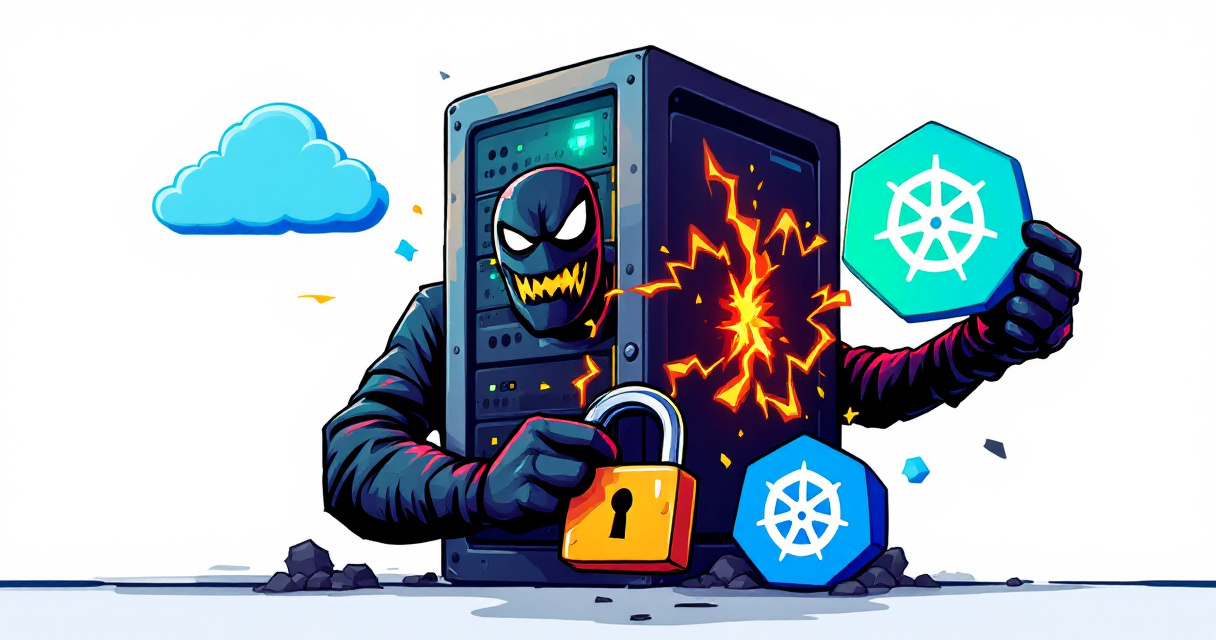
Dell’s Container Storage Modules (CSM) were found to contain multiple critical vulnerabilities that can allow unauthenticated remote attackers to gain full administrative control of affected storage environments. The most severe issues — two CVSS 10.0 flaws — permit attackers to bypass authentication and escalate to administrator privileges, while other high-severity flaws enable privilege escalation inside Kubernetes clusters or token forgery.
Attackers Exploit VMware vCenter Vulnerability to Gain Persistent Remote Access

A newly disclosed critical flaw in VMware vCenter (CVE-2026-59310) has moved quickly from patch release to active exploitation, according to investigative reporting and telemetry from security firms. The vulnerability—a directory traversal bug that allows an actor with network access to execute arbitrary code—was patched by Broadcom late last month, and forensic evidence collected by QUIRSO indicates attackers were able to
Microsoft Extends Windows 10 Extended Security Updates Through October 2027
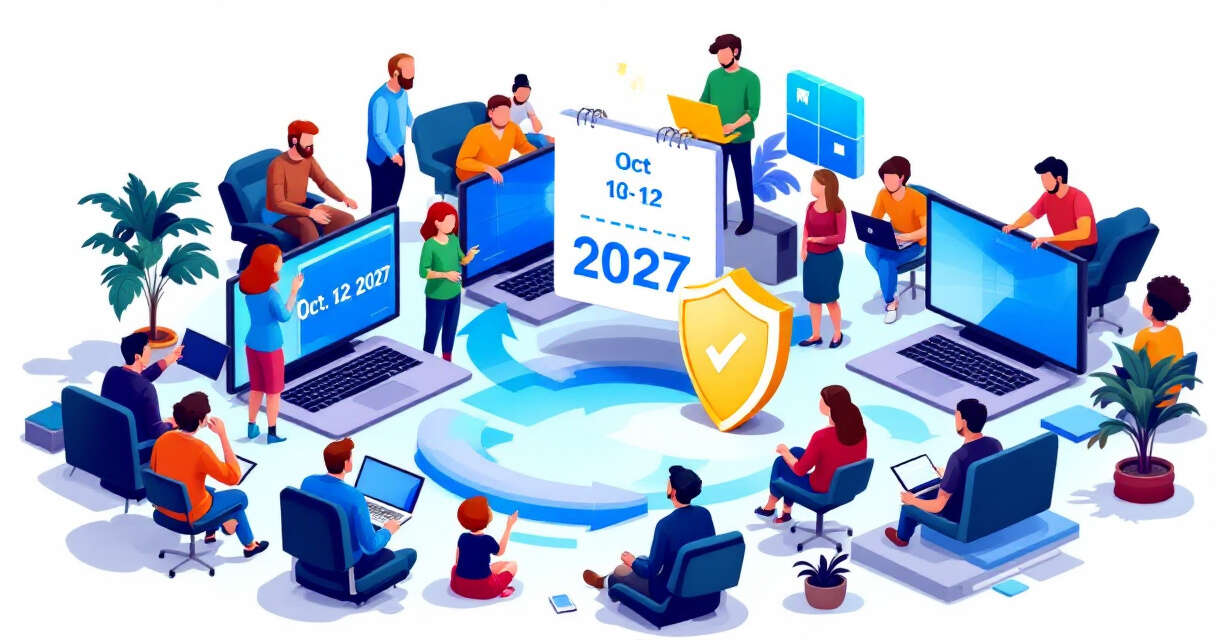
Microsoft has quietly extended its consumer Extended Security Updates (ESU) program for Windows 10, pushing the cutoff for critical security patches out another year to October 12, 2027. The move gives millions of users who have not yet migrated to Windows 11 additional time to receive important and critical security fixes, while Microsoft continues to encourage upgrades to the newer
The Credential-Free Watchdog: Mastering Event-Driven App Automation

We have all been there. You are an automation lover. You have built a masterpiece — a Scheduled Task, perfectly configured, credentials entered, running like clockwork. You walk away like a hero. Then Monday morning hits. Your account is locked. Your coffee tastes like failure. I once left a mapped network drive in an SOE test build and completely forgot
Ditching PsExec – Running Interactive SYSTEM Shells Natively in PowerShell
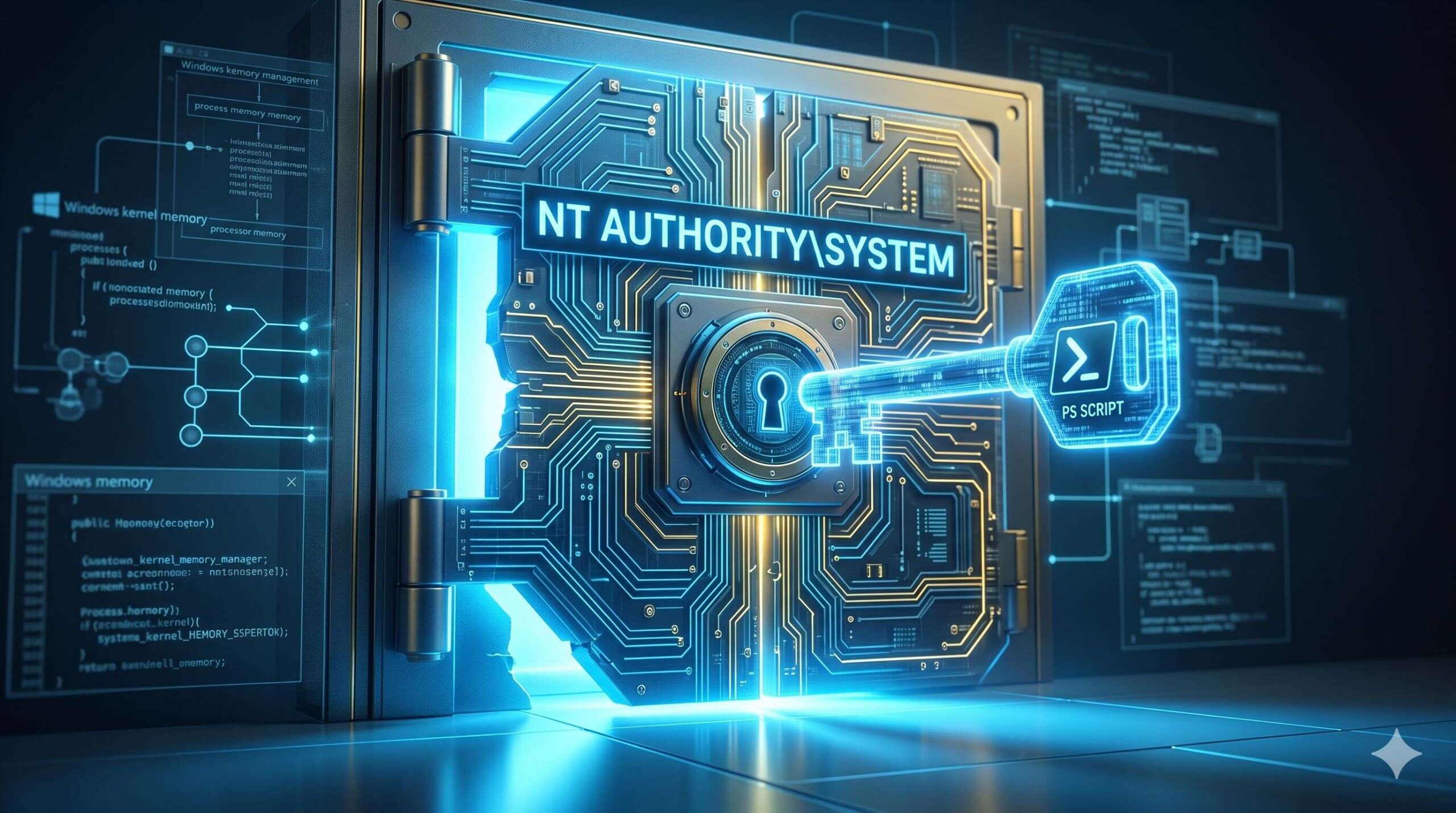
If you’ve spent any time in Windows System Administration over the last decade, I can almost guarantee you’ve reached for PsExec at least once. Originally from Sysinternals and now officially part of Microsoft, PsExec is one of those deceptively simple tools that has quietly saved thousands of IT professionals from hours of sheer agony. A single executable, zero installation, no