
Agents can now take a project from idea to live production on Cloudflare without a human manually opening a dashboard, entering card details, or copying API keys. In partnership with Stripe’s new Projects flow, Cloudflare built a protocol that lets an orchestrator platform (like Stripe Projects) attest to a signed‑in user’s identity, provide a payment token, and expose a catalog of available services. An agent using that catalog can provision a Cloudflare account, start paid subscriptions, register domains, and receive API credentials—all programmatically—so that deployment to a real domain and live infrastructure happens in one uninterrupted sequence.
How this flow looks in practice
A developer installs the Stripe CLI with the Projects plugin, runs stripe projects init, and instructs their coding agent to build and deploy. The agent queries the orchestrator’s catalog, discovers Cloudflare’s registrar and other services, and then requests provisioning. If the user’s Stripe email already maps to a Cloudflare account, the agent triggers a standard OAuth flow to gain access. If no account exists, Cloudflare can provision a new account automatically based on the identity attested by Stripe, and return credentials to the Stripe Projects CLI for the agent to use. The agent can also prompt the user when needed—for example, to add a payment method—and end up with a deployed app running on a newly purchased domain.
Discovery: giving agents the context they need
Agents make decisions by selecting from a structured list of available services. Stripe Projects exposes a simple REST API catalog that returns the provider services and products in JSON. For agents, that catalog is the essential context: it tells the agent what can be provisioned and how to request it. Rather than forcing the user to know which vendor provides which service, agents pick services that match the user’s goals and preferences, reducing friction and errors.
Authorization: identity, account creation, and secure credentials
The key to on‑demand account provisioning is the orchestrator’s role as an identity attester. When a user is signed into Stripe, Stripe acts as an identity provider and vouches for the user. Cloudflare uses that attestation to either link to an existing Cloudflare account via OAuth or to automatically create a new one, returning credentials that the agent can use to make authenticated API calls. That means new users don’t need to manually sign up for Cloudflare before they can deploy—agents can set up accounts and hand back API tokens without a manual signup flow.
Payment: safe, limited budgets for agent spending
To prevent runaway spending and to avoid exposing raw payment details to agents, the protocol includes payment tokenization. Stripe supplies a payment token to providers (like Cloudflare) when an agent requests a paid service. The agent never sees the underlying card or raw payment details. Stripe also applies a sensible default spending cap—$100.00 USD/month per provider—so agents can operate within a bounded budget. Users who want to increase that limit can do so later and set budget alerts on their Cloudflare account to monitor or enforce spending thresholds.
How platforms besides Stripe can integrate
Stripe Projects serves as a concrete example of an orchestrator, but the protocol is general: any platform with signed‑in users can act in the same role. If you run a product that exposes coding agents or other automation, you can offer the same seamless flow—expose a catalog, attest to user identity, and provide payment tokens—so your agents can provision Cloudflare accounts or other provider resources on users’ behalf. This standardization reduces one‑off integration work and makes cross‑product provisioning repeatable.
Practical developer notes and examples
- Command flow: The basic local workflow starts with installing the Stripe CLI and the Projects plugin, then initializing a project with stripe projects init. Agents can then add Cloudflare services by referencing service identifiers (for example: stripe projects add cloudflare/registrar:domain).
- User prompts: Agents will still ask users for explicit confirmation when appropriate (for example, to add a payment method if none is present). The automation is designed to minimize, not eliminate, human oversight when the user prefers it.
- Tokens and storage: The credentials returned by Cloudflare are handed back to the orchestrator CLI and securely stored so the agent can make authenticated requests on the user’s behalf.
Security and user control considerations
The integration is built on existing standards—OAuth and OIDC—extended to include payment tokenization and account provisioning behaviors. This approach keeps raw payment data away from agents and leverages the orchestrator’s existing identity assertions to ensure the right account is created or linked. Default spending limits and the ability to set budget alerts are core safeguards. Still, platform developers should design clear UI affordances for users to review what an agent will provision and to revoke tokens or limits after the fact.
Getting started and incentives
Stripe Projects is available in open beta. Developers can try it by installing the Stripe CLI, logging into Stripe, and creating a new project. Cloudflare is offering incentives: new startups that incorporate with Stripe Atlas are eligible for $100,000 in Cloudflare credits, which lowers the cost barrier for experimenting with production deployments via agents.
Conclusion
By combining an orchestrator‑provided catalog, identity attestation, and payment tokenization, Cloudflare and Stripe have removed many of the manual steps that used to separate an idea from a live deployment. Agents can now discover services, create or link accounts, purchase domains, and deploy applications end‑to-end. For platform owners and developers, the same pattern can be adopted to let users ship production systems with far less friction—while preserving controls around identity, billing, and spending.
 Licensed under CC BY-ND 4.0 International

Cloudflare makes post‑quantum IPsec generally available
For years, the internet’s move to post‑quantum cryptography focused first on TLS,…
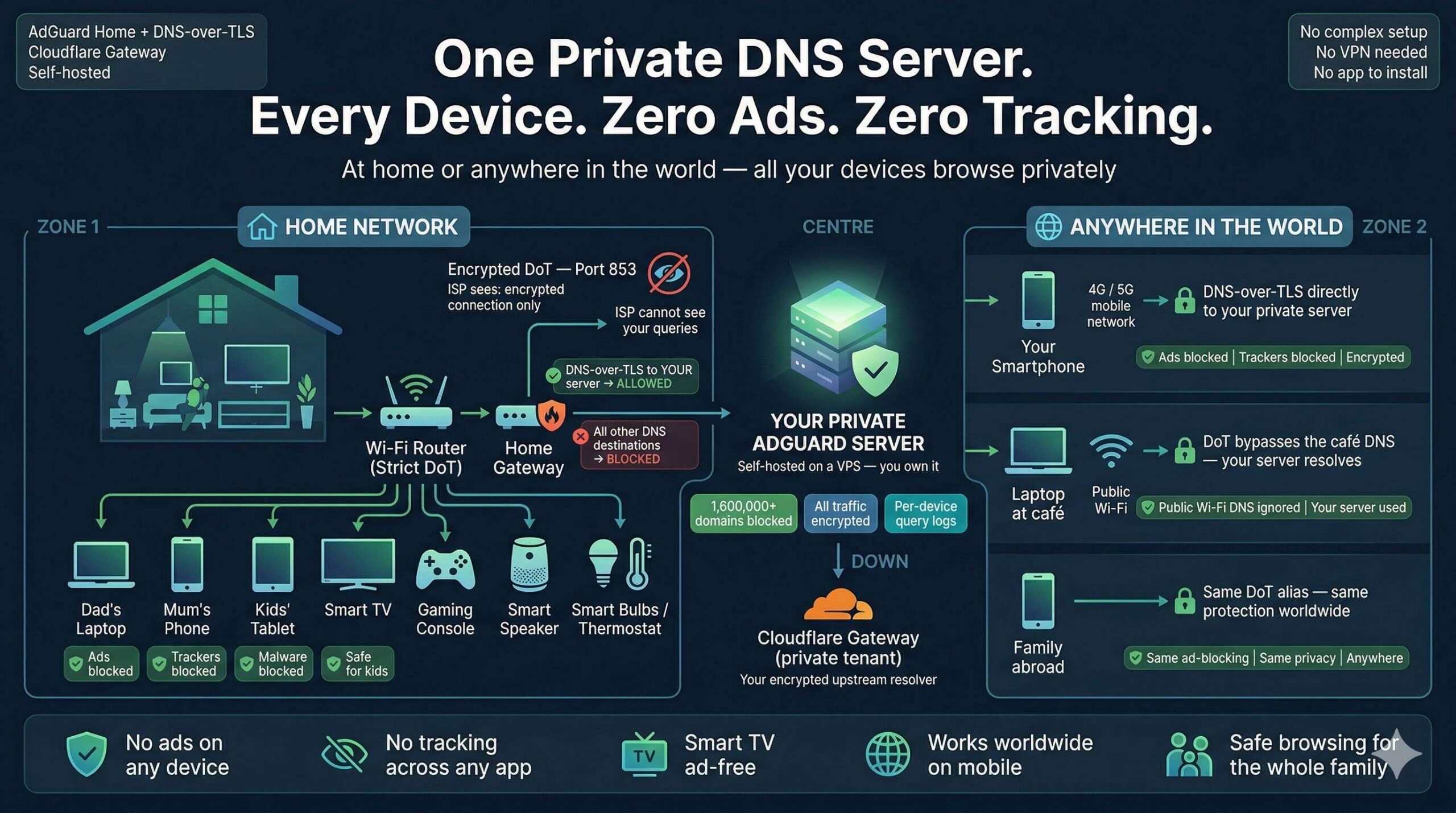
Zero Ads, Zero Tracking, Zero Exceptions: Build a Zero-Trust DNS Fortress for Every Device You Own
One self-hosted DNS server. Every device protected — at home and anywhere…

Face-Off: Windows PowerShell vs PowerShell Core — The Real-World Transition
PowerShell has come a long way since its inception, becoming an essential…
The Ultimate Command Center for AdGuard Home Power Users
The Problem: "Friction & Context Switching" Whether you run a single AdGuard…