Splunk is a cornerstone of many security and operations teams, trusted to ingest, index, and analyze machine data across the enterprise. That trust makes any vulnerability in Splunk especially consequential. In February 2026 Splunk disclosed a high-severity Windows-specific vulnerability (CVE-2026-20140) that allows a low-privileged local user to perform a DLL search-order hijacking attack and gain SYSTEM-level privileges. The mechanics are
Category: Linux
Linux, Linux Basics, Linux Commands, Linux Servers, Linux Security, Linux Networking, Linux Distros, Ubuntu, Debian, CentOS, RHEL, Rocky Linux, Fedora, Arch Linux, Linux Performance, Linux Kernel, Linux Package Management, apt, yum, dnf, systemd, cron, chmod, chown, grep, awk, sed, Linux Troubleshooting, Linux firewall, iptables, nftables, tmux, screen
Chrome 0‑Day Under Active Attack: CVE‑2026‑2441 — What You Need to Do Now

Google has released an emergency patch for a high‑severity zero‑day in Chrome after confirming active exploitation in the wild. Tracked as CVE‑2026‑2441, the vulnerability is a use‑after‑free bug in Chrome’s CSS handling that can enable remote code execution when a user visits crafted web content. How the flaw works CVE‑2026‑2441 arises from improper lifecycle management of objects in the rendering
Understanding GPO Inheritance and Blocking: Troubleshooting in Windows Domain Environments
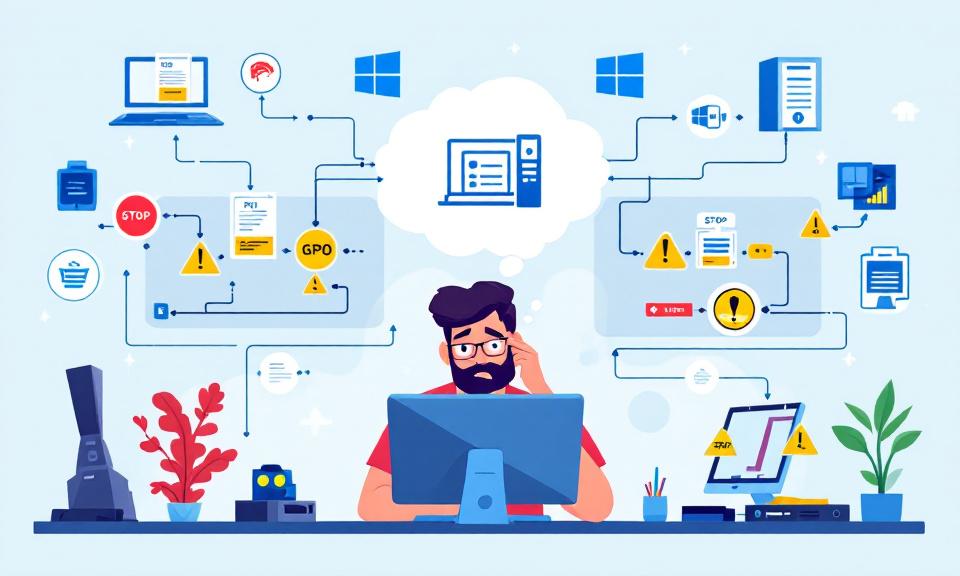
Group Policy Objects (GPOs) are the backbone of centralized management in Windows domain environments. From enforcing password complexity to deploying software, GPOs shape the configuration and security of every computer within an organization. While the concept of GPO inheritance promises simplicity—policies defined high up in the Active Directory (AD) hierarchy flow down to all subordinate units—the reality encountered by administrators
Face-Off: Windows PowerShell vs PowerShell Core — The Real-World Transition

PowerShell has come a long way since its inception, becoming an essential tool not only for Windows administrators but also for IT professionals working across platforms. The transition from the original Windows PowerShell to PowerShell Core represents more than just a version change—it’s a fundamental evolution in how command-line automation and configuration management are approached in the modern IT landscape.
Do not trust any public VPN service, Create your own Secure SOCKS5 Proxy for just $5 – Be Free :)
If someone ask me to recommend one good proxy service, I would recommend none. Why should I trust any of them, as they can do what ever they want with my internet traffic, we don’t have any control over them, nor we should trust their privacy policy. So, what will be the solution? Very simple, create your own in pubic
ClearView – Zero Configuration Web Server Monitoring Tool
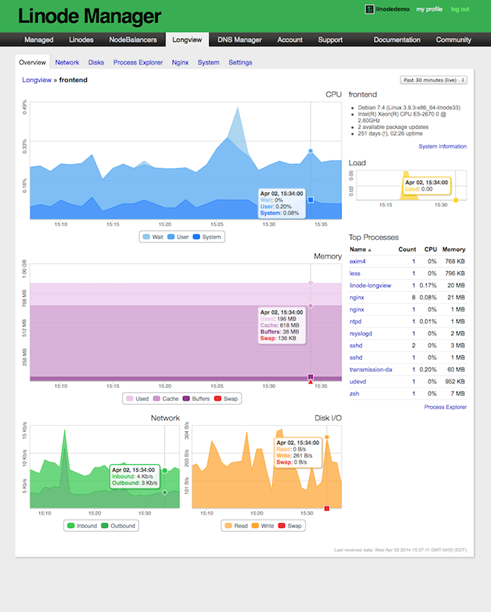
Have you recently moved away from Linode to any other VPS (Virtual Private Server) providers for hosting your web server? Are you still desperately looking for an alternative to Linode server monitoring tool LongView? Yes…. Ok, I am here to guide you in fixing the web server monitoring issues. I have hosted this blog in Linode for more than two