
There is a specific kind of silence that only exists in a server room late at night. It isn’t actually quiet—the fans are screaming, the air conditioning is humming like a jet engine, and the hard drives are clicking in a chaotic rhythm. But for those of us who have spent the last two decades in IT, it feels silent
Category: Microsoft
Windows, Windows Server, Microsoft 365, Word, Excel, PowerPoint, Outlook, OneNote, Teams, SharePoint, OneDrive, Edge, Bing, SQL Server, Visual Studio, Active Directory, Dynamics 365, Power BI, Power Apps, Xbox, Game Pass, Surface, Intune, Defender, Exchange, Hyper-V, .NET, Dataverse,
When Money Talks and Machines Mimic: Ransomware, Extortion, and the AI Arms Race in Cybersecurity

The landscape of cyber threats has shifted decisively toward financially motivated crime. Extortion and ransomware now drive more than half of attacks with known motivations, as opportunistic criminal groups scale operations with automated tooling and AI. Speed, automation, and deception combine to inflict outsized damage on vulnerable organizations and public services. Why extortion and ransomware dominate Ransomware and extortion target
Claude Opus 4.6: Anthropic’s powerful model for coding, agents, and enterprise workflows is now available in Microsoft Foundry

Claude Opus 4.6 represents a clear evolution in applying frontier language models to mission-critical enterprise workloads. By combining Anthropic’s latest reasoning and long-context capabilities with Microsoft Foundry’s governance, identity, and operational controls, organizations can transition from isolated experiments to production-grade, agent-driven systems. This release is significant because it is not merely about raw model performance; it is about enabling sustained,
When Plugins Move Markets: Lessons from a Single-Day “SaaSpocalypse”

Anthropic’s rapid rollout of open‑source plugins for Claude Cowork—especially a legal workflow plugin—triggered a market shock that erased roughly $285 billion in software, legal‑tech, and related stocks in a single day. The episode is less about one technical breakthrough and more about a strategic shift: model providers are moving from offering raw capability to delivering vertical workflows. That marginal step
Microsoft Adds Native System Monitor (Sysmon) Support to Windows 11
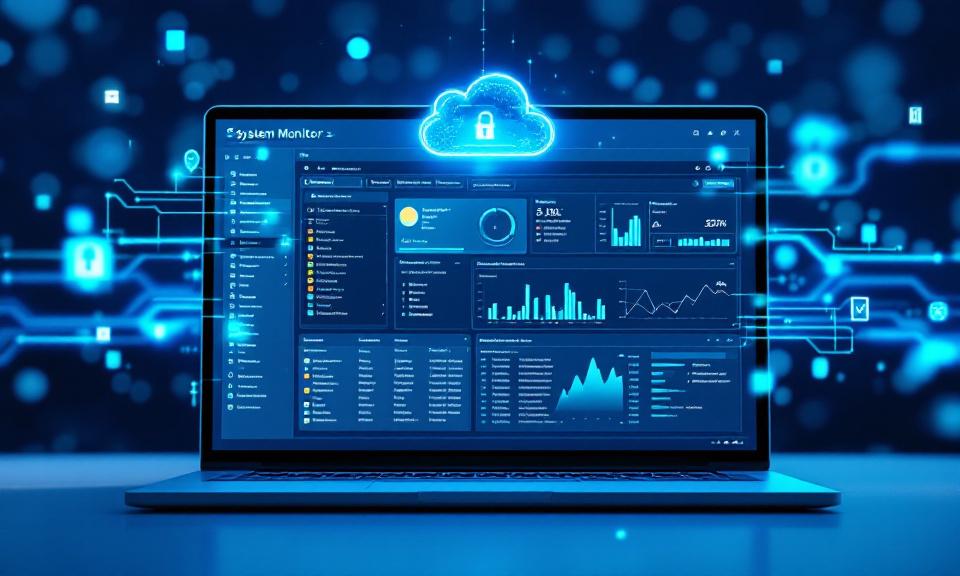
Microsoft has begun shipping System Monitor (Sysmon) as a native, opt-in capability in Windows 11 preview builds. This change moves a widely used, high-fidelity endpoint telemetry tool from an optional Sysinternals download to an OS-managed feature. For security teams, IT operations, and incident responders, native Sysmon promises simpler deployment, stronger integration with Windows management channels, and a more consistent telemetry
Introducing Claude Opus 4.6

Claude Opus 4.6 is Anthropic’s latest Opus-class model, released February 5, 2026. It focuses on sustained, agentic intelligence for real knowledge work: improved planning and multi-step execution, stronger code review and debugging across large repositories, and a first-in-class Opus‑variant with a 1M‑token context window in beta. Anthropic pairs these capabilities with new API controls—effort, adaptive thinking, and context compaction—plus product