

Nowadays many things are getting blocked by the government, and sometimes without even a valid reason. When something like this happen to you, you probably looking for some way to bypass these restrictions, and most of the times we look for free or cheap VPNs.
In today’s world, nothing is actually free, there is always something we are giving in return to those so called free providers and most of the time we are doing this unknowingly. User data is the most valuable asset in today’s business, and we are always sharing that info even without our knowledge.
And also, when we are using those free VPNs, we really don’t have any control over the data that we are accessing using it, as there could be some tacking configured or may be configured with a man-in-the-middle attack (MITM)..
So, I strongly suggest not to trust those providers blindly, as you could easily setup your own PPTP VPN from with 1TB data transfer every month with just 5$ a month fee. For this you have create a account in Linode. Here you will get a dedicated VM with 1 GB RAM, 1 Core CPU, 25 GB SSD, 1 TB Data transfer with 40 Gbps network In and 1000 Mbps Network Out and one dedicate IPV4 & IPV6 IPAddress.
Please follow the guide bellow to host your own private high speed PPTP VPN Server.
Steps:
- Open Linode Web for creating one account : Chick Here
- Register your account with a credit card and Use promo code DOCS10 for $10 credit on a new account.
(You need your credit cad for minimum $5 top-up, and you will get total $15 in your account) - Logon to your account.
- You can select Nanode 1GB.
- Select your preferred region and click Add this Linode!

- Now Click Deploy an Image

- Select latest available Ubuntu and set root password and deploy.

- Wait while deployment is in in progress.

- After deployment, click Boot to start the system.
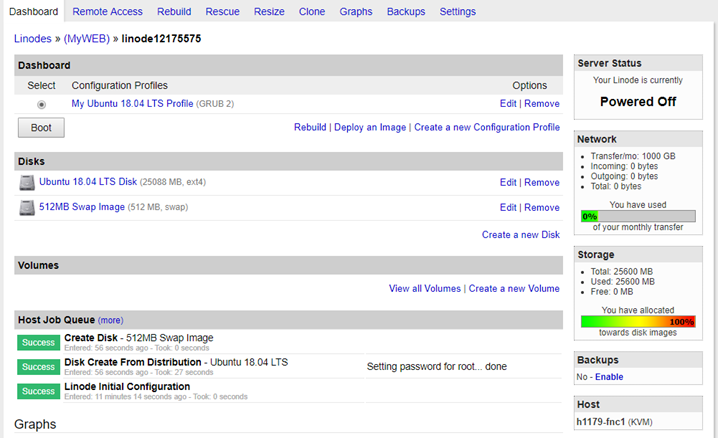
- Now go to Remote Access tab to know the private IP address of the VM, which we will be using for SSH.

- Now use Putty to logon to the server using the root credential you set earlier.
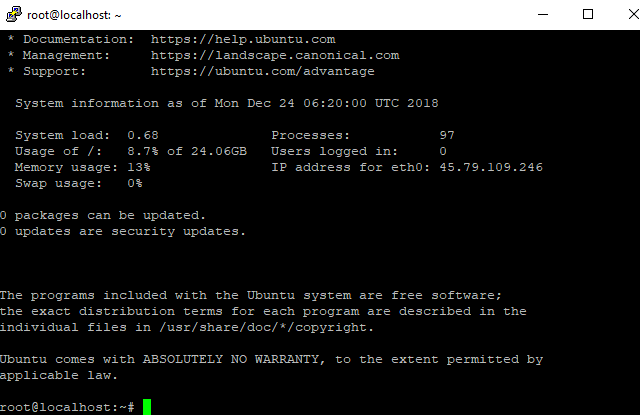
- Now execute the following script to install PPTP VPN Server on your Linode.
Script:curl -s https://technochat.in/linodevpn.sh | sudo bashCredit : chenxs
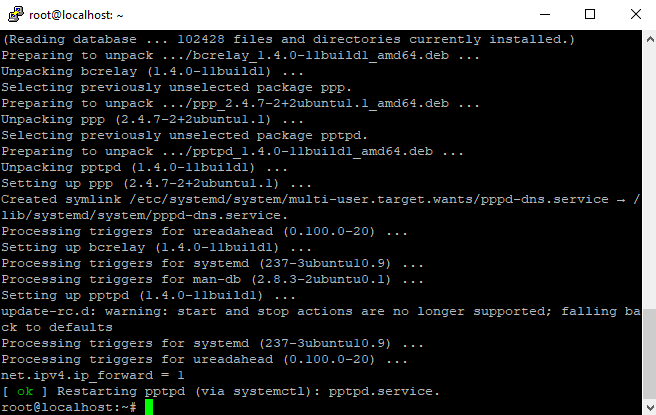
- Once the script execution over, you are all set, now you can use default User ID and password to access VPN.
Server: You Linode Public IP Address ID: vpn Pass: vpn123 - If you want to change VPN user ID and Password, us the following command to edit that.
nano /etc/ppp/chap-secrets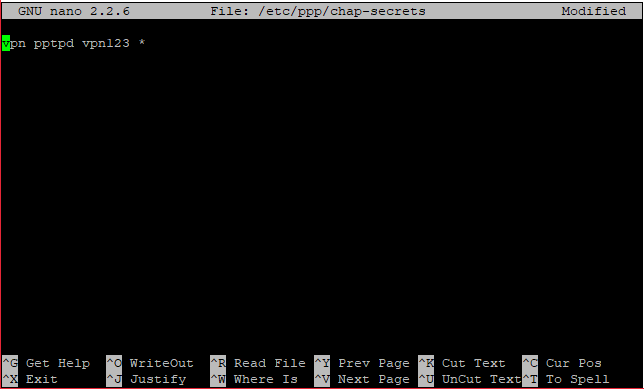
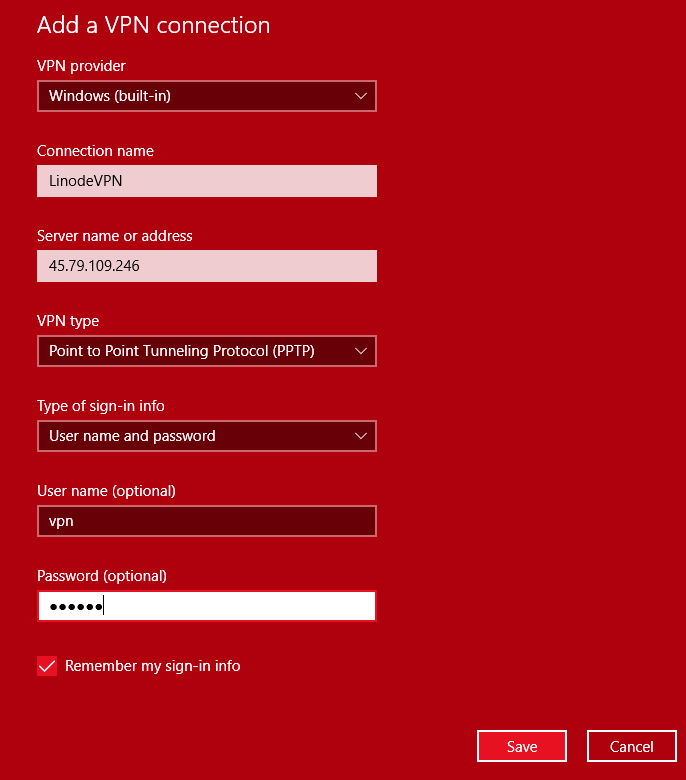
- You can create VPN connection in windows, provide the following details.
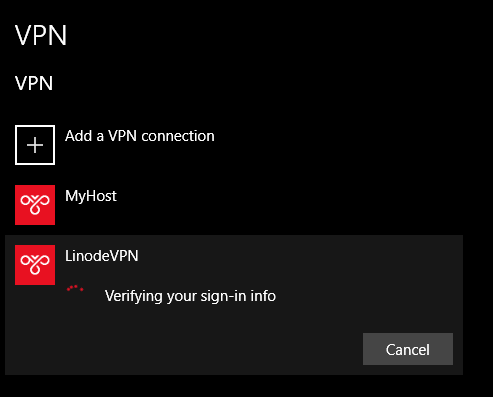
- Now, try connecting to the VPN, and you will see your VPN credentials will be verified.
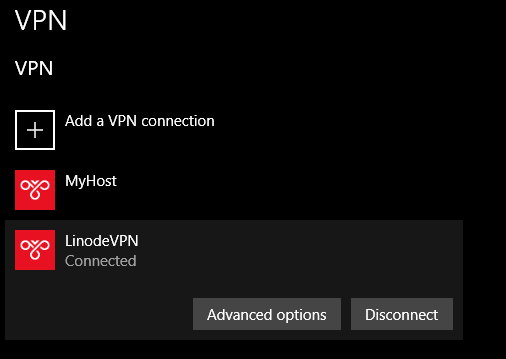
- And it will be connected.
- Now verify your connectivity, open https://whatismyip.com from browser, and you will see your Linode IP as your external public IP.

- You can created VPN Connection in your Smartphone, open settings and go to VPN, create new connection.

- Now try connecting

- And it will get connected.
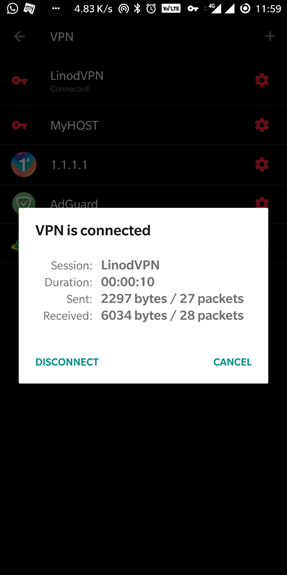
- You can also verify the connectivity by opening https://whatismyip.com from your smartphone browser.
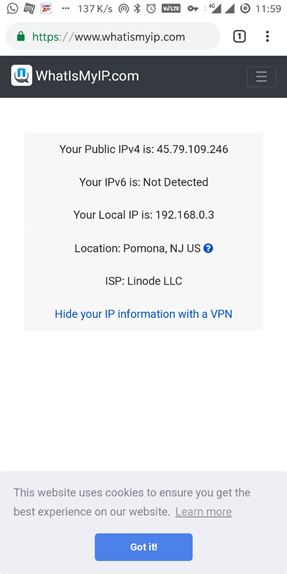
- That’s all, very simple, private and trusted personal PPTP VPN for just 5$ and also you will get 10$ credit for two months of use for free.
Wish you all a very happy new year!!
 Licensed under CC BY-ND 4.0 International
Hi Saugata, first time poster, big time fan 🙂
i get this Package configuration question during the install and it crashes the script. i cannot proceed.
A new version (/tmp/grub.xxxxxxx) of configuration file /etc/default/grub is available, but the version installed currently has been locally modified. then there are some options.
i can’t make a selection and the text i type appears on the terminal session.
thanks,
Hi,
Probably latest version of Ubuntu image breaks something, I have also tried, it is not working.
You can try this following on new Linode node, this will install and configure OpenVPN on your VM.
wget https://git.io/vpn -O openvpn-install.sh && bash openvpn-install.sh
does it also work on WINDOWS??
You mean, using client in Windows? yes, it works, but I would suggest use this, it will work from Windows and it will help you avoid any detection.
https://technochat.in/do-not-trust-any-public-vpn-service-create-your-own-secure-socks-5-proxy-for-5/