
Currently Symbian^3 having three different native DorpBox client, and all of them written in QT. So, you have to install QT runtime on your device before installing DorpBox client. And good news is, all of them using Nokia Smart Installer, so, before installing DorpBox client, it will check the required runtime environment, and if QT not installed on your device, It will automatically download and install it for you. So, you just have to choose the best client for you and install it on your device.
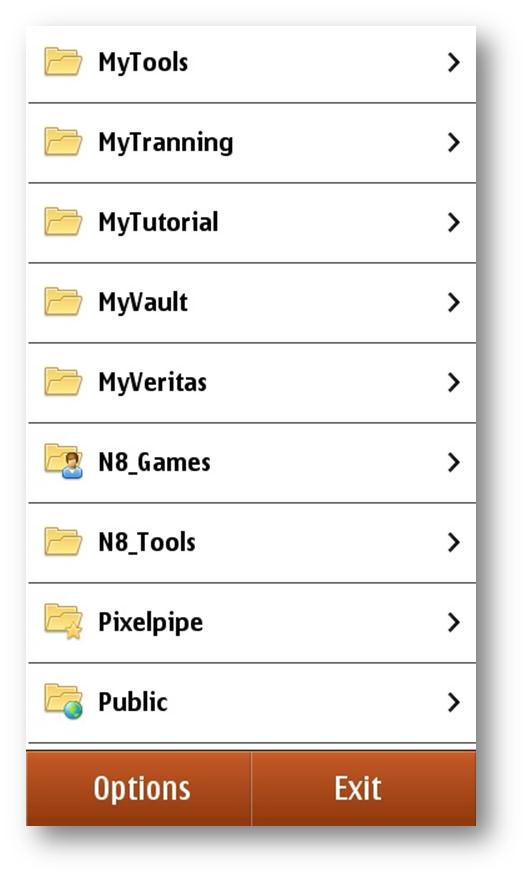
CuteBox – Paid (This will be my second application on Symbian after Gravity for which I will go for next Symbian device), Best UI experience and my personal favorite.
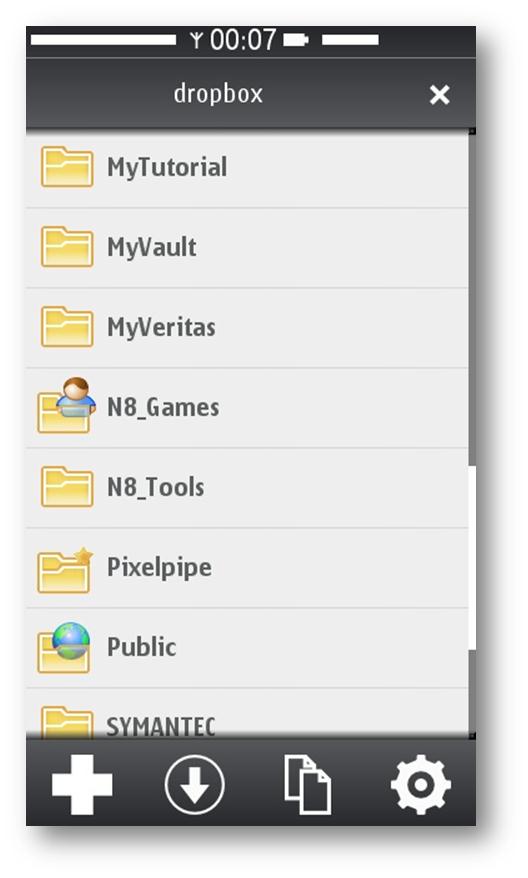
DropML – Free, Nice UI and few extra options like folder sync and in-built text file viewer.
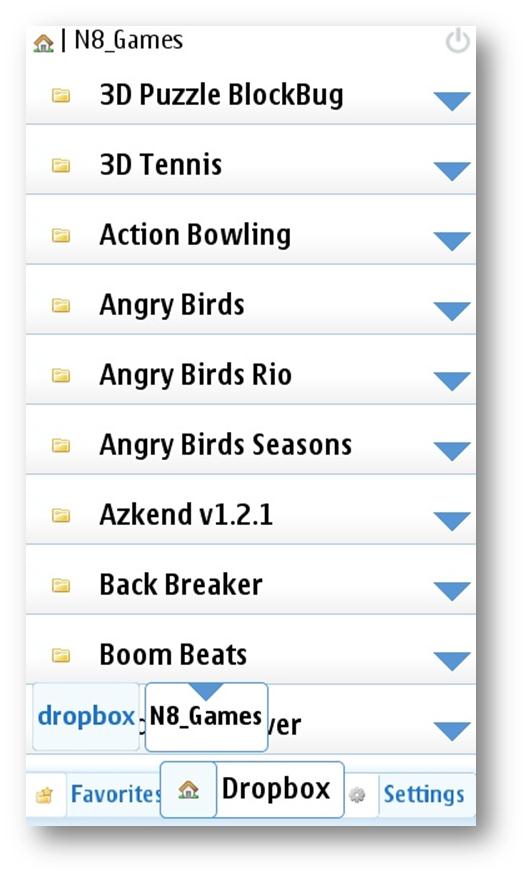
Dropian – Free, Gr8 client for DorpBox and according to the author, there will be lots of extra features like folder sync will be available on v2 which will be a paid version.
Thanks
Saugata
 Licensed under CC BY-ND 4.0 International