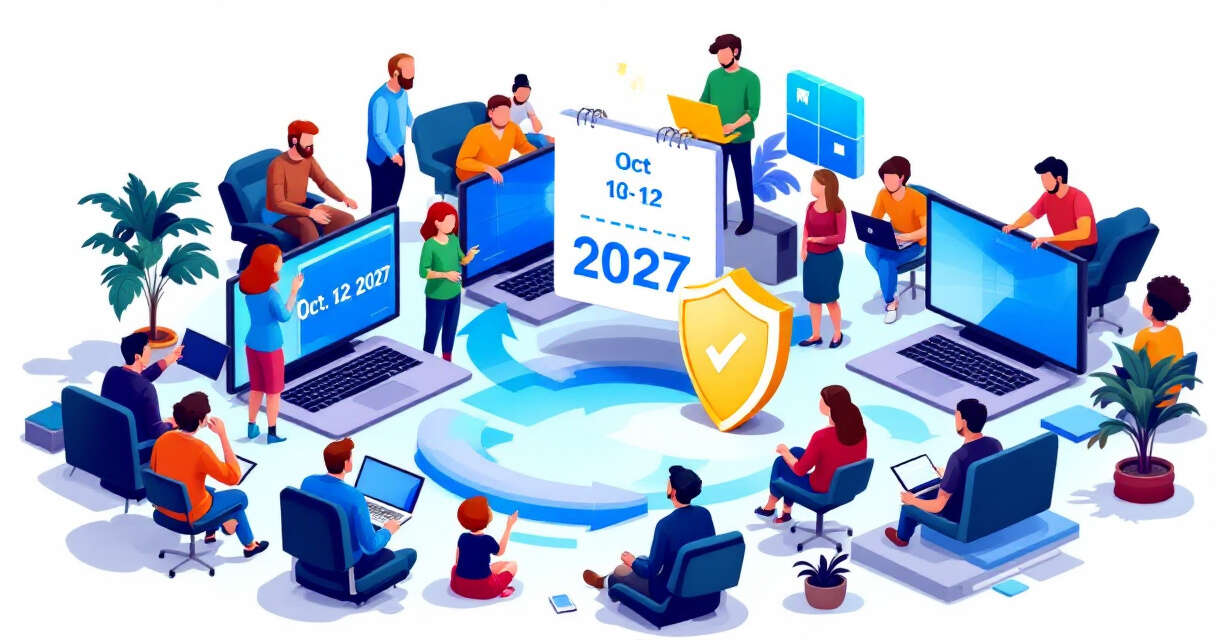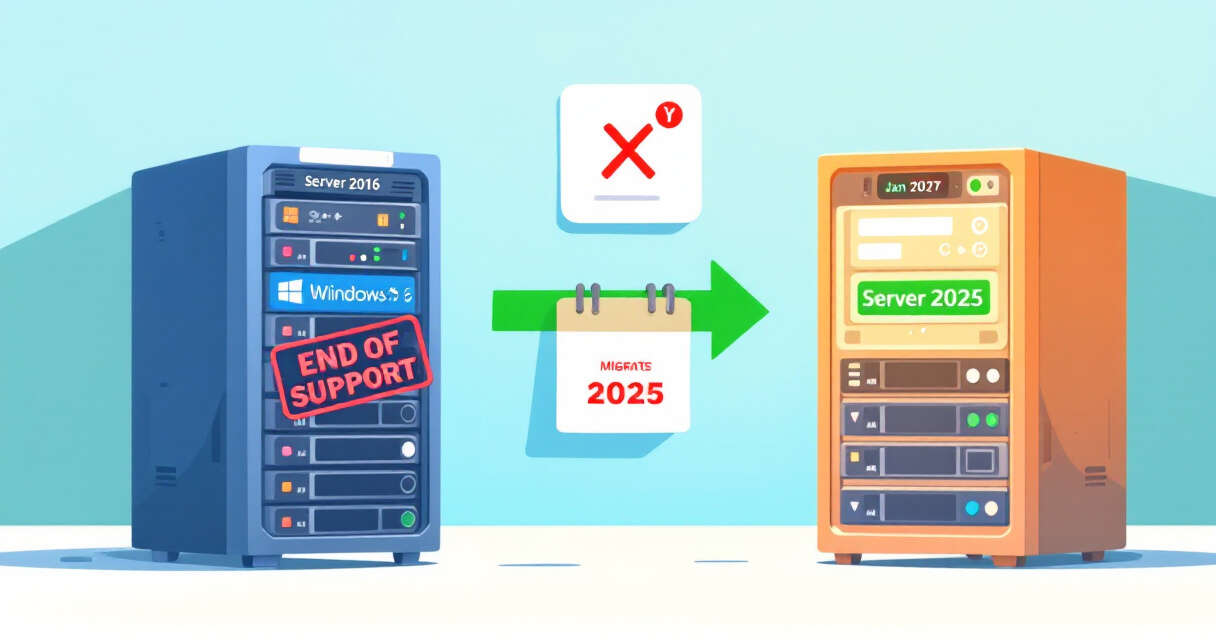
Microsoft’s long-term support clock for Windows Server 2016 is winding down: the January 2027 security update will be the last one published for this OS, and after January 12, 2027, systems still running Windows Server 2016 will no longer receive monthly security updates. That simple sentence changes the risk profile for any environment still depending on 2016-era servers. If your estate includes domain controllers, application servers, or infrastructure appliances on Server 2016, now is the time to plan and act — not later.
Why end of support matters
When a product reaches the end of support, Microsoft stops shipping security fixes, which means newly discovered vulnerabilities will no longer be patched. For production servers that host critical apps, directories, or public-facing services, that lack of patching significantly increases exposure to targeted attacks and supply-chain risks. Microsoft’s announcement also clarified that this end of updates applies to all editions — Datacenter, Essentials, MultiPoint Premium and Standard — and that Essentials-specific features such as Remote Web Access will lose support on the same date. Because extended or mainstream support already ended for many organizations, this final update cutoff is the real operational deadline.
What Microsoft is advising
Microsoft recommends planning an upgrade to Windows Server 2025. Windows Server 2025 is the next Long-Term Servicing Channel (LTSC) release and, per Microsoft’s lifecycle guidance, will reach end of mainstream support in November 2029 and extended support on November 14, 2034. For teams that want to test before committing, Microsoft offers a free 180-day trial via the Microsoft Evaluation Center. More lifecycle details are available on the Windows Lifecycle FAQ and the Lifecycle Policy search tool.
Upgrade paths and options
There isn’t a single migration path that fits every environment; common approaches include:
- In-place upgrade to Windows Server 2025 where application compatibility and control-plane requirements allow.
- Side-by-side migration on new hardware or virtual machines, then cutover services and retire old hosts.
- Containerizing compatible workloads or refactoring them for modern platforms (Kubernetes, Azure App Services, etc.).
- Moving whole workloads to Azure or another cloud provider, leveraging lift-and-shift or cloud-native transformation.
Choosing between these depends on application compatibility, downtime tolerance, licensing, and whether you plan to modernize architecture versus performing a like-for-like migration.
A practical migration checklist
- Inventory: Identify all Server 2016 instances, their roles (AD, DNS, file services, databases, web apps), and dependencies.
- Compatibility testing: Validate applications against Windows Server 2025 in a lab or staging environment.
- Backups and rollback plans: Ensure recent, tested backups and documented rollback procedures before any upgrade or migration.
- Licensing and procurement: Confirm licensing requirements for Windows Server 2025 or cloud-hosted alternatives.
- Staged rollout: Pilot upgrades in non-production, then gradually move critical workloads once validated.
- Security hardening: Apply baseline hardening on new servers, disable legacy protocols, and enable modern authentication/authorization controls.
- Monitoring and alerts: Update monitoring dashboards and recovery runbooks to reflect new endpoints and configurations.
Short-term mitigations if you can’t upgrade immediately
If a full migration before January 12, 2027 isn’t feasible, reduce exposure by:
- Isolating legacy systems from the internet and limiting access via network segmentation and strict firewall rules.
- Applying compensating controls: host-based intrusion detection, strict endpoint protection, and multifactor authentication for administrative accounts.
- Prioritizing patches for dependent software and ensuring all other infrastructure components remain supported and patched.
- Considering support options: engage with Microsoft or third-party vendors about extended paid support only after confirming availability and terms.
Related considerations and next steps
End-of-support events are also moments to rethink modernization: can aging apps be rehosted, containerized, or rewritten? Does moving to a supported LTSC release like Windows Server 2025 unlock improved performance, security capabilities, or cloud integration for your workloads? Build a timeline that starts now — inventory and pilot phases should begin months before January 2027 to avoid last-minute risk exposure.
Final thoughts
The end of security updates for Windows Server 2016 on January 12, 2027, is a definitive deadline that changes the stewardship responsibilities for any IT team still running that platform. Treat it as a hard stop: assess your fleet, plan migrations or mitigations, and use Microsoft’s guidance and trial options to test Windows Server 2025. The cost of inaction is rising exposure to vulnerabilities and operational risk; the cost of a planned upgrade is predictability and continued support for years to come.
 Licensed under CC BY-ND 4.0 International