Anthropic has moved two previously paid capabilities of its Claude AI assistant — Projects and Artifacts — into the free tier. Combined with earlier changes (Memory made free) and other expanded allowances, the update gives non-paying users access to a more workspace-like experience inside Claude. This post summarizes what changed, explains how Projects and Artifacts work, and offers practical, fact-based ways to use them.
What changed
- Projects and Artifacts, formerly limited to paid subscribers, are now available on Claude’s free tier.
- The free tier also includes:
- Web search for current information
- A 200,000-token context window (roughly 500 pages of text)
- File uploads of up to 20 files per chat
- Memory was made free prior to this update.
- Free-tier users have access to the Claude Sonnet model; the more capable Claude Opus remains reserved for paid plans.
- Claude Code (Anthropic’s developer tool) remains restricted to paid subscribers.
What Projects are and why they matter
Projects let you group conversations, documents, and instructions into a single workspace so Claude retains relevant context across chats within that Project. Instead of starting every conversation from scratch, Projects allow you to:
- Upload documents (resumes, briefs, style guides, PDFs)
- Set instructions about tone or rules Claude should follow for that Project
- Keep related conversations together so context persists within that workspace
How to use Projects (steps)
- Click Projects in Claude’s sidebar.
- Create a new Project and give it a name.
- Upload documents you want Claude to reference (resumes, notes, briefings, style guides).
- Add instructions describing what Claude should know and how to behave in that Project. Once configured, conversations inside the Project automatically use that context. You can edit or rename a Project later.
What Artifacts are and why they’re useful
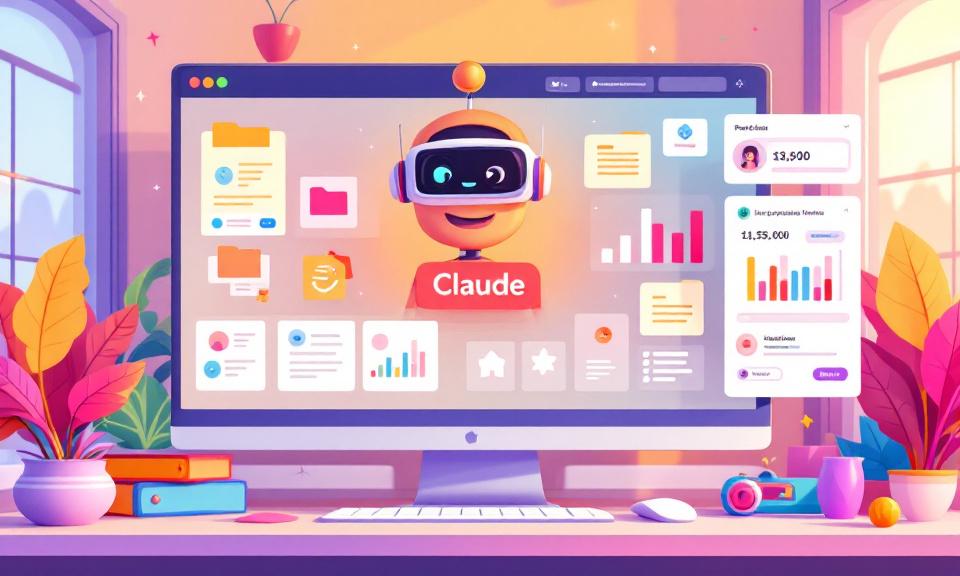
Artifacts produce standalone outputs with live previews in a side panel next to the chat. Instead of only receiving raw text or code, you can see formatted previews and interactive results without copying code into another environment. Artifacts can render:
- Small web pages
- Formatted reports
- Dashboards and visualizations
- Simple interactive tools or calculators
The Artifact updates in real time as you ask Claude to revise it, making iterative adjustments faster and more immediate.
How to use Artifacts (steps)
- Ask Claude to build a visual or interactive output (for example: a dashboard, calculator, formatted report, or small web page).
- If the output supports previewing, Claude will open it as an Artifact in the side panel for live viewing and revision.
- Iterate by requesting changes; the Artifact updates in place.
Five practical use cases (fact-based examples)
- Job search command center: Create a Job Search Project, upload your resume and notes about target companies, and have Claude generate tailored cover letters, outreach messages, and interview prep based on that Project’s context.
- Personal finance tracker: Upload a spreadsheet or spending data and ask Claude to build an Artifact that visualizes budgets or spending breakdowns.
- Content workflow: Store brand voice, audience profile, and previous work in a Project so Claude produces content consistent with your style.
- Research hub: Gather PDFs, articles, and notes in a Project and ask Claude to produce an Artifact that synthesizes the material into a structured report or briefing.
- Meeting notes to action plans: Paste meeting notes into a Project and ask Claude to create an Artifact that lists action items, timelines, and summaries ready to share.
Limitations and distinctions
- Free users are limited to the Claude Sonnet model; Claude Opus (the more capable model) remains for paid tiers.
- Claude Code is still a paid feature.
- Claude does not generate images within chat; image generation must be done externally and uploaded if needed.
- These capabilities make the free tier more powerful, but advanced coding or highly complex analysis may still benefit from paid models and tools.
Bottom line
By adding Projects and Artifacts to the free tier, Anthropic has expanded Claude’s capabilities beyond a standalone chatbot into a more persistent, document- and preview-oriented workspace. The features let users organize ongoing work, keep context across sessions, and preview interactive or formatted outputs in real time. For many everyday productivity tasks, the upgraded free tier can be a meaningful improvement — with higher-end modeling and some developer tools still reserved for paid plans.
 Licensed under CC BY-ND 4.0 International