
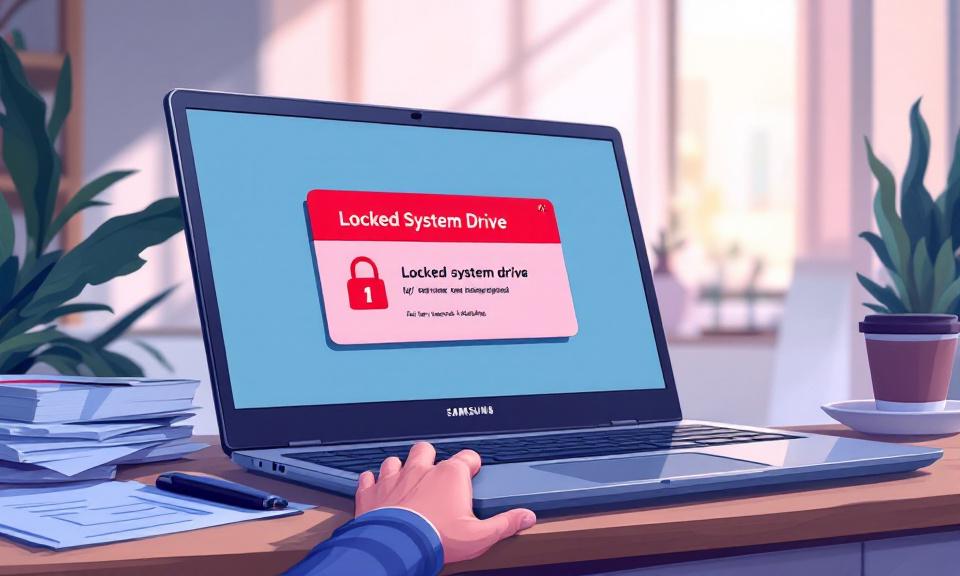
Microsoft has updated its Windows 11 documentation to describe a recently discovered issue tied to the February 2026 Patch Tuesday update (KB5077181). On certain machines—predominantly Samsung consumer laptops—installing that update can result in an error that prevents access to the system drive, showing “C: is not accessible – Access denied.” The problem can go beyond a simple File Explorer error and, in some cases, block common applications and administrative actions.
What Microsoft reports
Microsoft says it has received reports that some Samsung device models lose access to the C: drive after installing the February 2026 security update and subsequent updates. Affected systems may present the “C: is not accessible – Access denied” message, which can prevent access to files and also block the launch of some applications, including Outlook, Office apps, web browsers, system utilities and Quick Assist. Users may also be unable to elevate privileges, uninstall updates, or collect logs because of permission failures.
Scope and affected systems
- Windows versions affected: Microsoft states the issue is observed on Windows 11 versions 24H2 and 25H2. Systems running Windows 10 or Windows 11 23H2 and earlier are not reported as affected by this issue.
- Device models and regions: Reports are predominantly associated with Samsung consumer devices, including Samsung Galaxy Book4 models. Incidents have been reported across multiple regions, with Microsoft calling out Brazil, Portugal, Korea, and India.
- Possible cause: Microsoft s latest investigations indicate the issue may be related to the Samsung Share application, but the company has not confirmed a root cause and continues to investigate.
Symptoms users have reported
- Drive C becomes inaccessible with an “Access denied” error.
- Some commonly used applications fail to start (examples cited by Microsoft include Outlook, Office apps, browsers, and system utilities).
- Administrative functions such as elevating privileges, uninstalling updates, or collecting diagnostic logs can fail due to permission issues.
- Inability to perform routine tasks effectively renders affected machines largely unusable for everyday work.
What has been tried and what Microsoft recommends
- Rollback: Some users have tried rolling back the update. Microsoft documentation and user reports suggest rollback may help in certain cases, though it is not guaranteed to resolve every instance.
- Changing ownership: Community threads (for example on Reddit) describe cases where changing ownership of the C: drive and its files restored access. This is a risky procedure that can have side effects and should only be attempted by experienced users in emergencies.
- Wait for fix: Microsoft is actively investigating and working on a resolution. For many users, especially those unable or unwilling to perform risky repairs, waiting for an official fix from Microsoft is the recommended course.
- Verify device and OS: If you are on Windows 10 or Windows 11 23H2 or earlier, current reports indicate you are not affected. Owners of Samsung consumer devices, particularly Galaxy Book4 models, should be especially vigilant.
How to proceed (facts to check)
- Confirm whether KB5077181 (or subsequent February 2026 updates) is installed on your machine.
- Confirm your Windows version (24H2 or 25H2 are reported as affected; Windows 10 and 23H2 are not).
- If you experience the issue, document the exact errors you see and consult Microsoft s official support guidance and updates. Microsoft s documentation is being updated as investigations continue.
Bottom line
This is a serious, Microsoft-recognized issue for a subset of Windows 11 devices after the February 2026 update KB5077181. The problem is concentrated on certain Samsung consumer laptops and has real impacts—blocking access to the system drive and preventing common applications and administrative tasks from running. Microsoft is investigating and has pointed to a potential link with Samsung Share but has not confirmed the root cause. Where possible, affected users should follow official Microsoft guidance, consider rollback only when appropriate, and avoid risky fixes unless they understand the consequences.
 Licensed under CC BY-ND 4.0 International