A new wave of attacks is quietly abusing everyday collaboration tools to bypass user suspicion and gain hands-on control of corporate endpoints. Threat actors are impersonating internal IT helpdesk staff inside Microsoft Teams, convincing employees to grant remote access via Quick Assist, and then using that live access to deploy stealthy persistence mechanisms and move laterally through enterprise networks. Because the attack uses trusted, signed applications and normal business channels, it can be fast, effective, and difficult for conventional defenses to detect.
How the Attack Begins
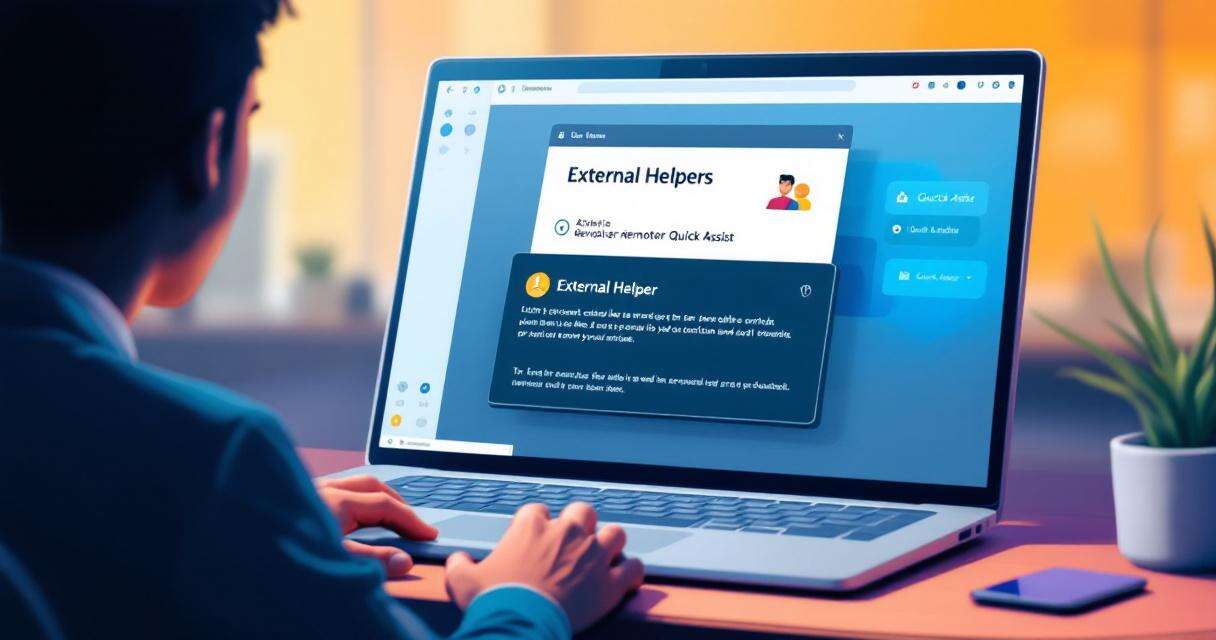
The intrusion typically starts with an unsolicited Teams message from an account in a different Microsoft tenant. The message is crafted to look like routine helpdesk outreach—password resets, urgent software updates, or troubleshooting offers—and aims to lower the target’s guard. Because the contact arrives inside Teams rather than by email, many recipients instinctively trust the interaction and may ignore or dismiss external contact warnings. Attackers ask the user to approve an external Quick Assist session, often instructing them to overlook the usual indicators that the helper is outside the organization.
Remote Control via Quick Assist
Once the victim accepts the Quick Assist request, the attacker gains full interactive control of the device—often in under a minute. The intrusion is entirely human-operated: the attacker uses the remote session to run quick reconnaissance commands that check privileges, enumerate host and network details, and establish whether the device is a good launching point for further activity. The speed of the initial actions (commonly within 30–120 seconds) increases the chance the attacker can implant tools before automated protections or human responders react.
DLL Side-Loading and Persistence
A favored technique observed in these incidents is DLL side-loading. Attackers place malicious DLLs in file locations where legitimate, digitally signed applications will load them by default. When a signed binary (examples in prior reports include Adobe and other vendor-signed executables) starts, Windows searches predictable paths for required libraries; a malicious DLL placed there will be loaded under the trusted process’s identity. In the campaigns analyzed, sideloaded modules acted as loaders that decrypted configuration data stored in the Windows registry rather than leaving obvious artifacts on disk. That registry-backed, encrypted configuration model resembles tactics used by frameworks such as Havoc: it preserves command-and-control (C2) settings across reboots while reducing disk hygiene signals.
Post-Compromise Activity
After establishing persistence, attackers typically open an encrypted C2 channel over HTTPS (port 443), making malicious traffic blend with normal outbound connections. They often deploy additional remote management tools as secondary access vectors and use Windows Remote Management (WinRM) to pivot to higher-value targets like domain controllers. Observed payload delivery patterns include placing staged binaries in ProgramData and using DLL side-loading with legitimate executables such as AcroServicesUpdater2_x64.exe, ADNotificationManager.exe, or DlpUserAgent.exe to run attacker-controlled modules. For data exfiltration, tools like Rclone have been employed to move sensitive documents to external cloud storage quickly.
Why This Attack Is Hard to Detect
The campaign’s success depends on social engineering combined with abuse of legitimate software behavior. Because code executes under vendor-signed processes, many endpoint detection tools struggle to flag it as malicious. Encrypted registry-stored configuration and HTTPS-based C2 further obscure the attacker’s activity. Finally, the use of collaboration channels for initial contact means alerts tied to email and traditional phishing indicators may never trigger.
Practical Defenses and Mitigations
Organizations can take concrete steps to reduce exposure and speed detection:
- Treat unsolicited external Teams contacts claiming to be IT personnel as suspicious; verify requests through known internal channels or a pre-established verbal authentication phrase.
- Restrict Quick Assist and other remote-control tools so they can only be initiated by authorized IT accounts and from management workstations.
- Enable Attack Surface Reduction (ASR) rules and Windows Defender Application Control (WDAC) to prevent DLL sideloading from user-writable locations such as ProgramData and AppData.
- Enforce Conditional Access policies that require MFA and compliant devices for administrative sessions and sensitive privilege escalations.
- Enable Safe Links for Teams and Zero-hour Auto Purge (ZAP) to catch and remediate malicious messages retroactively.
- Limit WinRM to authorized management workstations and monitor for unexpected use of file-sync or exfiltration tools like Rclone.
- Correlate telemetry across identity, endpoint, and collaboration platforms so investigators can spot the combination of an external Teams contact and subsequent remote-control activity.
Incident Response Checklist
If an organization suspects this vector has been used:
- Immediately isolate the affected device and terminate the remote session.
- Collect memory and process artifacts from the compromised host to identify loaded DLLs and parent processes.
- Search for unusual DLLs in ProgramData/AppData and for signs of registry-stored encrypted configuration.
- Review logs for unexpected WinRM connections, new service installations, or outbound HTTPS sessions to unfamiliar cloud infrastructure.
- Rotate credentials for accounts that accessed the compromised machine, and enforce MFA and Conditional Access where not already applied.
- Hunt for other lateral movement indicators, particularly toward identity systems or domain controllers.
Final Thoughts
The shift from email-based phishing to in-app social engineering and live remote access increases both the speed and subtlety of modern intrusions. Defenders must treat collaboration tools and remote-assistance workflows as potential attack surfaces and combine user training with technical controls—ASR, WDAC, Conditional Access, and telemetry correlation—to close the window of opportunity attackers rely on. Quick, coordinated response can limit damage when incidents occur, but preventing unauthorized remote access in the first place is the strongest protection.
 Licensed under CC BY-ND 4.0 International