Microsoft has confirmed a critical stability problem affecting some Windows Server 2025 domain controllers following the April 2026 cumulative update (KB5082063). Administrators around the world reported domain controllers entering repeated reboot cycles after installing the update released on April 14, 2026, and Microsoft’s release notes were updated to acknowledge the issue and a related installation failure affecting a subset of systems.
What happened
Microsoft shipped KB5082063 (OS Build 26100.32690) as the regular April Patch Tuesday cumulative update for Windows Server 2025, combining security fixes and selected non-security improvements. Shortly after deployment began, telemetry and customer reports indicated that some domain controllers began restarting repeatedly. Microsoft added a known issue to the changelog on April 16 confirming that “Domain controllers might restart repeatedly after installing this update.” Separately, some systems fail to install the update entirely and return error code 0x800F0983.
Who is most at risk
The reports point to domain controllers—particularly non-Global Catalog domain controllers in complex Active Directory environments—as the machines most likely to be affected. Enterprise configurations with specialized BitLocker Group Policy settings are also at risk of being forced into BitLocker recovery mode after applying KB5082063, potentially locking administrators out until recovery keys are entered.
Symptoms and practical troubleshooting
Affected servers show a repeatable reboot loop after installation. Administrators on community forums and internal incident reports noted that booting into Directory Services Restore Mode (DSRM) allowed access, and uninstalling KB5082063 let the domain controller boot normally. If systems fall into BitLocker recovery, manual recovery key entry is required to regain access. Microsoft is actively monitoring diagnostic telemetry tied to the reported install failures and the reboot behavior.
What KB5082063 fixes
Despite the stability regressions for some environments, KB5082063 contains a number of security and reliability updates across several components:
- Kerberos protocol: changes the DefaultDomainSupportedEncTypes default to AES-SHA1 for accounts without explicit AD encryption type settings (related to CVE-2026-20833).
- Secure Boot: adds targeted device data to support phased rollout of new Secure Boot certificates.
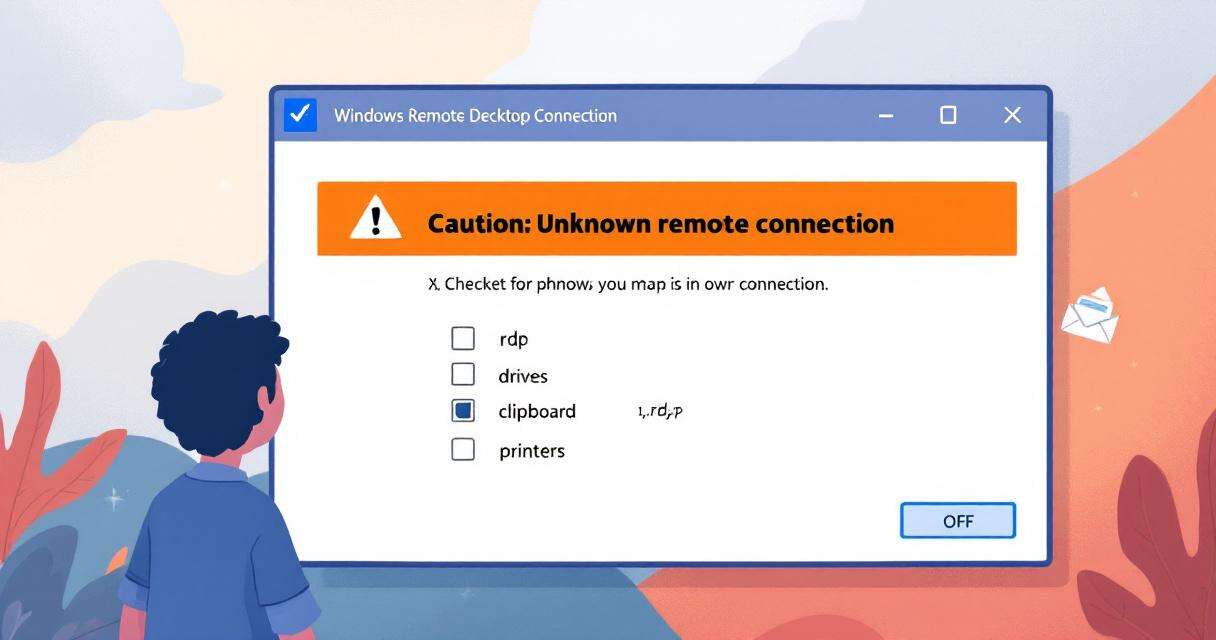
- Remote Desktop: improves phishing protections by showing connection settings before connecting to reduce malicious .rdp risks.
- Windows Deployment Services (WDS): disables the “Hands-Free Deployment” feature by default to harden against an identified vulnerability.
- SMB over QUIC: enhances compression reliability to reduce hybrid/cloud timeouts.
- PowerShell: fixes the Set-GPPrefRegistryValue cmdlet to preserve imported registry values properly.
Microsoft also bundled the servicing stack update KB5082062 (Build 26100.32692) with this release to ensure update delivery reliability.
Immediate recommendations for administrators
- Pause deployment to domain controllers: Until Microsoft issues a mitigation or patch, avoid pushing KB5082063 broadly to domain controllers, especially non-GC role servers in complex AD topologies.
- Maintain recovery readiness: Ensure BitLocker recovery keys are securely stored offline and accessible to on-call admins before applying the update to enterprise-managed devices.
- Monitor official channels: Keep an eye on the Windows Server 2025 release health dashboard and Microsoft advisory pages for real-time updates and any published workarounds.
- Test in isolated environments: Validate KB5082063 in lab copies of domain controllers and representative infrastructure before roll-out to production.
- Prepare a rollback plan: Have procedures and tooling ready to uninstall the patch and restore affected domain controllers via DSRM if necessary.
What to watch next
Microsoft has not yet published a formal workaround or timeline for a permanent fix to the reboot loop or the 0x800F0983 installation failures. Administrators should expect follow-up guidance from Microsoft as telemetry analysis continues and a servicing update is prepared. In the meantime, careful change control, conservative deployment practices, and verified recovery procedures remain the best defenses against extended outages.
 Licensed under CC BY-ND 4.0 International