With Outlook Connector, you can use Microsoft® Office Outlook® 2003 or Outlook® 2007 to access and manage your Windows Live Mail or Office Live Mail accounts, including e-mail messages, calendar, tasks, notes, and contacts.

Download Now
A new beta 2 of the Outlook Connector offering free calendar synchronization
How to Configure:
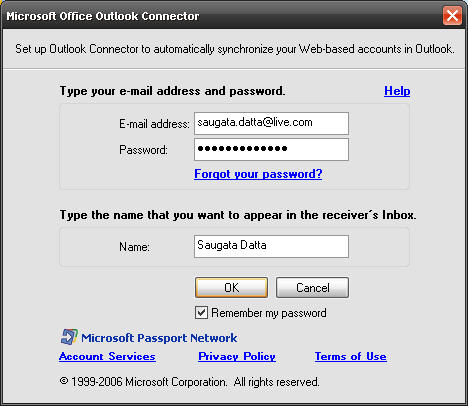
First download from above location, then install it.
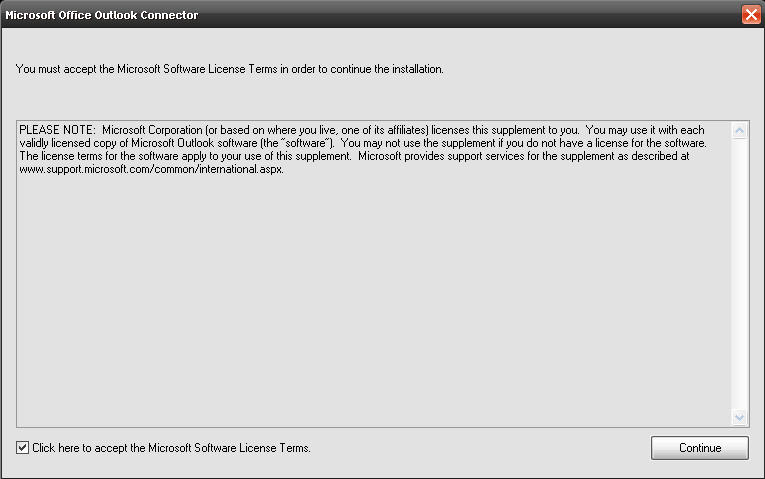
Now Open Outlook 2007, on the configure screen, tick Manually configure..
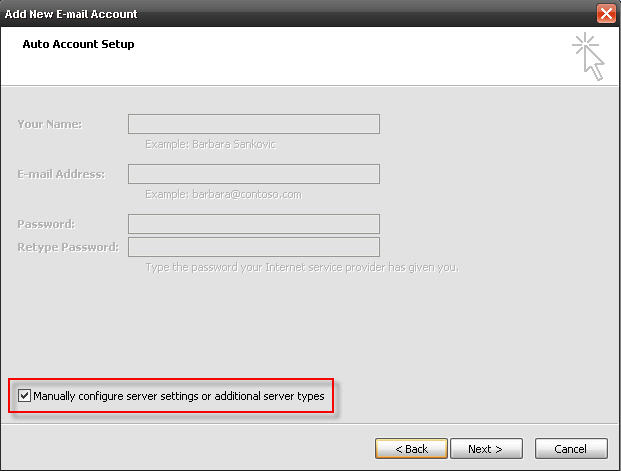
On next screen select Microsoft Office Outlook Connector, and click Next.
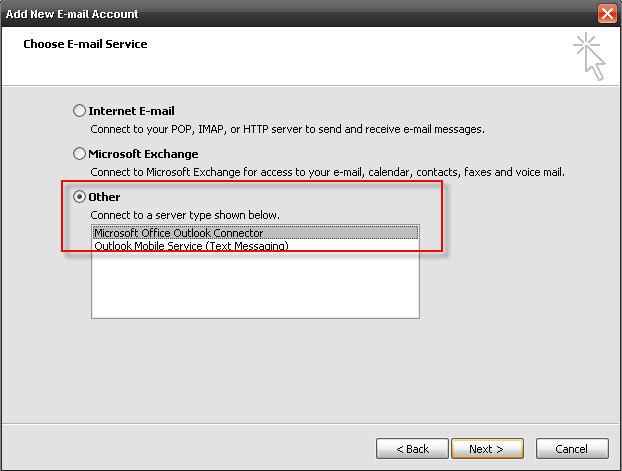
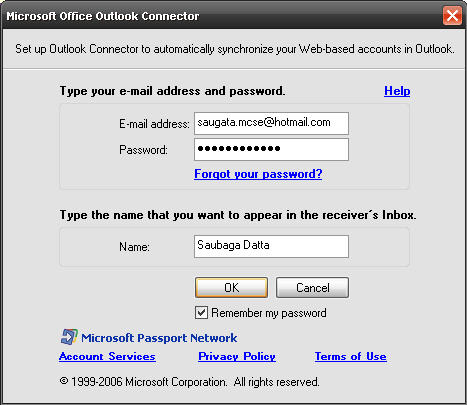
On this screen type you Live ID and Password and click OK.
Now you able to get your mails from your Live Account.
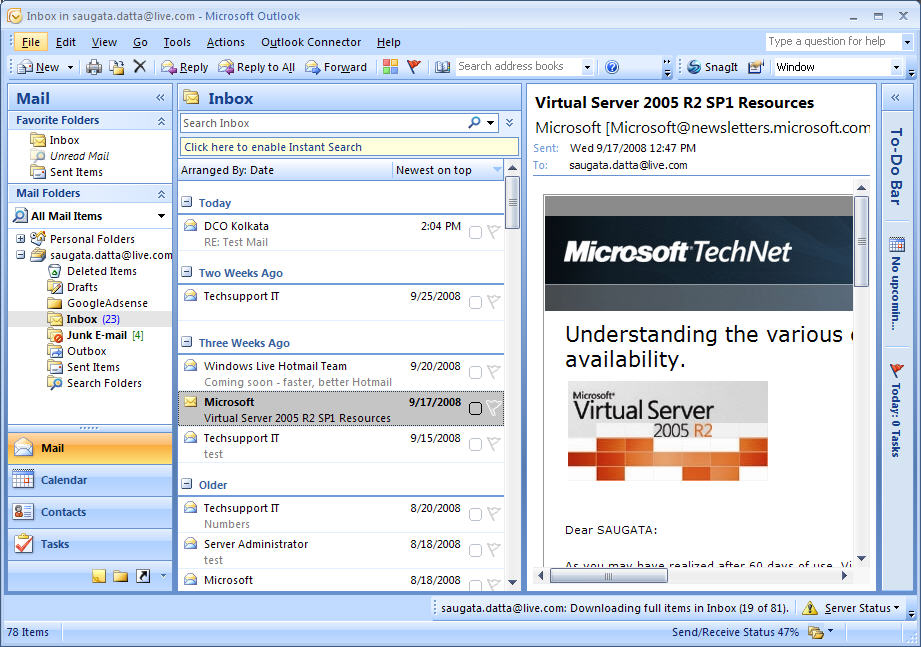
One more thing, with Microsoft Office Outlook Connector, you can sync multiple Live Account,
Go to Outlook Connector tab to add more Live Account.

Click on Add a New Account to add any other Live Account,
My own Outlook 2007 with My 2 Live Account.

Thanks..
 Licensed under CC BY-ND 4.0 International

The Credential-Free Watchdog: Mastering Event-Driven App Automation
We have all been there. You are an automation lover. You have…
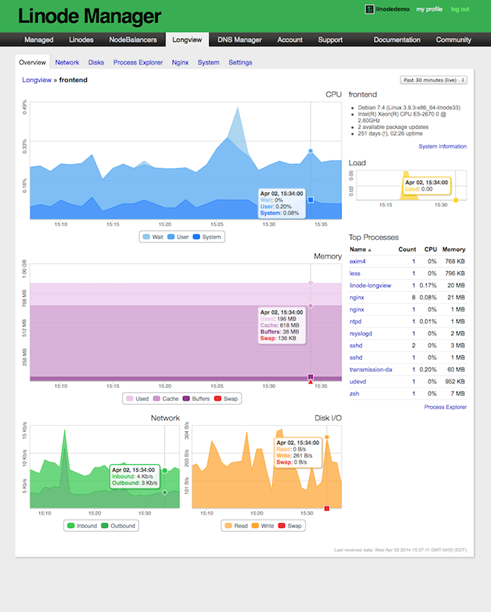
ClearView – Zero Configuration Web Server Monitoring Tool
Have you recently moved away from Linode to any other VPS (Virtual…

Create Private PPTP VPN for personal use in Linode Cloud Hosting.
Nowadays many things are getting blocked by the government, and sometimes without…

Add new Admin Account to AWS Windows Instances to rescue the system
As mentioned earlier, we could reset the local admin password of windows…
some big websites and companies give free calendars _