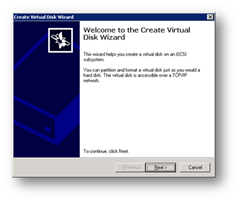
For windows 2003 cluster, check my old tutorial on following link. https://technochat.in/2008/11/configure-cluster-on-vmware-using-iscsi/ Windows 2008 R2 Cluster Requirements: 1. Two Systems with Same Hardware Configuration. 2. Two Network Card 3. Windows 2008 R2 Enterprise Edition on both systems with same patch level. 4. Active Directory 5. Shared Storage( SAN or iSCSI) 6. Both servers should be the member of same domain.
Author: Saugata Datta
I’m an IT/DevOps professional with many years of hands-on experience across Windows, Linux, Automation, Backup and Cloud. I love building real-world automations to make infrastructure reliable, secure, and self-healing. Through this blog, I share practical learnings from enterprise projects and my home-lab experiments on Cloudflare, Self-Hosting and everything in between. Always tinkering, always improving.
Domain Tools v1.2 Final – For Delegating Users ID related Calls – Update

Previous Version: https://technochat.in/2010/08/domain-tools-v1-0-for-delegating-users-id-related-calls/ Main Window Configuration Window
Three DropBox client for Symbian^3 (N8, C7, C6-01, E7, X7)
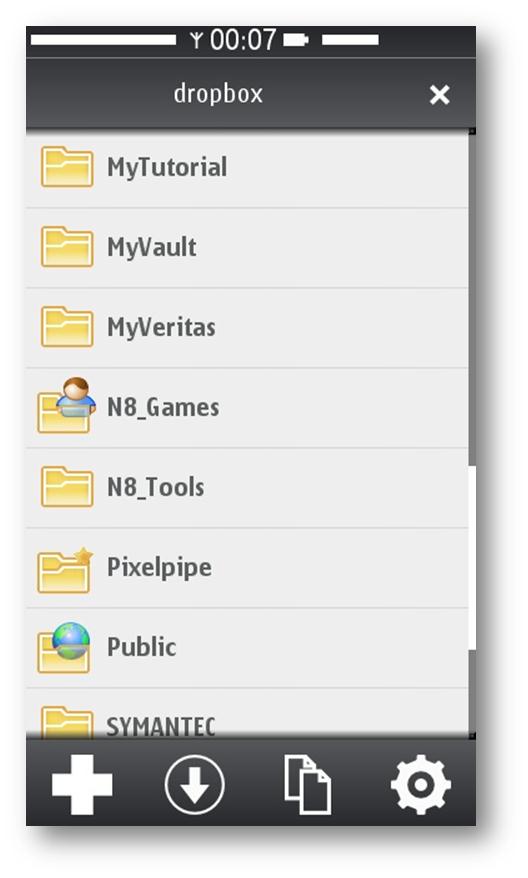
Currently Symbian^3 having three different native DorpBox client, and all of them written in QT. So, you have to install QT runtime on your device before installing DorpBox client. And good news is, all of them using Nokia Smart Installer, so, before installing DorpBox client, it will check the required runtime environment, and if QT not installed on your device,
How to configure Home Folder with extra security
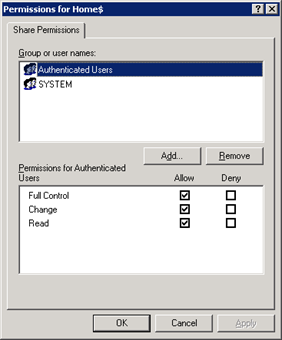
If you are having a domain controller, and decided to give a personal drive for all users, then home folder configuration is the best way to do it. But if you want to make it secure for every users, then you have to configure something extra with ntfs security and share security. Our current requirement as follows: Deploy home folder
HOW to HACK into Broadband ADSL Modem (Router) and get the BroadBand User ID and Password!!
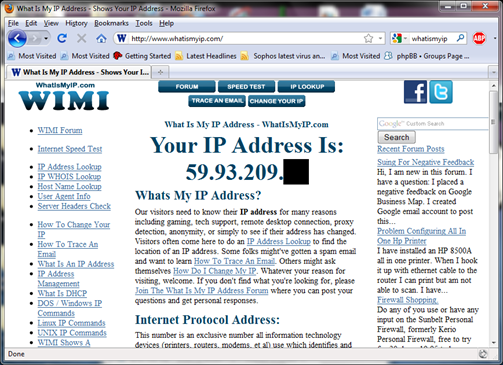
NOTE: Purpose of this article is to help people to protect their own ADSL Router, and how to made them more secure, to avoid such indecent in future. First connect to your broadband, and goto http://whatismyip.com to know your public IP Address.
Domain Tools v1.0 – For Delegating Users ID related Calls
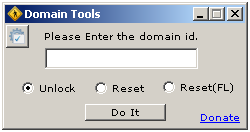
As being a Windows Administrator, I found that almost every day we spend ¼ of our working time for resetting password and unlocking user ids. I decided to delegate this job to someone else (Yes, I know that it can be done via OU Delegation, but in some complex environment, it’s not a good idea), hence I start coding a