
The concept of a “smart home” once sounded futuristic, but today, it’s quickly becoming part of ordinary life. A smart home ecosystem is more than just a collection of cool gadgets—it’s about seamlessly integrating devices to work together, make routines easier, and unlock conveniences that were hard to imagine just a decade ago. Whether you’re dimming the lights with a
Category: Cloud Computing
GCP, Google Cloud, Compute Engine, Cloud Storage, Cloud Functions, Cloud SQL, BigQuery, GKE, Pub/Sub, Cloud Run, App Engine, Cloud CDN, Cloud Armor, FinOps, cloud cost optimisation, multi-cloud, hybrid cloud, cloud migration, cloud architecture, cloud security, cloud networking, IaaS, PaaS, SaaS, serverless, cloud-native, Kubernetes, Helm, Istio, service mesh, container orchestration, OpenShift, DigitalOcean, Linode, Hetzner, Vultr
Self-Hosted N8N on Affordable VPS: Practical Guide, Cost Comparisons, and Agentic AI Use Cases
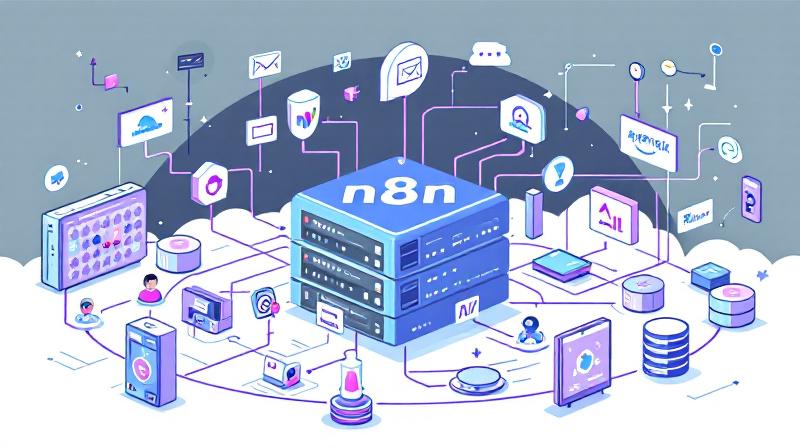
Harnessing the power of self-hosted automation tools is transforming the way individuals and businesses streamline tasks. n8n (pronounced “n-eight-n”) is an open-source workflow automation tool known for its flexibility and the control it offers over data privacy and integrations. When paired with the capabilities of Agentic AI, it opens the door to advanced, intelligent workflows—without ever relying on expensive, proprietary
Face-Off: Windows PowerShell vs PowerShell Core — The Real-World Transition

PowerShell has come a long way since its inception, becoming an essential tool not only for Windows administrators but also for IT professionals working across platforms. The transition from the original Windows PowerShell to PowerShell Core represents more than just a version change—it’s a fundamental evolution in how command-line automation and configuration management are approached in the modern IT landscape.
The Ultimate Command Center for AdGuard Home Power Users
The Problem: “Friction & Context Switching” Whether you run a single AdGuard Home instance on a Raspberry Pi or manage a fleet across multiple locations, the daily management experience often feels disconnected. To simply check if your server is online, pause protection for a quick test, or block an annoying tracker, you have to: It doesn’t seem like much, but
S3 Bucket Audit Report using AWS PowerShell Script – Secure your S3 Buckets

If you are working on AWS environment and if you follow the news related to AWS, you will probably know there are many major data breach happened because of the human negligence, where vast amount of data kept without any protection like encryption, public access blocking. It is all because of human error. We create S3 bucket, and start
Do not trust any public VPN service, Create your own Secure SOCKS5 Proxy for just $5 – Be Free :)
If someone ask me to recommend one good proxy service, I would recommend none. Why should I trust any of them, as they can do what ever they want with my internet traffic, we don’t have any control over them, nor we should trust their privacy policy. So, what will be the solution? Very simple, create your own in pubic