Microsoft Server and Virtualisation

RealVNC MSI Deployment

vnc

For giving instant remote support to almost 1500+ desktop, we have to use some remote control tool, so we decided to install RealVNC server only to all the system. But manually it will take huge time to install RealVNC server to all the system. So, I started working on convert it into MSI package, which we can easily deploy via Group Policy.

Also we have to keep following things on mind:

  • For security reason, as per company policy, Windows Firewall should be on to all system, So, I we have to make it an exception on firewall exception list.
  • RealVNC server password should be same in all the system.
  • Package size should be small, so it can be easily deploy.

And finally I have created the MSI Installer. This installer will really small in size, only 533 KB and also iwll will add VNC Port and Application into Windows Firewall exception list at the time of installation. It also set a default password.

Default password will be : password@123

  RealVNC Server MSI (553.0 KiB, 2,616 hits)

Hi Mat,
Sorry for the delay.
Please find the Modified VNC MSI file as requested.

  VNC_Server_Only_for_Mat.msi (552.5 KiB, 1,563 hits)

[ad#av_post]

Hi Ostenx,
Here is your VNC Package!!

Real VNC Mod!
Download:

  Real VNC Mod! (600.9 KiB, 561 hits)

On Request(Two Setup)

  VNC.rar (433.0 KiB, 0 hits)

Note: I didn’t modify anything from the real package, i have just created MSI package after install setup file(v4.1.3) downloaded from http://www.realvnc.com/.

Thnaks,
Saugata

3 comments

  1. Now we provide custom MSI package with the provided password by you, and it’s totally free of cost, but on request and depends on how much time i have to create a MSI package for you.

    If you want to send us your password, use Contact Us with following line on top of the Message.

    Custom VNC MSI Package

    As i said already, this service is for free of cost, however if you wish you can buy me a drink by clicking Donation button which will motivate me.. 🙂

    Thanks
    Saugata

Leave a Reply

Your email address will not be published. Required fields are marked *

You Might Also Like
Microsoft Extends Windows 10 Extended Security Updates Through October 2027

Microsoft Extends Windows 10 Extended Security Updates Through October 2027

Microsoft has quietly extended its consumer Extended Security Updates (ESU) program for…

Jun 26, 2026 · 4 min read Related
The Credential-Free Watchdog: Mastering Event-Driven App Automation

The Credential-Free Watchdog: Mastering Event-Driven App Automation

We have all been there. You are an automation lover. You have…

May 7, 2026 · 12 min read Related
Microsoft Teams’ Efficiency Mode Arrives for Low‑End Devices

Microsoft Teams’ Efficiency Mode Arrives for Low‑End Devices

Microsoft is rolling out an Efficiency Mode for Microsoft Teams designed to…

Apr 22, 2026 · 4 min read Related
How Attackers Abuse Microsoft Teams and Quick Assist: Inside the Helpdesk Impersonation Playbook

How Attackers Abuse Microsoft Teams and Quick Assist: Inside the Helpdesk Impersonation Playbook

A new wave of attacks is quietly abusing everyday collaboration tools to…

Apr 20, 2026 · 5 min read Related
New RDP Alert After April 2026 Security Update Warns of Unknown Connections

New RDP Alert After April 2026 Security Update Warns of Unknown Connections

Microsoft’s April 2026 Patch Tuesday introduced a small-looking but important change to…

Apr 20, 2026 · 4 min read Related
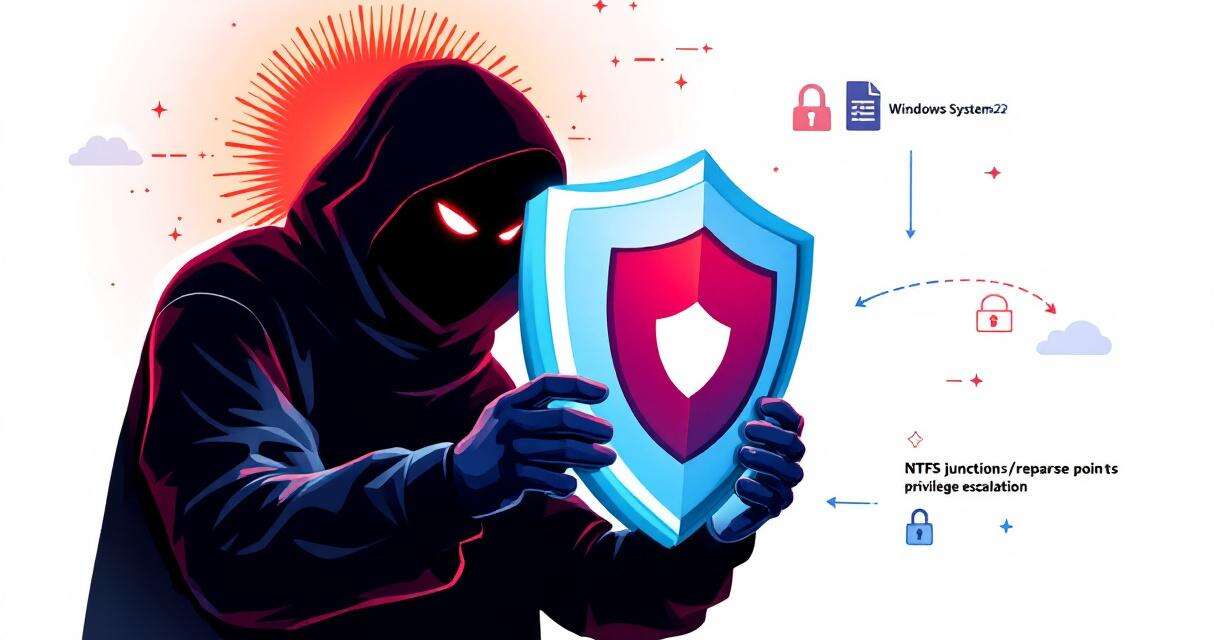
RedSun: New Microsoft Defender Zero-Day Lets Unprivileged Users Gain SYSTEM Access

RedSun: New Microsoft Defender Zero-Day Lets Unprivileged Users Gain SYSTEM Access

A freshly disclosed zero-day vulnerability in Microsoft Defender, dubbed "RedSun," has raised…

Apr 17, 2026 · 4 min read Related
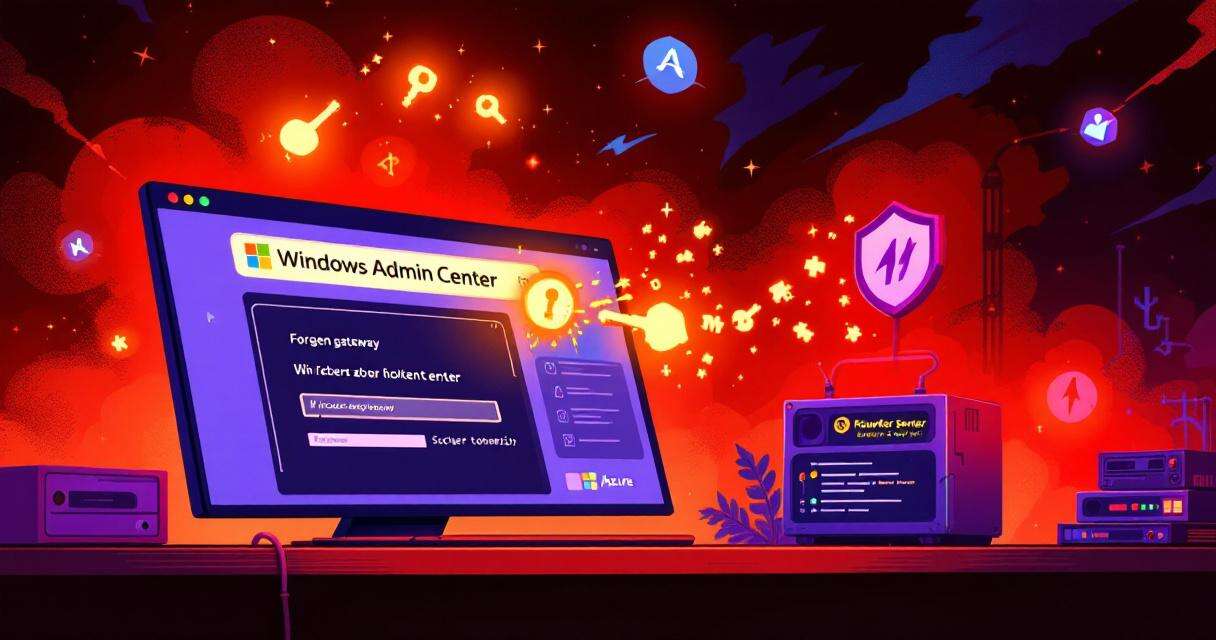
One-Click RCE in Azure Windows Admin Center: what happened and what you need to do

One-Click RCE in Azure Windows Admin Center: what happened and what you need to do

Windows Admin Center (WAC) is a convenient, browser-based management hub for administrators…

Apr 17, 2026 · 5 min read Related
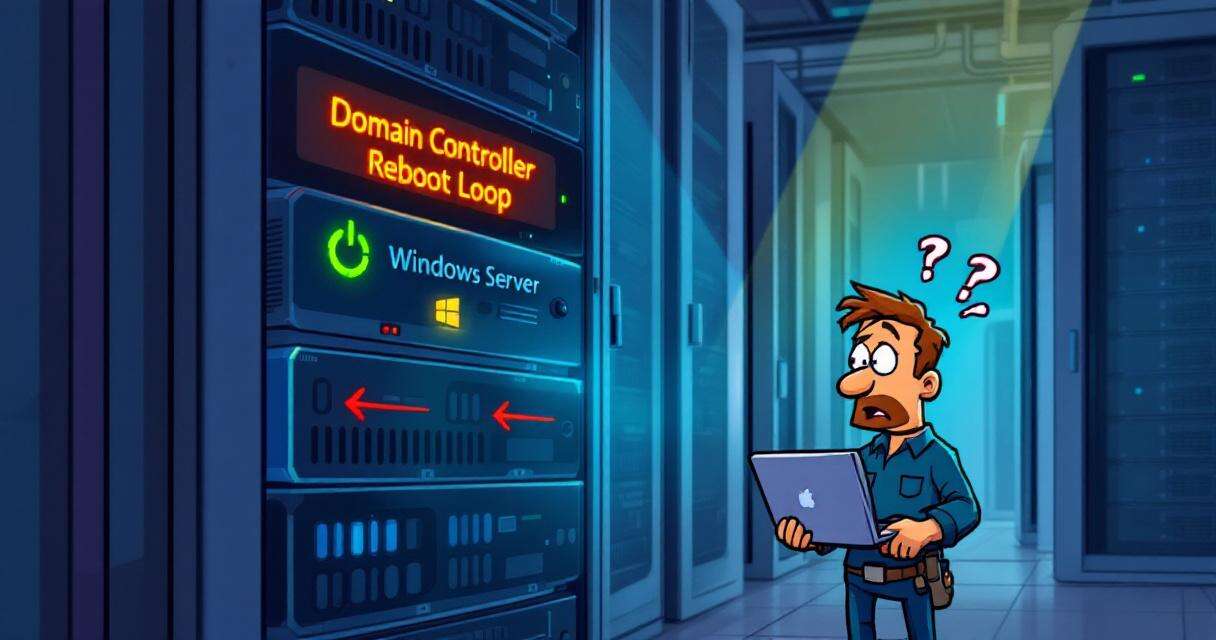
Microsoft Confirms Reboot Loops on Windows Server 2025 After April Patch KB5082063

Microsoft Confirms Reboot Loops on Windows Server 2025 After April Patch KB5082063

Microsoft has confirmed a critical stability problem affecting some Windows Server 2025…

Apr 17, 2026 · 3 min read Related
🧰

Free Tools: IP, DNS, SSL

20+ free network and other tools in one place. No signup. Click explore or visit https://technochat.in/tools

Explore