
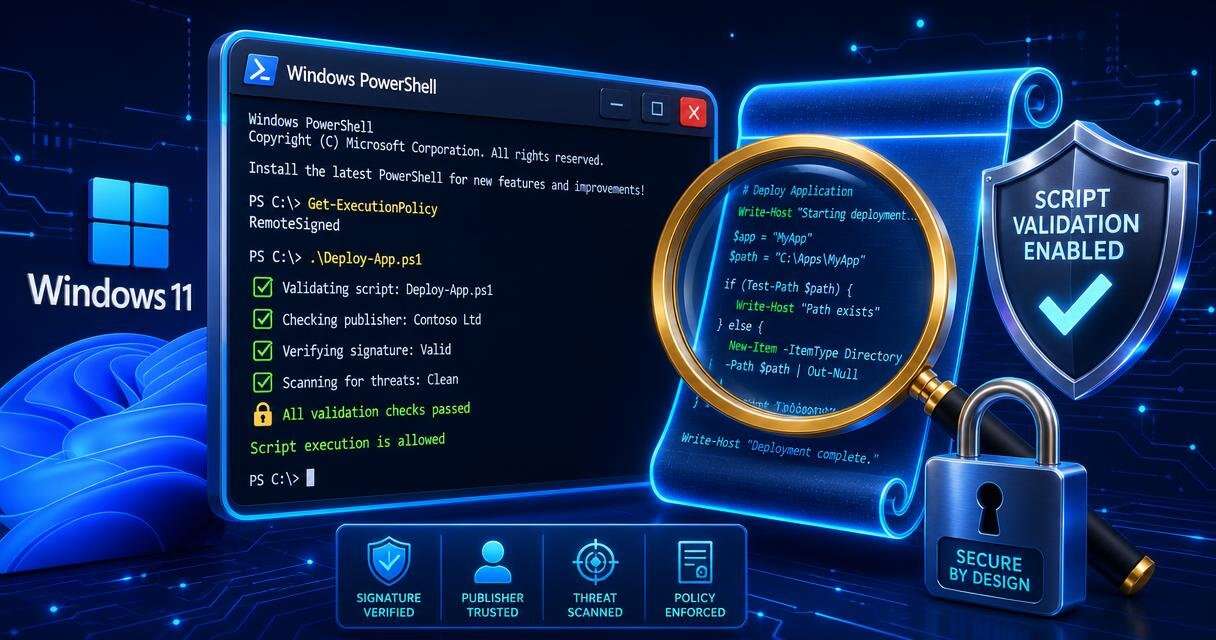
Microsoft’s November Patch Tuesday update KB5132061 adds stricter text-encoding validation for PowerShell script signing and signature verification. Older scripts that were signed before this change can fail if they contain invalid text encoding, including malformed UTF-8.
PowerShell signing checks change in KB5132061
Microsoft released its November batch of Patch Tuesday updates earlier this week, bringing the usual security fixes and improvements to Windows 11. One change in the release notes for KB5132061 affects users and administrators who run PowerShell scripts, and it is not tied to the recent PowerShell 7.7 release. The update is aimed at improved security, but it can create extra work for affected scripts.
The release notes say Microsoft introduced stricter text-encoding validation for PowerShell script signing and signature verification. Scripts that used to pass verification may now fail because Windows rejects signatures when the text encoding is invalid. This affects scripts containing malformed UTF-8 in particular. Before the update, Windows could accept some invalid characters by replacing them during decoding. Now it explicitly rejects malformed UTF-8, and those same scripts can fail signature verification.
For affected scripts, running Get-AuthenticodeSignature can return a NotSigned status even if the script was previously signed. Signing a problematic file with Set-AuthenticodeSignature can also produce an error. Microsoft has already published support guidance for handling affected scripts. It recommends saving scripts in valid UTF-8 encoding with a byte order mark, reviewing their contents, and signing them again.
Repair guidance and platform scope
Microsoft also provides a PowerShell repair tool for batches of affected scripts. The tool scans files for possible encoding problems and tries to repair them while keeping existing signatures intact. It does not overwrite the original files. Microsoft warns that not every script can be repaired automatically.
The change is not limited to Windows 11. Microsoft’s guidance also covers Windows 10 Enterprise LTSC 2021 and some Windows Server versions, including Windows Server 2025. If older scripts have stopped running over the past day, this may be the reason. Microsoft’s proposed workarounds are intended to help repair affected scripts.
 Licensed under CC BY-ND 4.0 International