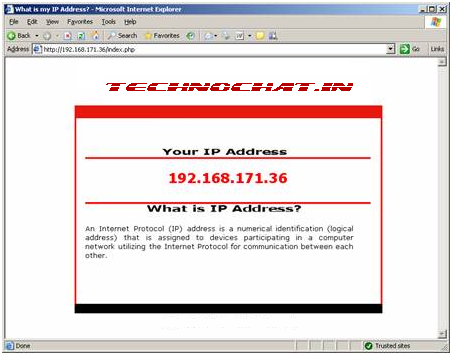
How it looks like?
Requirement:
Web Server : IIS 6 / Apache.
Other : PHP 5 Installed on Web server.
PHP Download Link: http://in.php.net/downloads.php
Deployment Steps:
>Install IIS on server.
>Download PHP installer from above location.
>Install PHP
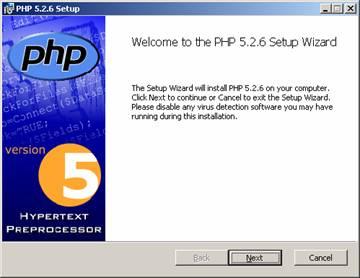
- Run php-5.2.6-win32-installer.msi
and click Next.

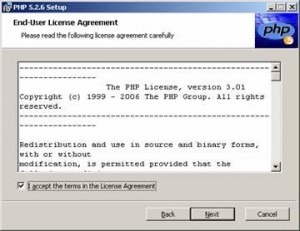
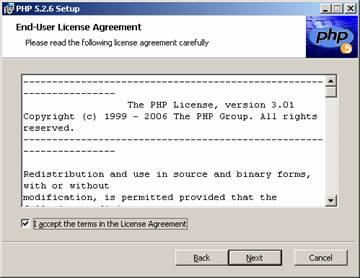
- Accept Terms and click Next again.

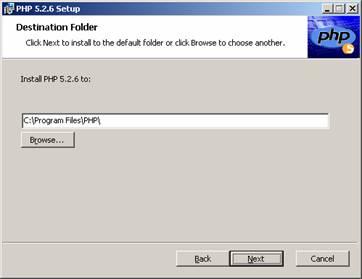
- Click Next again

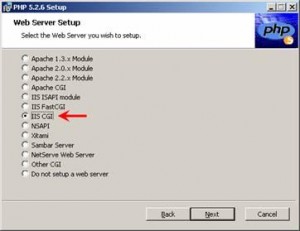
- Now select IIS CGI and click Next.


- On next screen just click Next button.
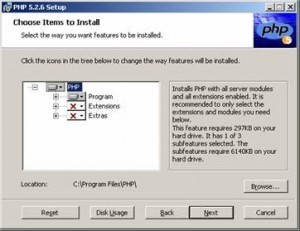

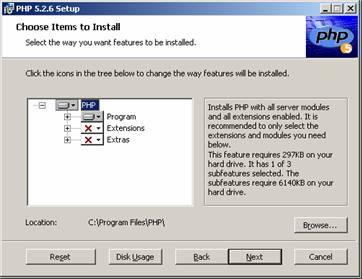
- Now click Install.
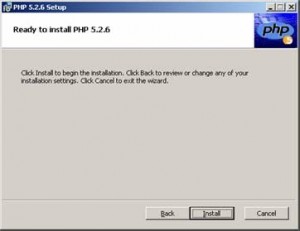


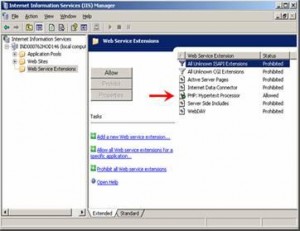
- To make sure your PHP installed properly or not, open IIS Management Console and go to Web Server Extensions and you will get a new extension called PHP:Hypertext Processor, and it will be allowed extention automatically after install PHP.

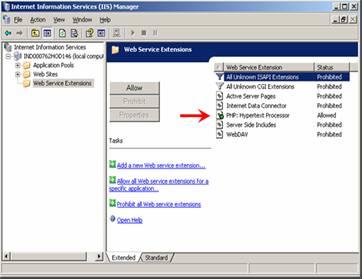
-
IIS Site Configuration:
Open IIS Console again and go to your site properties.Then go to Documents tab and add index.php on top.
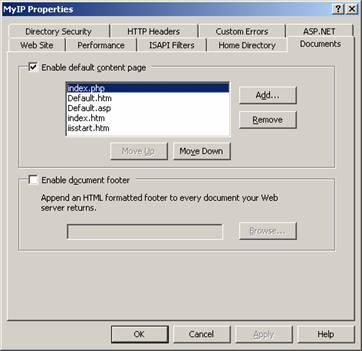
-
Now download attached ipaddress.zip, and extract all of its content to you site folder.
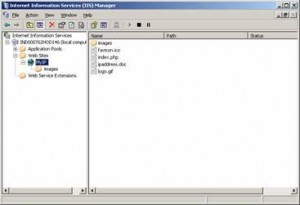
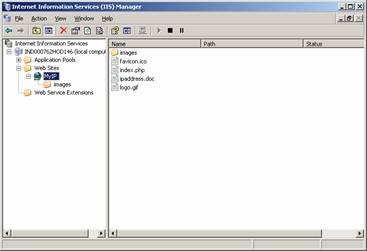
And Internal IP Address checker site now UP and Running.
Why and where we need this?
- Some time it’s difficult to explain an end user to find out their IP address for remote support, so if we host a site for that, it’s easy to get end users IP address with a simple mouse click.
- In organization like FamilyCredit, where lots of branches in all over the India, so if we implement something like this, it will help us a lots as well as end users also aware of their IP address.
- Once again, after implement this, IP address is just a click away.
- Highly customizable for any Organization
What about Resource, Space and Bandwidth?
It won’t take huge resource and total hosting space required for this is only 131 KB. As because it required small space, it also take very little bandwidth.

 ipaddress.zip (62.9 KiB, 360 hits)
 Licensed under CC BY-ND 4.0 International

Windows Users Beware: SnappyClient — The Compact Implant That Hijacks Crypto and Disables Defenses
A compact but capable Windows implant called SnappyClient has emerged as a…

Microsoft Plans to Disable Hands‑Free Automated Installation for Windows 11 and Server 2025 After Critical RCE Flaw
Microsoft has announced a hardening plan for Windows Deployment Services (WDS) after…
Hotpatch Alert: Microsoft Fixes Critical RRAS Remote-Execution Flaws in Windows 11
Microsoft issued an out-of-band hotpatch on March 13, 2026, to address a…
Windows 11 February Patch (KB5077181) Can Make Drive C Inaccessible on Some Samsung PCs
Microsoft has updated its Windows 11 documentation to describe a recently discovered…