
A compact but capable Windows implant called SnappyClient has emerged as a notable threat, especially for people who use browser-based cryptocurrency wallets on Windows machines. First observed in late 2025 by Zscaler ThreatLabz, SnappyClient blends remote access, targeted data theft, and multiple anti-detection techniques into a small C++ payload that’s typically delivered via in-memory loaders. Its combination of stealth, focused
Category: Cybersecurity
Zero-Day, APT, Exfiltration, Lateral-Movement, Privilege-Escalation, Botnet, Rootkit, Backdoor, Keylogger, Smishing, Vishing, Spear-Phishing, Social-Engineering, MITM, SQL-Injection, XSS, CSRF, Path-Traversal, Buffer-Overflow, Honeypot, CVE, CVSS, Red-Team, Blue-Team, Threat-Hunting, Malware-Analysis, MITRE-ATT&CK, Insider-Threat, Jailbreak, Shellcode, Exploit-Kit, LFI, RFI, Obfuscation, Payload, security advisory, vulnerability disclosure, CWE, OWASP, cybersecurity news, threat intelligence, SOC, SIEM, cryptotheft, evasion, CVE Security
Cisco Under Fire: Zero-Day in Secure Firewall Management Center Powers Interlock Ransomware
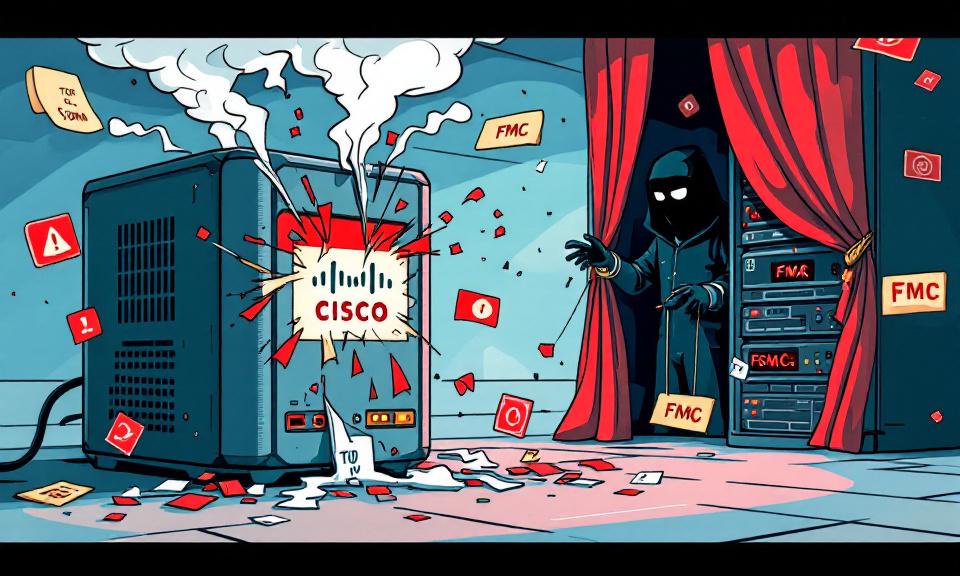
A critical zero-day vulnerability in Cisco Secure Firewall Management Center (FMC) — tracked as CVE-2026-20131 — has been exploited in the wild to deploy Interlock ransomware. The timeline and technical details reported by independent researchers make this a clear, urgent warning for organizations running Cisco FMC: an unauthenticated remote exploit can lead to arbitrary Java code execution with root privileges,
Aura Exposed: When 900,000 Marketing Contacts Turned Into a Security Crisis

Aura, the consumer digital safety company known for identity protection and fraud monitoring, recently confirmed a data breach that exposed nearly 900,000 marketing contacts. What seems like a single shocking number actually reveals deeper problems: legacy data inherited through acquisitions, the continued effectiveness of social-engineering attacks, and the tricky line between marketing lists and active customer records. This incident is
Stryker Confirms Massive Wiper Strike — Thousands of Devices Erased in Alleged Iran-Linked Operation

Stryker, the global medical technology company, confirmed on March 11, 2026, that it suffered a significant, destructive cyberattack that disabled large parts of its corporate Microsoft environment and resulted in the wiping of thousands of devices. The company characterized the incident as a deliberate data-destruction operation rather than a ransomware extortion scheme, and investigators and security firms have pointed to
Hotpatch Alert: Microsoft Fixes Critical RRAS Remote-Execution Flaws in Windows 11
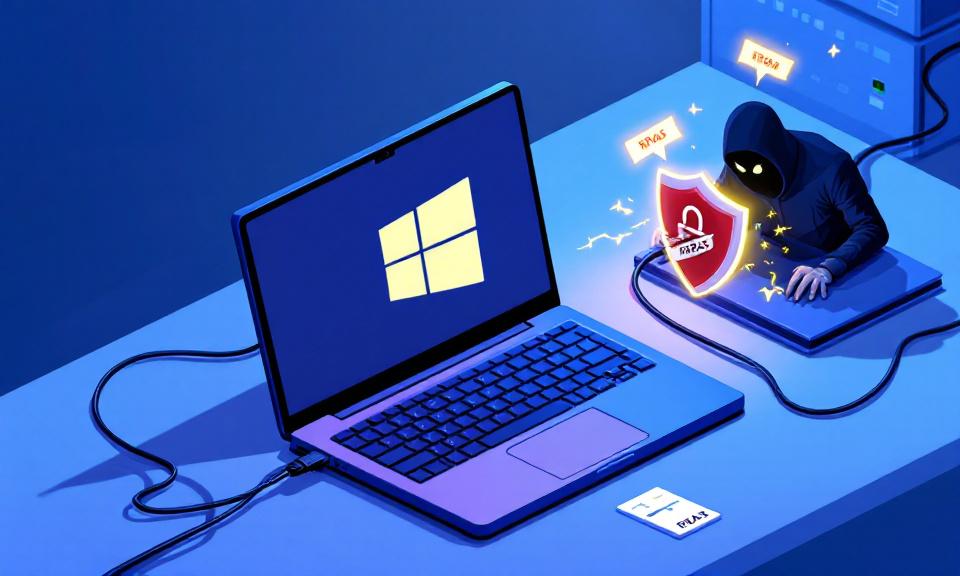
Microsoft issued an out-of-band hotpatch on March 13, 2026, to address a set of serious vulnerabilities in the Windows Routing and Remote Access Service (RRAS) management tool that affect Windows 11. The update, tracked as KB5084597 and aimed at OS builds 26200.7982 (25H2) and 26100.7982 (24H2), patches three CVEs that can allow a remote attacker to disrupt RRAS or execute
CrackArmor: Nine AppArmor Flaws Let Local Users Escalate to Root — What Organizations Need to Know

AppArmor, a widely deployed Linux Mandatory Access Control (MAC) framework, is at the center of a set of serious vulnerabilities that researchers have dubbed “CrackArmor.” Disclosed on March 12, 2026 by the Qualys Threat Research Unit (TRU), the collection of flaws affects AppArmor’s implementation as a Linux Security Module (LSM) and has been present in the upstream kernel since around