
Google’s Threat Intelligence Group reported 90 zero‑day vulnerabilities actively exploited in the wild across 2025. That total sits above 2024’s 78 but below the record 100 observed in 2023. Beyond the raw count, the GTIG data reveals a notable shift in where and how these flaws were used, who is using them, and which technical weaknesses continue to drive high‑impact
Category: Cybersecurity
Zero-Day, APT, Exfiltration, Lateral-Movement, Privilege-Escalation, Botnet, Rootkit, Backdoor, Keylogger, Smishing, Vishing, Spear-Phishing, Social-Engineering, MITM, SQL-Injection, XSS, CSRF, Path-Traversal, Buffer-Overflow, Honeypot, CVE, CVSS, Red-Team, Blue-Team, Threat-Hunting, Malware-Analysis, MITRE-ATT&CK, Insider-Threat, Jailbreak, Shellcode, Exploit-Kit, LFI, RFI, Obfuscation, Payload, security advisory, vulnerability disclosure, CWE, OWASP, cybersecurity news, threat intelligence, SOC, SIEM, cryptotheft, evasion, CVE Security
VoidLink Malware Framework: Key Points on How It Targets Kubernetes and AI Workloads
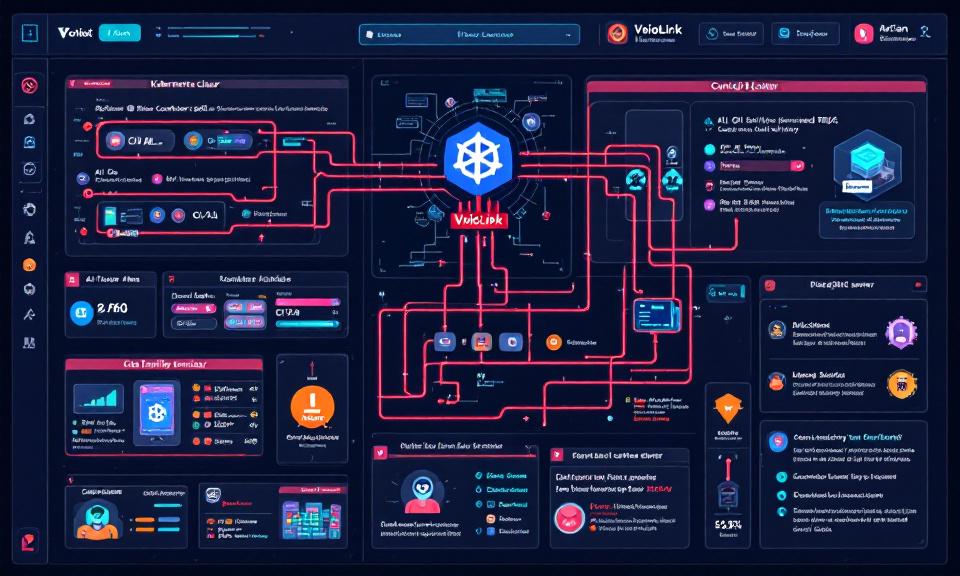
Title: VoidLink Malware Framework: Key Points on How It Targets Kubernetes and AI Workloads Overview VoidLink is a modular malware framework observed targeting cloud-native environments, with emphasis on Kubernetes clusters and AI infrastructure. Goal: persistence, lateral movement, data exfiltration, and abuse of compute (e.g., model theft, crypto-mining, or training/serving misuse). Modularity enables plugins for container escape, kubeconfig harvesting, and targeted
MS‑Agent Shell Flaw (CVE‑2026‑2256): What You Need to Know
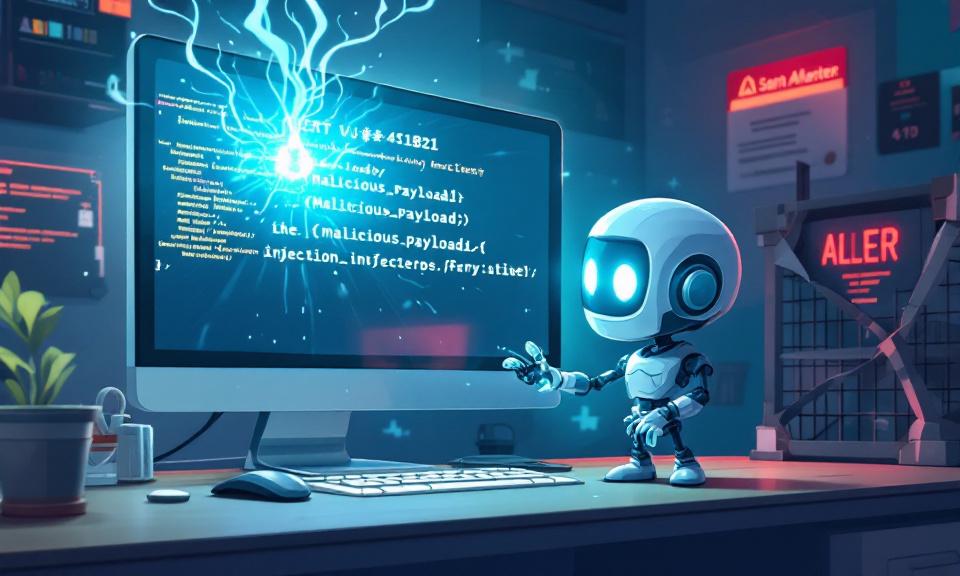
A critical vulnerability in the MS‑Agent framework’s Shell tool allows untrusted input to be executed as operating‑system commands, potentially giving attackers full control of affected systems. This short note summarizes the issue, its impact, and immediate mitigations, and points to the original advisory for technical details. Overview MS‑Agent exposes a Shell capability intended to let AI agents run OS commands
When an Upgrade Breaks the Network: Windows 11 23H2→25H2 and the 802.1X Policy Wipe
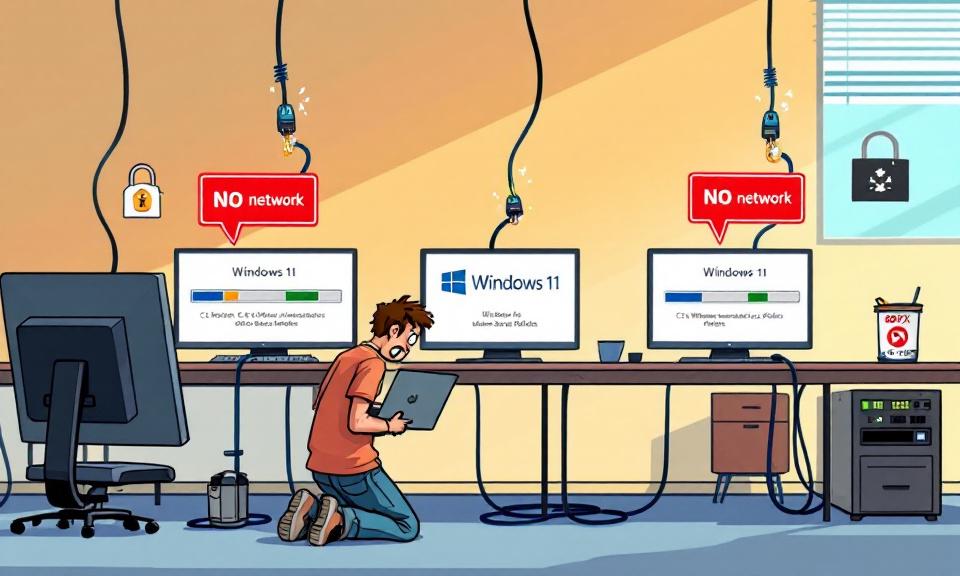
A quietly persistent bug in in-place Windows upgrades has resurfaced across recent Windows 11 version jumps and is creating a painful, real-world problem for enterprise IT teams: wired 802.1X authentication profiles applied by Group Policy are being deleted during some upgrades, leaving machines offline until a manual recovery is performed. What looks like a routine OS update can turn into
When Local Trust Breaks: The OpenClaw 0-Click Vulnerability and What Developers Must Do Now
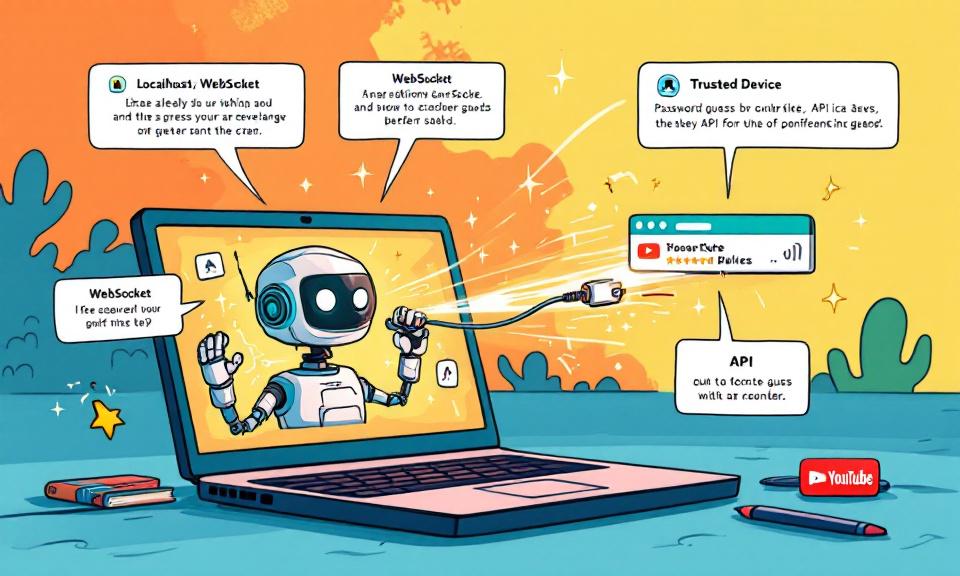
The speed at which developer-facing AI agents have been adopted is staggering — and rapid adoption often outpaces secure design. A recent, high-impact vulnerability in OpenClaw demonstrates how a single innocuous browser visit can be transformed into a full agent takeover. For developers and security teams, this is a reminder that conveniences like “localhost-first” assumptions carry real risk. This post
When a Jailbreak Became a Campaign: How Claude AI Was Abused to Build Exploits and Steal Data

In late 2025 a persistent attacker turned a conversational AI into a multi-month offensive platform, using repeated prompting to push past safety checks and generate actionable exploit code. The incident — uncovered by a security firm and reported in mainstream sources — illustrates a worrying new vector in which AI models can be manipulated into performing the research, coding, and