
A critical security flaw in a widely used WordPress membership plugin has made it trivially simple for unauthenticated attackers to create administrator accounts and seize control of affected sites. The vulnerability, tracked as CVE-2026-1492, exposes a systemic weakness in how the plugin handled role assignment during user registration. This post summarizes what happened, who discovered it, the immediate risks, and
Category: Microsoft
Windows, Windows Server, Microsoft 365, Word, Excel, PowerPoint, Outlook, OneNote, Teams, SharePoint, OneDrive, Edge, Bing, SQL Server, Visual Studio, Active Directory, Dynamics 365, Power BI, Power Apps, Xbox, Game Pass, Surface, Intune, Defender, Exchange, Hyper-V, .NET, Dataverse, Microsoft Copilot, Copilot Studio, Microsoft Fabric, Power Platform, Windows 11, Windows 10, WSL, Windows Subsystem for Linux
Bitwarden Adds Passkey Login Support for Windows 11
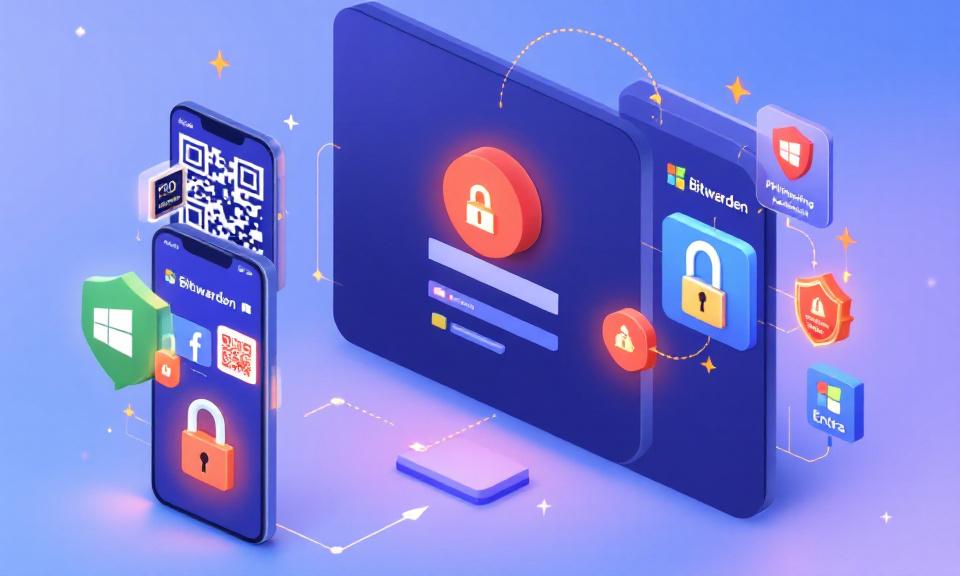
Bitwarden now supports using passkeys stored in its vault to sign into Windows 11 devices, enabling passwordless, phishing-resistant authentication. The feature is available to all Bitwarden plans, including the free tier. How it works On the Windows sign-in screen, users choose the security key sign-in option and scan a QR code with a mobile device. The passkey stored in the
When an Upgrade Breaks the Network: Windows 11 23H2→25H2 and the 802.1X Policy Wipe
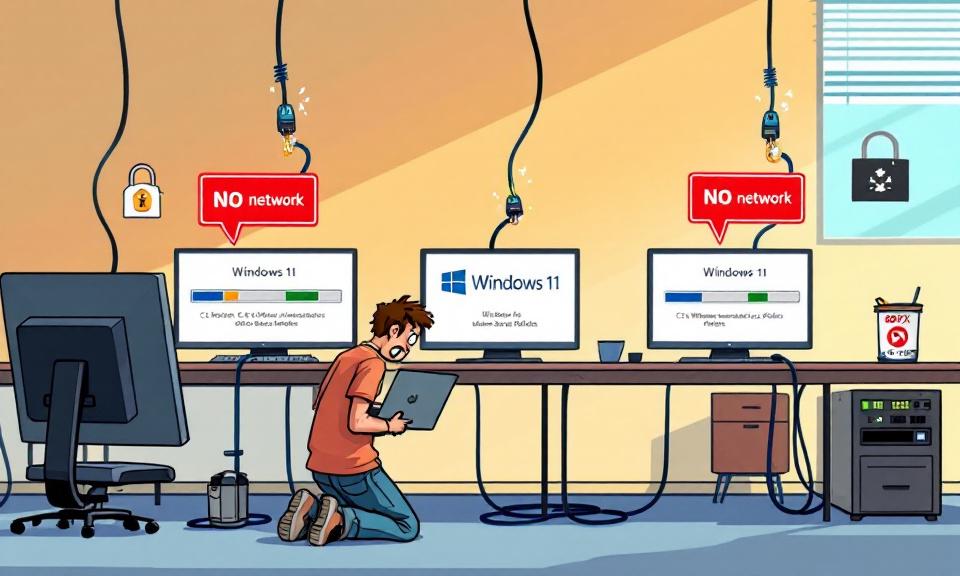
A quietly persistent bug in in-place Windows upgrades has resurfaced across recent Windows 11 version jumps and is creating a painful, real-world problem for enterprise IT teams: wired 802.1X authentication profiles applied by Group Policy are being deleted during some upgrades, leaving machines offline until a manual recovery is performed. What looks like a routine OS update can turn into
When Kali Meets Claude: How AI and MCP Are Changing Penetration Testing

The tools and workflows of penetration testing have evolved steadily over the past decade, but a recent shift feels more like a paradigm change than an incremental upgrade. Kali Linux — the distribution many security professionals rely on for reconnaissance, scanning, and exploitation — has been connected to a large language model via the open Model Context Protocol (MCP). The
Urgent Patching Required: Multiple VMware Aria Vulnerabilities Enable Remote Code Execution and Privilege Escalation
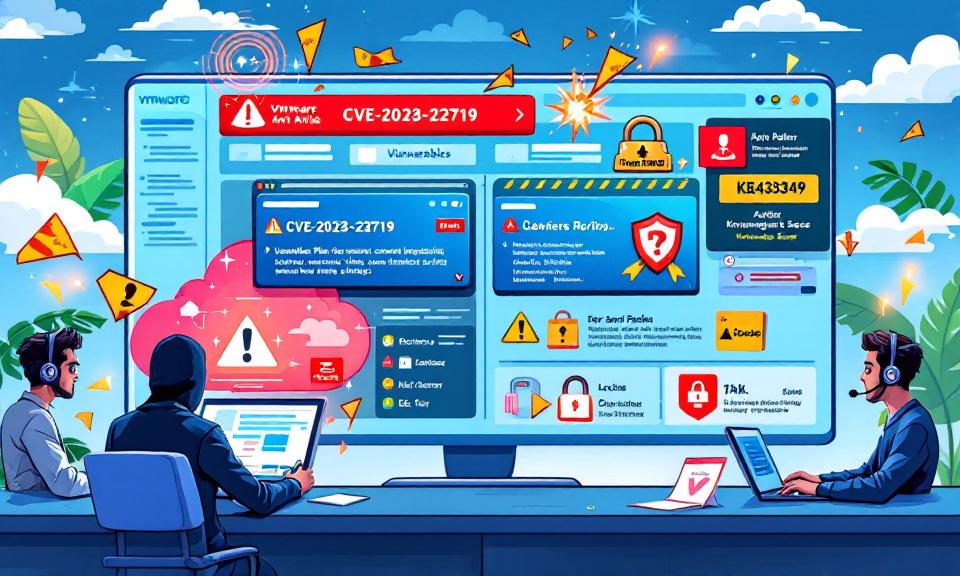
VMware’s Aria Operations — a cornerstone for many organizations’ cloud and infrastructure management — was thrust into the spotlight this week after Broadcom published VMSA-2026-0001, detailing three significant vulnerabilities. These flaws range from command injection that can lead to full remote code execution, to stored cross-site scripting that enables administrative actions, and a privilege escalation path from vCenter to Aria
SYSTEM at Risk: How a Splunk DLL Search-Order Flaw Lets Local Users Escalate Privileges
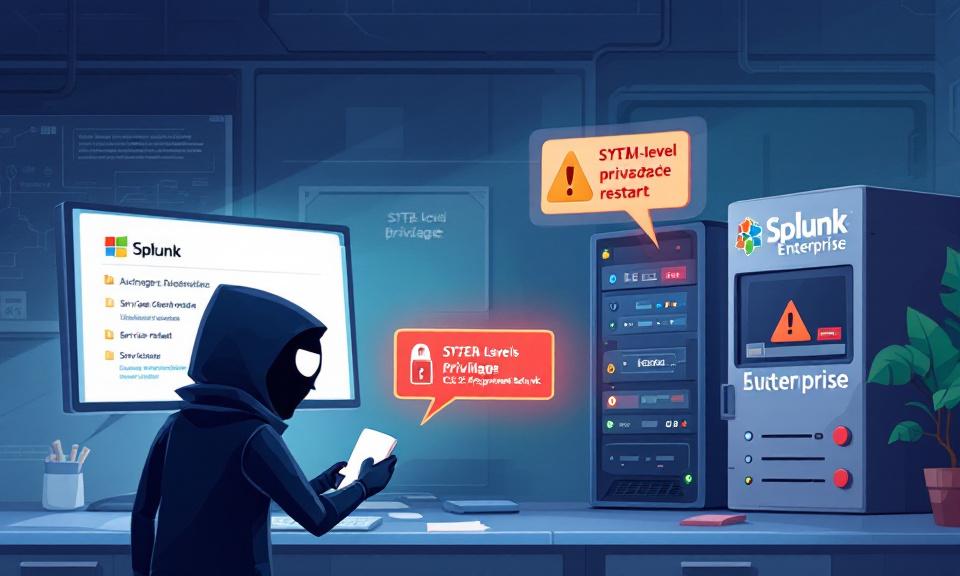
Splunk is a cornerstone of many security and operations teams, trusted to ingest, index, and analyze machine data across the enterprise. That trust makes any vulnerability in Splunk especially consequential. In February 2026 Splunk disclosed a high-severity Windows-specific vulnerability (CVE-2026-20140) that allows a low-privileged local user to perform a DLL search-order hijacking attack and gain SYSTEM-level privileges. The mechanics are