The Problem: “Friction & Context Switching” Whether you run a single AdGuard Home instance on a Raspberry Pi or manage a fleet across multiple locations, the daily management experience often feels disconnected. To simply check if your server is online, pause protection for a quick test, or block an annoying tracker, you have to: It doesn’t seem like much, but
Category: Microsoft
Windows, Windows Server, Microsoft 365, Word, Excel, PowerPoint, Outlook, OneNote, Teams, SharePoint, OneDrive, Edge, Bing, SQL Server, Visual Studio, Active Directory, Dynamics 365, Power BI, Power Apps, Xbox, Game Pass, Surface, Intune, Defender, Exchange, Hyper-V, .NET, Dataverse,
Mange SOLIDserver EfficientIP IPAM form PowerShell
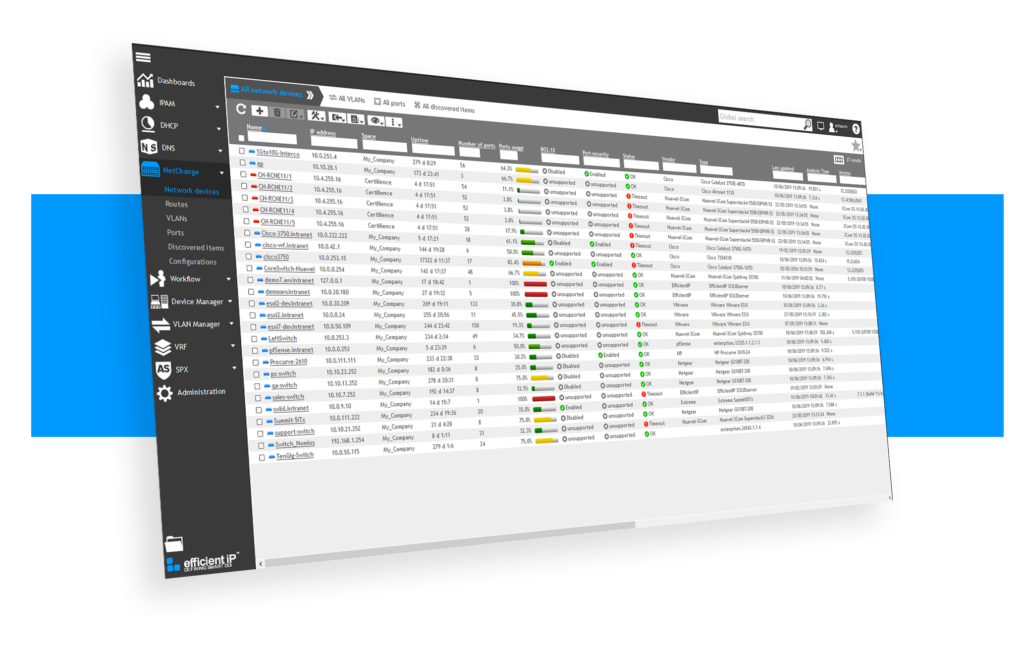
Recently I worked on an automation for cloud infra, where I had to perform different task for AWS and Azure, and both linked with SOLIDserver EfficientIP IPAM. For Azure : We had to use pipeline to deploy new resource group and during this deployment process EfficientIP will give the next available subnet for network creation and update its own database
Do not trust any public VPN service, Create your own Secure SOCKS5 Proxy for just $5 – Be Free :)

If someone ask me to recommend one good proxy service, I would recommend none. Why should I trust any of them, as they can do what ever they want with my internet traffic, we don’t have any control over them, nor we should trust their privacy policy. So, what will be the solution? Very simple, create your own in pubic
ClearView – Zero Configuration Web Server Monitoring Tool
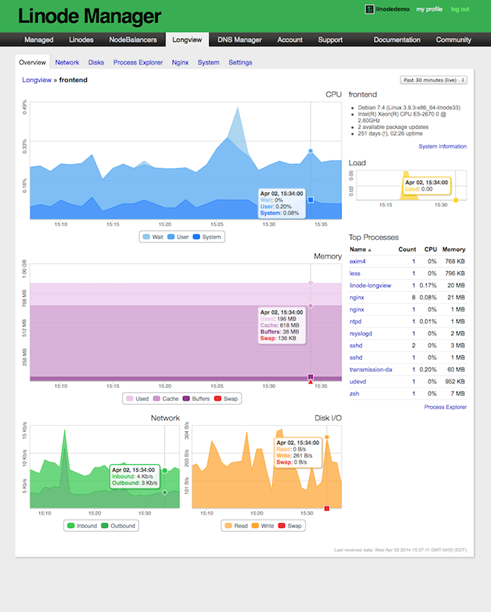
Have you recently moved away from Linode to any other VPS (Virtual Private Server) providers for hosting your web server? Are you still desperately looking for an alternative to Linode server monitoring tool LongView? Yes…. Ok, I am here to guide you in fixing the web server monitoring issues. I have hosted this blog in Linode for more than two
Create Private PPTP VPN for personal use in Linode Cloud Hosting.

Nowadays many things are getting blocked by the government, and sometimes without even a valid reason. When something like this happen to you, you probably looking for some way to bypass these restrictions, and most of the times we look for free or cheap VPNs. In today’s world, nothing is actually free, there is always something we are giving in
Add new Admin Account to AWS Windows Instances to rescue the system

As mentioned earlier, we could reset the local admin password of windows instances via registry, but unfortunately that will not going to help us if we forget the user id details or we renamed the user id. And the good news is, we still will be able to logon into the system by creating one new Admin Account using AWS