
Today marks a pivotal moment for India’s AI journey as a major global AI organization launches a country-focused initiative to expand access, build local infrastructure, and accelerate economic and societal benefits. The program aims to pair advanced AI models with domestic partners to meet India’s unique needs: lower latency, data residency, security, and large-scale workforce adoption. A cornerstone of the
Category: Compliance and Privacy
GDPR, CCPA, HIPAA, PCI-DSS, SOC 2, ISO 27001, NIST, DORA, NIS2, data privacy, data protection, privacy policy, compliance audit, regulatory compliance, data governance, DPO, data processing agreement, right to erasure, data residency, privacy by design, AI Act, EU AI Act, digital identity, eIDAS, cookie consent, consent management, PECR, data localisation, breach notification
From The Blinking Cursor to The Thinking Machine: A Memoir of Automation

There is a specific kind of silence that only exists in a server room late at night. It isn’t actually quiet—the fans are screaming, the air conditioning is humming like a jet engine, and the hard drives are clicking in a chaotic rhythm. But for those of us who have spent the last two decades in IT, it feels silent
Claude Opus 4.6: Anthropic’s powerful model for coding, agents, and enterprise workflows is now available in Microsoft Foundry

Claude Opus 4.6 represents a clear evolution in applying frontier language models to mission-critical enterprise workloads. By combining Anthropic’s latest reasoning and long-context capabilities with Microsoft Foundry’s governance, identity, and operational controls, organizations can transition from isolated experiments to production-grade, agent-driven systems. This release is significant because it is not merely about raw model performance; it is about enabling sustained,
When Plugins Move Markets: Lessons from a Single-Day “SaaSpocalypse”
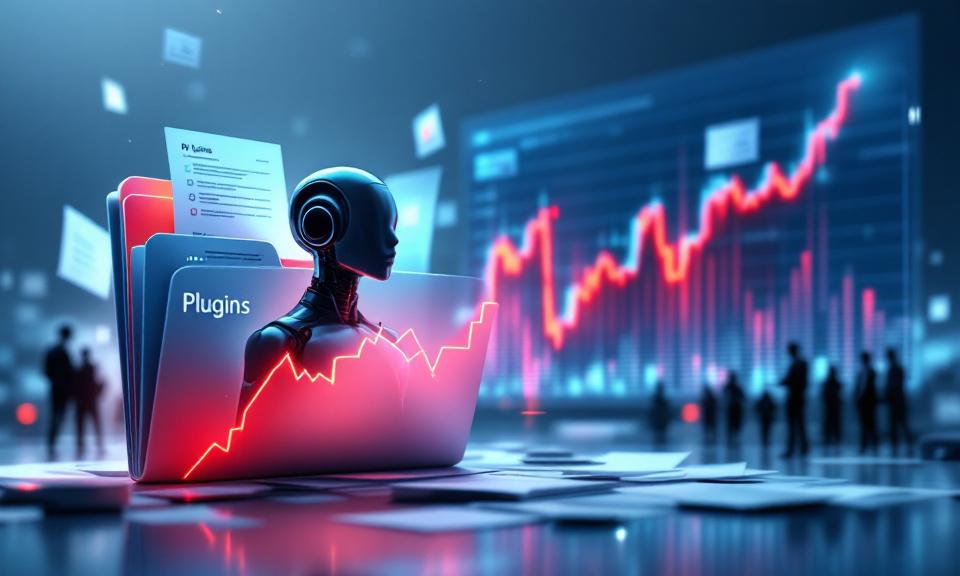
Anthropic’s rapid rollout of open‑source plugins for Claude Cowork—especially a legal workflow plugin—triggered a market shock that erased roughly $285 billion in software, legal‑tech, and related stocks in a single day. The episode is less about one technical breakthrough and more about a strategic shift: model providers are moving from offering raw capability to delivering vertical workflows. That marginal step
Living with Smart Homes: How Connected Devices Are Reshaping Everyday Life

The concept of a “smart home” once sounded futuristic, but today, it’s quickly becoming part of ordinary life. A smart home ecosystem is more than just a collection of cool gadgets—it’s about seamlessly integrating devices to work together, make routines easier, and unlock conveniences that were hard to imagine just a decade ago. Whether you’re dimming the lights with a
The Ultimate Command Center for AdGuard Home Power Users
The Problem: “Friction & Context Switching” Whether you run a single AdGuard Home instance on a Raspberry Pi or manage a fleet across multiple locations, the daily management experience often feels disconnected. To simply check if your server is online, pause protection for a quick test, or block an annoying tracker, you have to: It doesn’t seem like much, but