Category

PowerShell

PowerShell Basics, PowerShell Scripts, PowerShell Modules, PowerShell Remoting, PowerShell Functions, PowerShell Active Directory, PowerShell Security, PowerShell Error Handling, PowerShell Variables, PowerShell Objects, PowerShell Package Management, PowerShell, PSCustomObject, cmdlet, PowerShell pipeline, PowerShell ISE, PowerShell 7, pwsh, Get-Command, Get-Help, Invoke-RestMethod, Import-Module

Page 2
From The Blinking Cursor to The Thinking Machine: A Memoir of Automation

From The Blinking Cursor to The Thinking Machine: A Memoir of Automation

There is a specific kind of silence that only exists in a server room late at night. It isn’t actually quiet—the fans are screaming, the air conditioning is humming like a jet engine, and the hard drives are clicking in a chaotic rhythm. But for those of us who have spent the last two decades in IT, it feels silent because we are alone with the machine. For people like…
Saugata Datta10 min read827
Microsoft Adds Native System Monitor (Sysmon) Support to Windows 11

Microsoft Adds Native System Monitor (Sysmon) Support to Windows 11

Microsoft has begun shipping System Monitor (Sysmon) as a native, opt-in capability in Windows 11 preview builds. This change moves a widely used, high-fidelity endpoint telemetry tool from an optional Sysinternals download to an OS-managed feature. For security teams, IT operations, and incident responders, native Sysmon promises simpler deployment, stronger integration with Windows management channels, and a more consistent telemetry baseline across managed fleets — provided organizations adopt it carefully…

Saugata Datta6 min read730
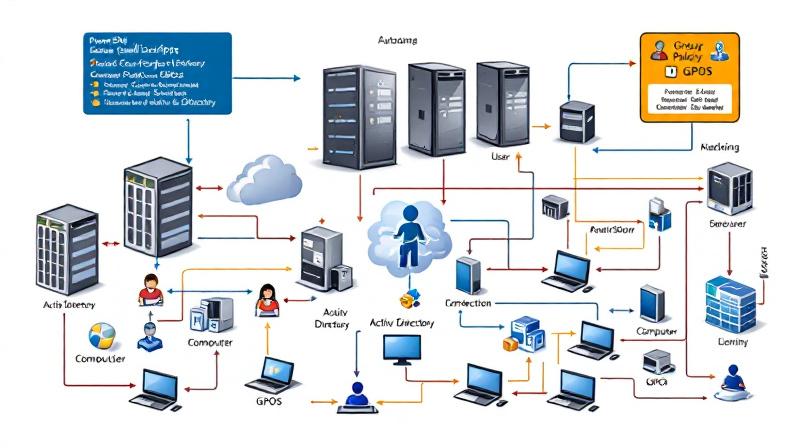
Understanding GPO Inheritance and Blocking: Troubleshooting in Windows Domain Environments

Understanding GPO Inheritance and Blocking: Troubleshooting in Windows Domain Environments

Group Policy Objects (GPOs) are the backbone of centralized management in Windows domain environments. From enforcing password complexity to deploying software, GPOs shape the configuration and security of every computer within an organization. While the concept of GPO inheritance promises simplicity—policies defined high up in the Active Directory (AD) hierarchy flow down to all subordinate units—the reality encountered by administrators can quickly grow complex and bewildering. Recognizing how inheritance works…

Saugata Datta3 min read718
How to Automate GPO Tasks in Active Directory: PowerShell Techniques with Practical Examples

How to Automate GPO Tasks in Active Directory: PowerShell Techniques with Practical Examples

Automating Group Policy Object (GPO) tasks in Active Directory is critical for large organizations and IT administrators managing a high volume of policies. PowerShell provides enterprise-grade automation capabilities to create, modify, and deploy GPOs efficiently, reducing manual effort and minimizing errors. This guide dives deep into automating GPO management with PowerShell, showing step-by-step scripting techniques for both user and computer GPOs—all with hands-on examples. Automating GPO Creation at Scale Manually…

Saugata Datta5 min read890
Self-Hosted N8N on Affordable VPS: Practical Guide, Cost Comparisons, and Agentic AI Use Cases

Self-Hosted N8N on Affordable VPS: Practical Guide, Cost Comparisons, and Agentic AI Use Cases

Harnessing the power of self-hosted automation tools is transforming the way individuals and businesses streamline tasks. n8n (pronounced “n-eight-n”) is an open-source workflow automation tool known for its flexibility and the control it offers over data privacy and integrations. When paired with the capabilities of Agentic AI, it opens the door to advanced, intelligent workflows—without ever relying on expensive, proprietary platforms. Why Choose Self-Hosting For n8n? Opting to self-host n8n,…

Saugata Datta4 min read770
Face-Off: Windows PowerShell vs PowerShell Core — The Real-World Transition

Face-Off: Windows PowerShell vs PowerShell Core — The Real-World Transition

PowerShell has come a long way since its inception, becoming an essential tool not only for Windows administrators but also for IT professionals working across platforms. The transition from the original Windows PowerShell to PowerShell Core represents more than just a version change—it’s a fundamental evolution in how command-line automation and configuration management are approached in the modern IT landscape. For those who have relied on the familiar blue prompt…

Saugata Datta4 min read937
PowerShell in DevOps Workflows — GitHub Actions & CI/CD

PowerShell in DevOps Workflows — GitHub Actions & CI/CD

PowerShell’s evolution from a Windows-centric scripting language to a cross-platform automation powerhouse has firmly planted it in the heart of modern DevOps. Nowhere is this transformation more apparent than in the continuous integration and continuous deployment (CI/CD) pipelines that drive reliable software delivery. GitHub Actions, with its ease of workflow automation and native integration with the world’s largest code hosting platform, empowers DevOps teams to use PowerShell in ways that…

Saugata Datta4 min read859
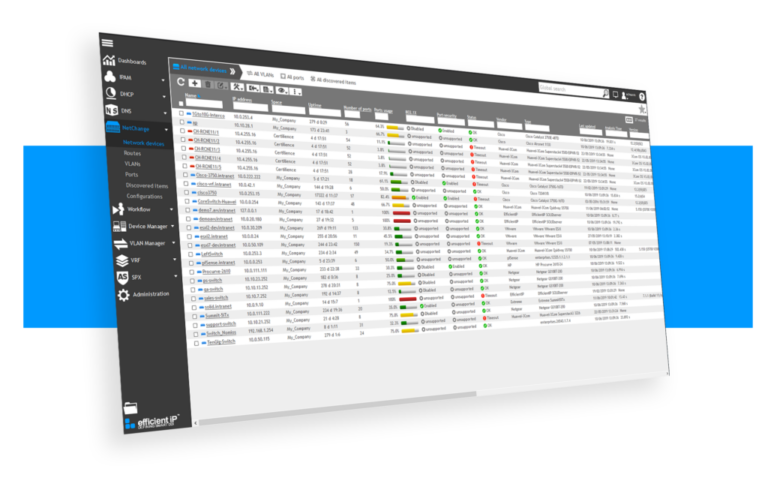
Mange SOLIDserver EfficientIP IPAM form PowerShell

Mange SOLIDserver EfficientIP IPAM form PowerShell

Recently I worked on an automation for cloud infra, where I had to perform different task for AWS and Azure, and both linked with SOLIDserver EfficientIP IPAM. For Azure : We had to use pipeline to deploy new resource group and during this deployment process EfficientIP will give the next available subnet for network creation and update its own database at every end.For AWS : We had to sync all…

Saugata Datta2 min read3K
S3 Bucket Audit Report using AWS PowerShell Script – Secure your S3 Buckets

S3 Bucket Audit Report using AWS PowerShell Script – Secure your S3 Buckets

  If you are working on AWS environment and if you follow the news related to AWS, you will probably know there are many major data breach happened because of the human negligence, where vast amount of data kept without any protection like encryption, public access blocking. It is all because of human error. We create S3 bucket, and start using them, without realizing on how to keep them protected.…

Saugata Datta2 min read7.9K
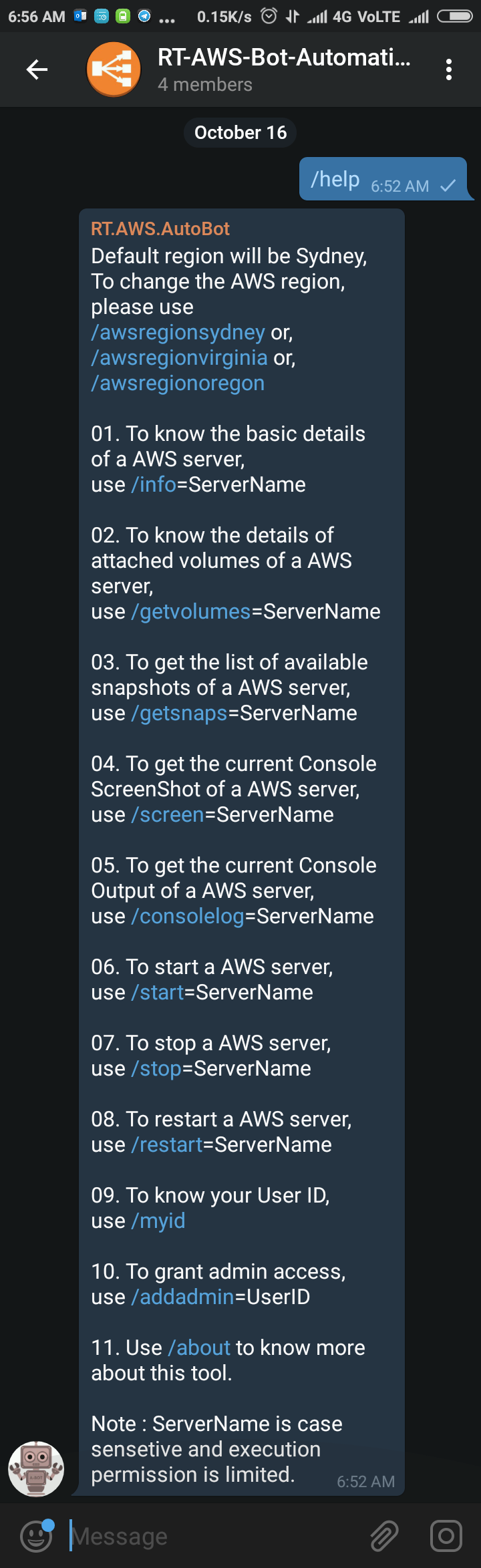
Powerful AWS Bot for automation using Telegram Bot API written in PowerShell

Powerful AWS Bot for automation using Telegram Bot API written in PowerShell

Sometimes back I was working on a free notification system using Telegram Bot (https://telegram.org/blog/bot-revolution), and I wrote a simple function in PowerShell, which could be use in various ways for sending instant notification to any smartphone for free (http://bit.ly/2ys1gF5). I thought what else we could do with it, and I have got an idea to use it as AWS Automation Bot to perform simple tasks. I have created a set…

Saugata Datta3 min read14.2K
How to use Telegram Bot as Event Notifier to send instant notification on your Smartphone using PowerShell

How to use Telegram Bot as Event Notifier to send instant notification on your Smartphone using PowerShell

Since we are working in IT industry & proving support to our clients, we are always dependent on various form of notification such as emails, sms, voice etc, and none of them are free, especially when the you are sending those traditional notifications across the globe. Currently almost everyone using smartphone, and mostly those are connected to the internet for 24x7, so I guess, it's time to send those notifications…

Saugata Datta3 min read17.1K
How to use AWS PowerShell cmdlets with Filter

How to use AWS PowerShell cmdlets with Filter

I personally can't imagine supporting a big infrastructure without introducing automation and to automate something you have to use command line. If you are more into Windows and started working on AWS for your clients, then I assume that you would love to start managing AWS using AWS PowerShell Module like I do. AWS Console is really good and informative but when it comes to bulk activity I am always…

Saugata Datta3 min read9.5K
🧰

Free Tools: IP, DNS, SSL

20+ free network and other tools in one place. No signup. Click explore or visit https://technochat.in/tools

Explore