Download UnRAR from http://www.rarlab.com/rar_add.htm
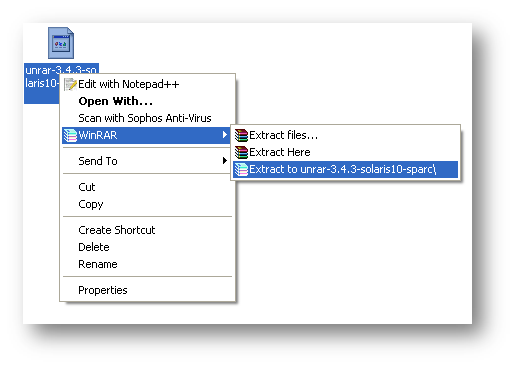
Extract .gz file on your system.
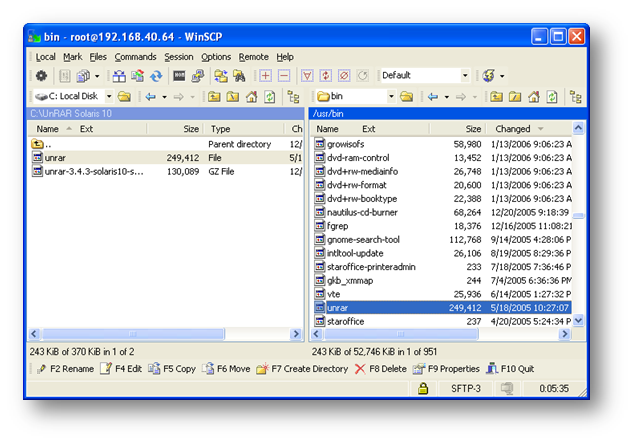
Transfer unrar file to Solaris 10 server via FTP/SFTP, Destination path will be “/usr/bin”
[ad#av_post]
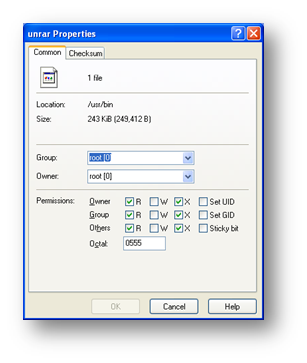
Change Permission of the unrar file to 555
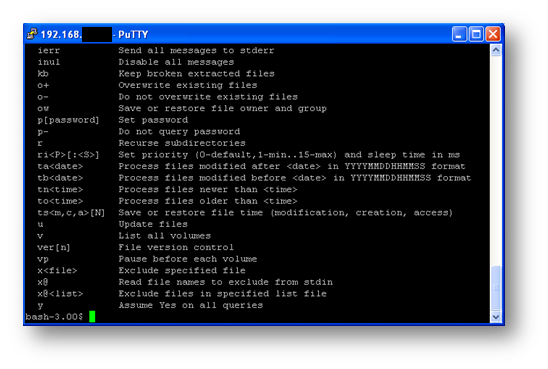
Installation complete, now you can use UnRAR on Solaris.
[ad#av_post]
 Licensed under CC BY-ND 4.0 International
You Might Also Like

Do not trust any public VPN service, Create your own Secure SOCKS5 Proxy for just $5 – Be Free 🙂
If someone ask me to recommend one good proxy service, I would…
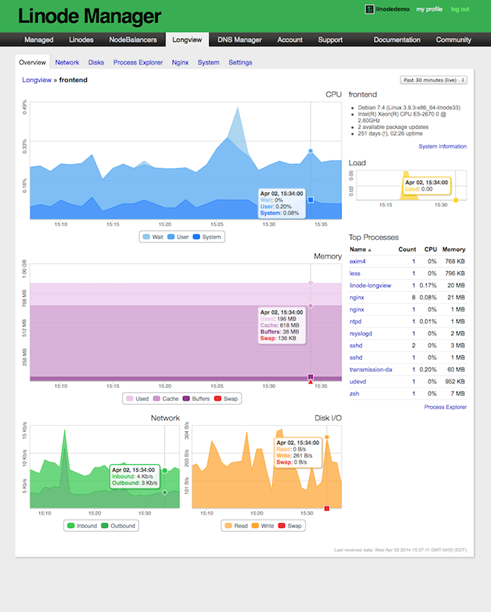
ClearView – Zero Configuration Web Server Monitoring Tool
Have you recently moved away from Linode to any other VPS (Virtual…

Create Private PPTP VPN for personal use in Linode Cloud Hosting.
Nowadays many things are getting blocked by the government, and sometimes without…
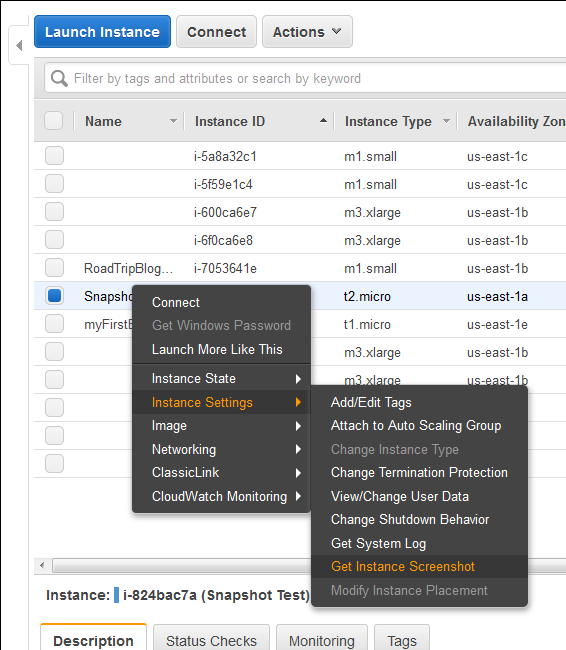
New Feature : EC2 Instance Console Screenshot for Boot Troubleshooting
Finally a great feature add to AWS EC2 instances (HVM virtualization only),…