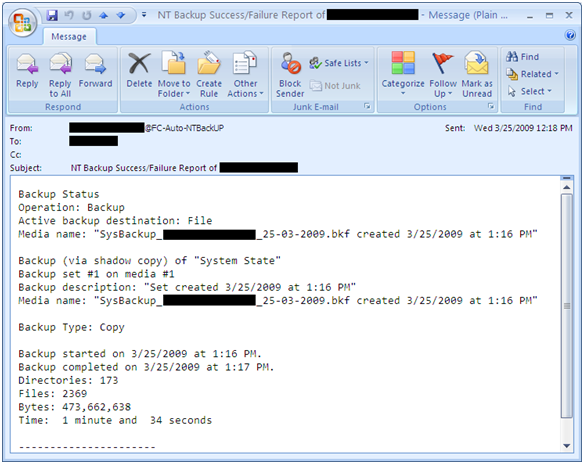
A simple script for automatic System State backup where you can easily set backup retention period and it also send you an e-mail notification after completion. With this script you can also archive backup log and if you wish u can also set backup log retention period. It can also set backup files with date stamp. For e.g., SysBackup_ComputerName_24-03-2009.bkf You
Category: Microsoft
Windows, Windows Server, Microsoft 365, Word, Excel, PowerPoint, Outlook, OneNote, Teams, SharePoint, OneDrive, Edge, Bing, SQL Server, Visual Studio, Active Directory, Dynamics 365, Power BI, Power Apps, Xbox, Game Pass, Surface, Intune, Defender, Exchange, Hyper-V, .NET, Dataverse, Microsoft Copilot, Copilot Studio, Microsoft Fabric, Power Platform, Windows 11, Windows 10, WSL, Windows Subsystem for Linux
Simple script for Windows Profile Backup and Restore
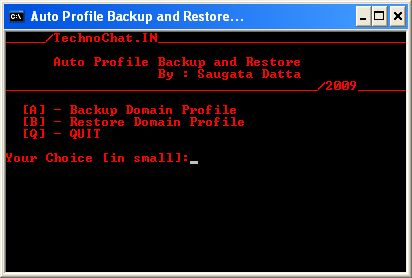
Windows Profile Backup and Restore for Win 2000/XP
Set File Association via Group Policy
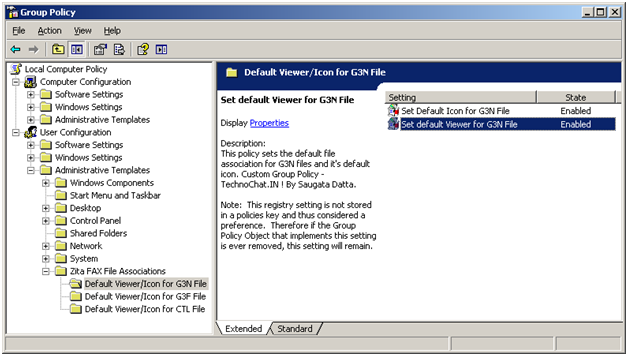
Recently after installing FAX Server on our site, we are having some problem with opening received FAX file from user desktop. FAX files are .G3N/.G3F/.CTL of which .G3N and .G3F file can be opened in Windows Image Viewer and .CTL file can be opened in Notepad. But the problem is, users have to make it their own, or we have
Automatically configure Outlook with Exchange on First Logon
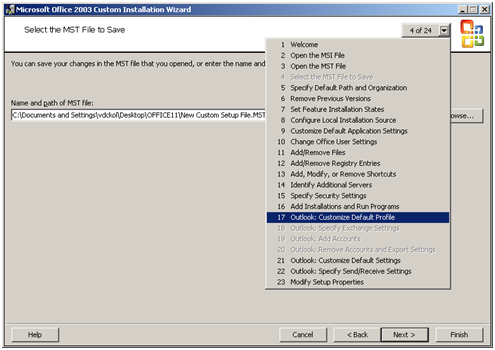
Few simple steps to configure Outlook (2000/2003/2007) with MS Exchange on first logon: It’s really not so difficult to configure outlook on first logon, you just need a PRF(Microsoft Outlook profile file) file. To create PRF file you need to download Office 2003 Editions Resource Kit Tools from following location. Download And you need Office Source Setup files. After install
Remote Desktop Protocol 6.1 MSI Package for desktop deployment
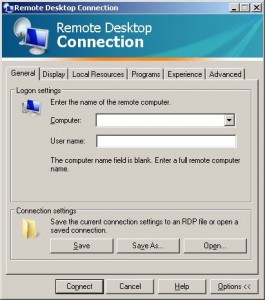
Recently we implement TS 2008 on our site, and our entire client PC having Windows XP Service Pack 2. To access TS Application, we need to have RDP 6.1 installed on every system, but there is not update available for the same on WSUS.
Disable UNC Path security warning from Group Policy
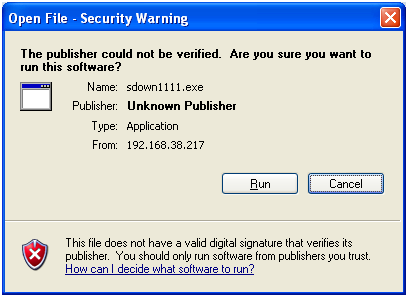
Whenever you try to run any script, batch file or an executable from UNC path, it’s opening a Security Warning. Actually this will prevent you from running any application from network path.