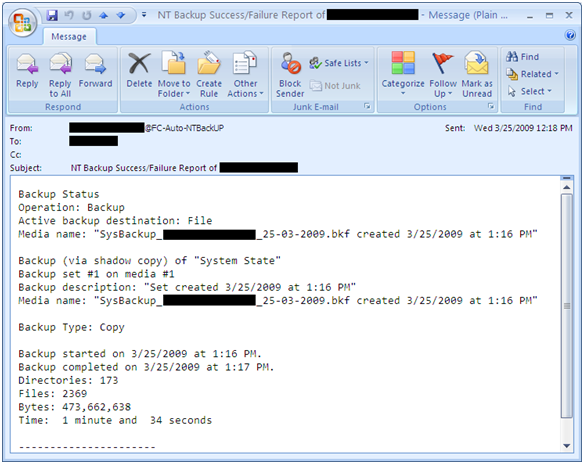
A simple script for automatic System State backup where you can easily set backup retention period and it also send you an e-mail notification after completion. With this script you can also archive backup log and if you wish u can also set backup log retention period. It can also set backup files with date stamp. For e.g., SysBackup_ComputerName_24-03-2009.bkf You
Category: Scripts and Coding
VBScript, Python, Shell Scripting, Bash, Bash script, shell script, API Scripting, YAML, JSON, XML, Regex, cron, scripting basics, script templates, script security, REST API, webhook, coding tutorial, Go, Golang, Rust, Ruby, Perl, batch script, batch file, .sh, automation script
Simple script for Windows Profile Backup and Restore
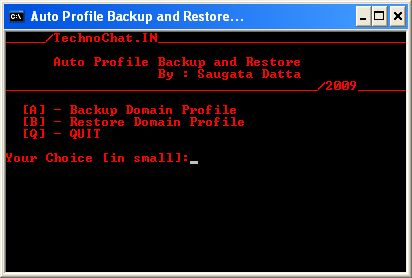
Windows Profile Backup and Restore for Win 2000/XP
Set File Association via Group Policy
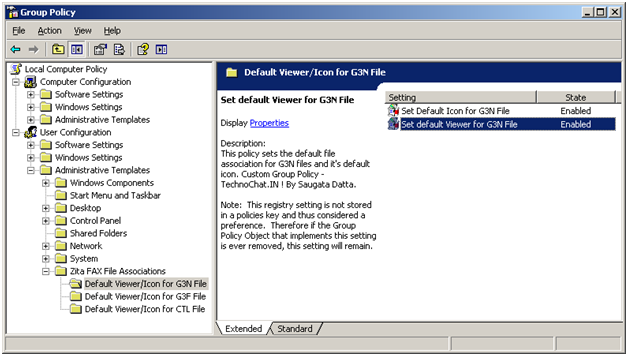
Recently after installing FAX Server on our site, we are having some problem with opening received FAX file from user desktop. FAX files are .G3N/.G3F/.CTL of which .G3N and .G3F file can be opened in Windows Image Viewer and .CTL file can be opened in Notepad. But the problem is, users have to make it their own, or we have
Automatically configure Outlook with Exchange on First Logon
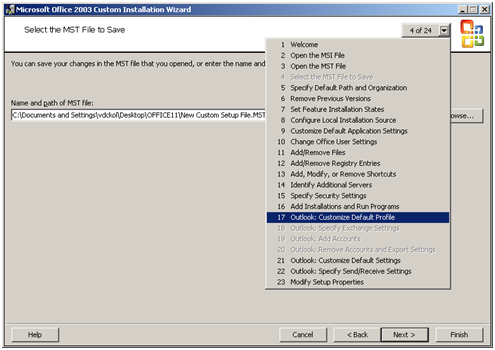
Few simple steps to configure Outlook (2000/2003/2007) with MS Exchange on first logon: It’s really not so difficult to configure outlook on first logon, you just need a PRF(Microsoft Outlook profile file) file. To create PRF file you need to download Office 2003 Editions Resource Kit Tools from following location. Download And you need Office Source Setup files. After install
Disable Print Screen Function Via VBS Script (By using GPO Startup/Shutdown Script)
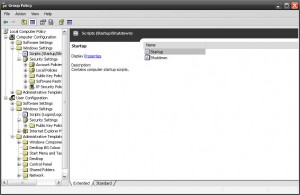
Another requirement, now customer need to disable default windows Print Screen function on all of their user desktop, So, we started our searching again, and easily we able to find out how to disable print screen on windows by importing following registry.
|
1 2 3 |
[HKEY_LOCAL_MACHINESYSTEMCurrentControlSetControlKeyboard Layout] "Scancode Map"=hex:00,00,00,00,00,00,00,00,03,00,00,00,00,00,37,e0,00,00,54,00, 00,00,00,00 |
So, again we start working to create a custom adm file. As because this is a HKLM
Custom Group Policy(GPO) for Changing Desktop Background Colour
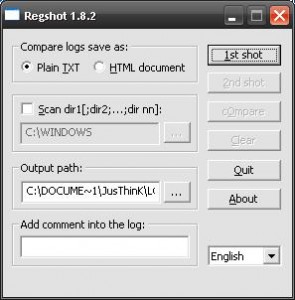
As per requirement, we need to change all client windows (XP, and 2003) desktop BG color, but it’s impossible to change BG colour manually over 1000 desktop. So, we have to do it with an automatic process. First we have to find out what happened on registry, while we changing Desktop BG color, and to do so, we need a