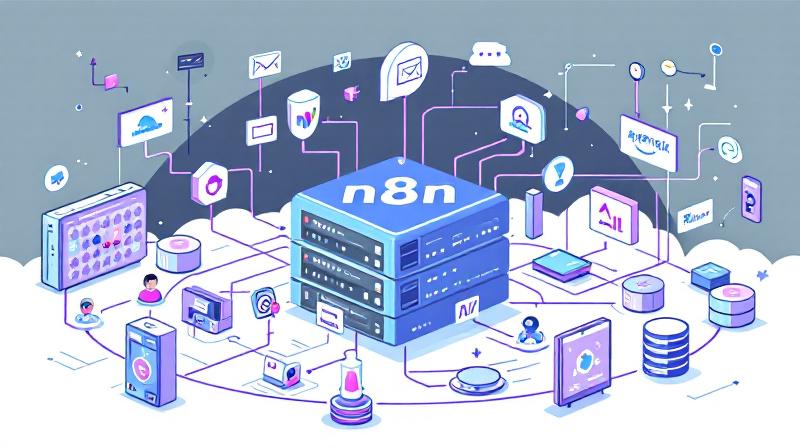
Harnessing the power of self-hosted automation tools is transforming the way individuals and businesses streamline tasks. n8n (pronounced “n-eight-n”) is an open-source workflow automation tool known for its flexibility and the control it offers over data privacy and integrations. When paired with the capabilities of Agentic AI, it opens the door to advanced, intelligent workflows—without ever relying on expensive, proprietary
Category: Automation
n8n, n8n Workflows, n8n Nodes, n8n Templates, n8n Self-Hosting, n8n Integrations, n8n Expressions, n8n Webhooks, n8n Triggers, n8n AI, n8n Custom Nodes, n8n Desktop, n8n API, Zapier, Make, Power Automate, UiPath, Automation Anywhere, Blue Prism, Workato, Tray.io, Boomi, MuleSoft, Celigo, Pabbly Connect, Integrately, Kissflow, ServiceNow, Puppet, Ansible, Selenium, Cypress, Playwright, Appium, Postman, JMeter, Katalon, Tricentis, IBM RPA, Pega, Kofax, Appian, ActiveBatch, IFTTT, Apple Shortcuts, HubSpot Workflows, Jira Automation, workflow automation, RPA, robotic process automation, automated installation, automated code review
Face-Off: Windows PowerShell vs PowerShell Core — The Real-World Transition

PowerShell has come a long way since its inception, becoming an essential tool not only for Windows administrators but also for IT professionals working across platforms. The transition from the original Windows PowerShell to PowerShell Core represents more than just a version change—it’s a fundamental evolution in how command-line automation and configuration management are approached in the modern IT landscape.
PowerShell in DevOps Workflows — GitHub Actions & CI/CD
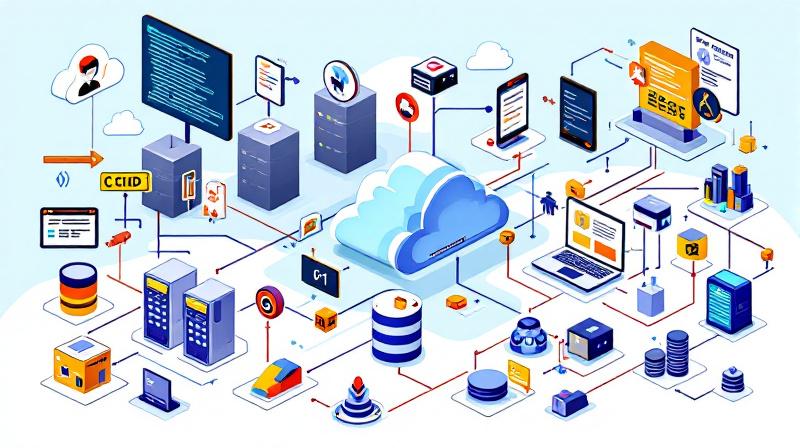
PowerShell’s evolution from a Windows-centric scripting language to a cross-platform automation powerhouse has firmly planted it in the heart of modern DevOps. Nowhere is this transformation more apparent than in the continuous integration and continuous deployment (CI/CD) pipelines that drive reliable software delivery. GitHub Actions, with its ease of workflow automation and native integration with the world’s largest code hosting
Powerful AWS Bot for automation using Telegram Bot API written in PowerShell
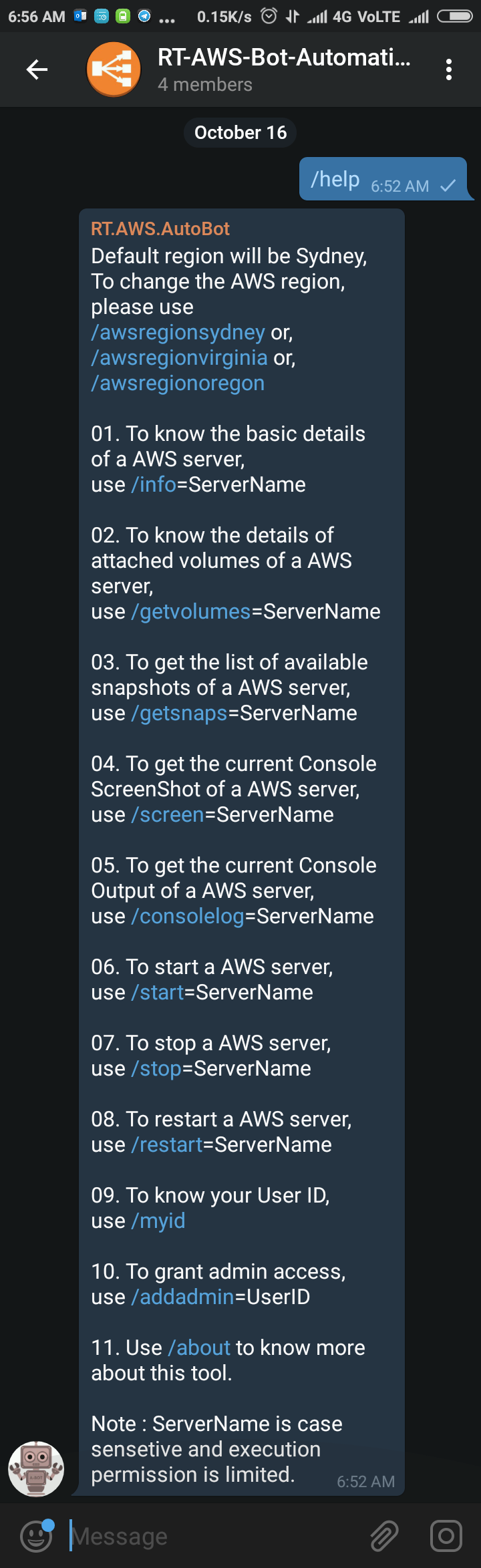
Sometimes back I was working on a free notification system using Telegram Bot (https://telegram.org/blog/bot-revolution), and I wrote a simple function in PowerShell, which could be use in various ways for sending instant notification to any smartphone for free (http://bit.ly/2ys1gF5). I thought what else we could do with it, and I have got an idea to use it as AWS Automation
How to boot Windows Server 2016 Technical Preview with GUI (Server with Desktop Experience) from VHD
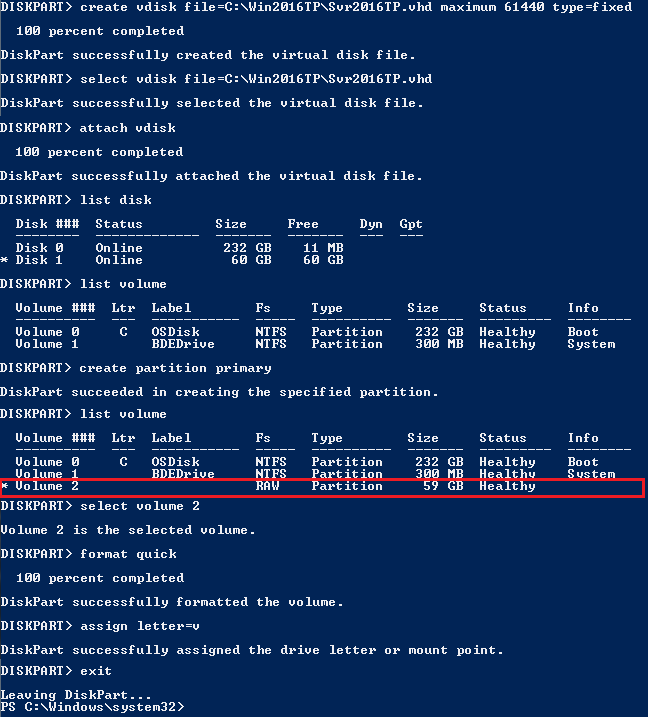
The reason behind writing this article is to use my Laptop (having Intel i3 4th Gen and 8 GB of RAM) as my LAB for testing new Windows Server 2016 TP4 and to do that I have to use boot from VHD option. There are multiple ways to boot your system from VHD but I don’t find a simple and
AWS EBS Snapshots Automation (Disaster Recovery) from Windows PowerShell

It is always a good idea to reduce hardware dependencies by moving your data to the cloud. Cloud is much more flexible than traditional hardware infrastructure including VMWare. But you still have to consider the ability of recovering data as and when required. This always helps you to keep your business running with minimal interruption. In AWS, there are several