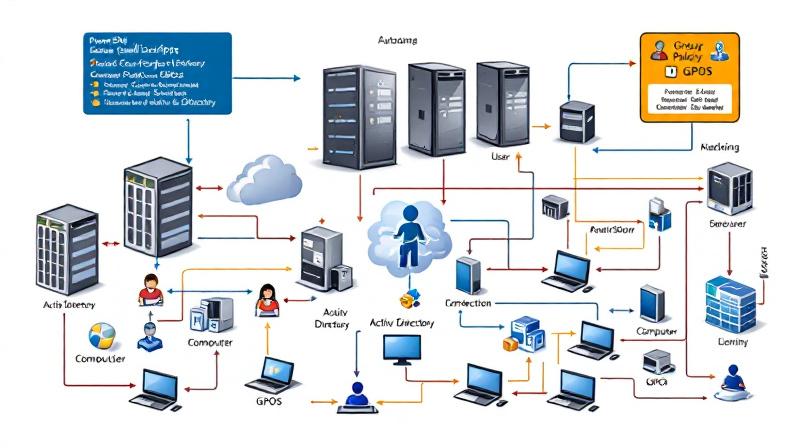
Automating Group Policy Object (GPO) tasks in Active Directory is critical for large organizations and IT administrators managing a high volume of policies. PowerShell provides enterprise-grade automation capabilities to create, modify, and deploy GPOs efficiently, reducing manual effort and minimizing errors. This guide dives deep into automating GPO management with PowerShell, showing step-by-step scripting techniques for both user and computer
Category: Microsoft
Windows, Windows Server, Microsoft 365, Word, Excel, PowerPoint, Outlook, OneNote, Teams, SharePoint, OneDrive, Edge, Bing, SQL Server, Visual Studio, Active Directory, Dynamics 365, Power BI, Power Apps, Xbox, Game Pass, Surface, Intune, Defender, Exchange, Hyper-V, .NET, Dataverse, Microsoft Copilot, Copilot Studio, Microsoft Fabric, Power Platform, Windows 11, Windows 10, WSL, Windows Subsystem for Linux
Face-Off: Windows PowerShell vs PowerShell Core — The Real-World Transition

PowerShell has come a long way since its inception, becoming an essential tool not only for Windows administrators but also for IT professionals working across platforms. The transition from the original Windows PowerShell to PowerShell Core represents more than just a version change—it’s a fundamental evolution in how command-line automation and configuration management are approached in the modern IT landscape.
ClearView – Zero Configuration Web Server Monitoring Tool
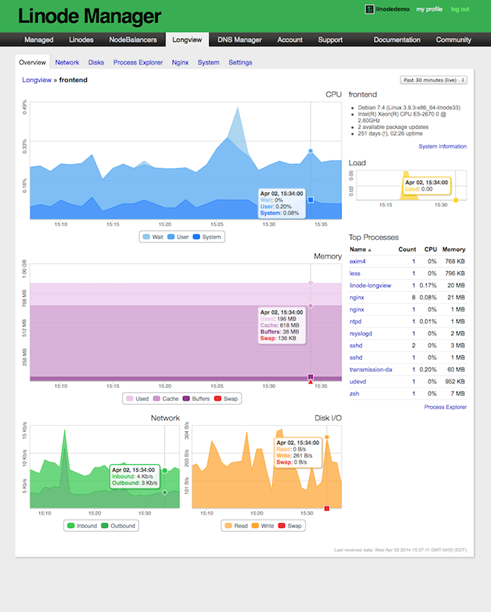
Have you recently moved away from Linode to any other VPS (Virtual Private Server) providers for hosting your web server? Are you still desperately looking for an alternative to Linode server monitoring tool LongView? Yes…. Ok, I am here to guide you in fixing the web server monitoring issues. I have hosted this blog in Linode for more than two
Create Private PPTP VPN for personal use in Linode Cloud Hosting.

Nowadays many things are getting blocked by the government, and sometimes without even a valid reason. When something like this happen to you, you probably looking for some way to bypass these restrictions, and most of the times we look for free or cheap VPNs. In today’s world, nothing is actually free, there is always something we are giving in
Add new Admin Account to AWS Windows Instances to rescue the system

As mentioned earlier, we could reset the local admin password of windows instances via registry, but unfortunately that will not going to help us if we forget the user id details or we renamed the user id. And the good news is, we still will be able to logon into the system by creating one new Admin Account using AWS
Migrated this blog to Amazon LightSail from GoDaddy

Finally, I managed to migrate my blog from GoDaddy to Amazon Lightsail, and everything looks good so far. Thanks to Amazon Lightsail for providing a static public IP (34.198.110.82). It’s really simple to migrate your blogs from any other hosting Amazon Lightsail, details information can be found here. They have very attractive pricing, which is one of the reason I